For use ChatGPTcreate a free chat account.OpenAI.com (or use it without a connection since April 2024), type your question in the bottom bar, confirm with Enter, read the generated answer, restart with a follow-up question if necessary, adjust your formulation to specify, and then copy or export the result. Everything happens in a single conversation, like an exchange of messages.
📌 Essentials
- ChatGPT is free without even creating an account since April 2024 (with ~10 messages per 5 hours on GPT-5.3.
- Six plans in 2026 : Free, Go 8 $, plus 20 $, Pro 100 $, Pro Max 200 $Business 25 $/user.
- GPT-5.5 is the default model since April 23, 2026 (for Plus and above).
- A good quick = a good result : context + role + task + output format. That's 80% of the quality.
- ChatGPT Free now displays advertising in the United States since February 2026.
Contents: How to access • What is ChatGPT • Interface and Features • Write his prompts well • Plugins and tools • Custom Instructions • Create TPMs • Limits • Alternatives • FAQ
How to access ChatGPT in 2026
Three ways to access OpenAI gpt chat in seconds, without heavy installation.
1. On browser (the simplest)
Go on Cat.OpenAI.com or ChatGPT.com. Since April 2024, you can start a conversation without even creating an account, a simple click on the site and the prompt bar opens. The limit is stricter (~10 messages every 5 hours on GPT-5.3, but that's enough to test ltool.
For regular use, create an account with an email address. It's free, it unlocks conversation history, personalized memory and access to the GPT Store. It is also the condition to use gpt chat in French with trade backup.
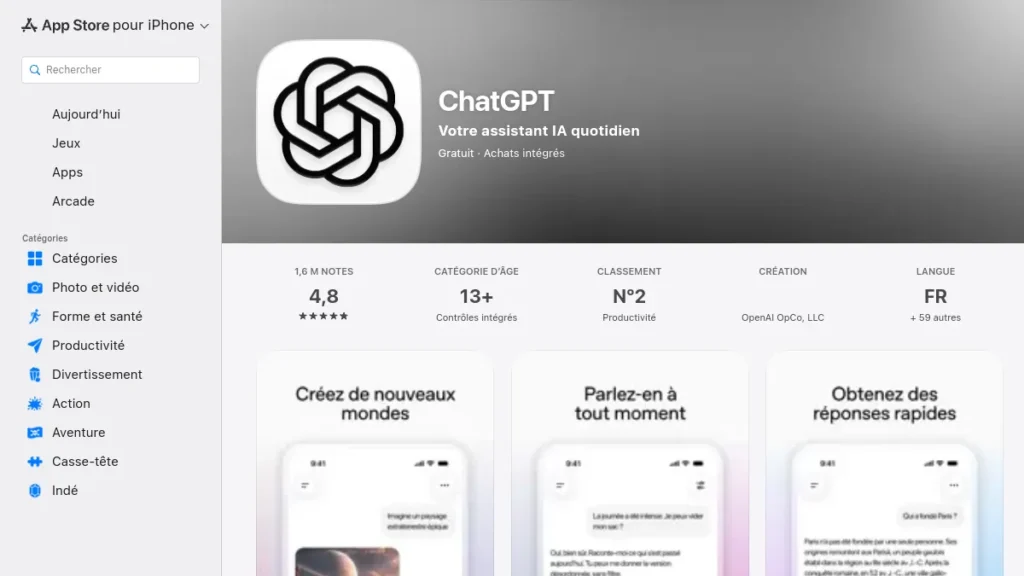
2. On the mobile app
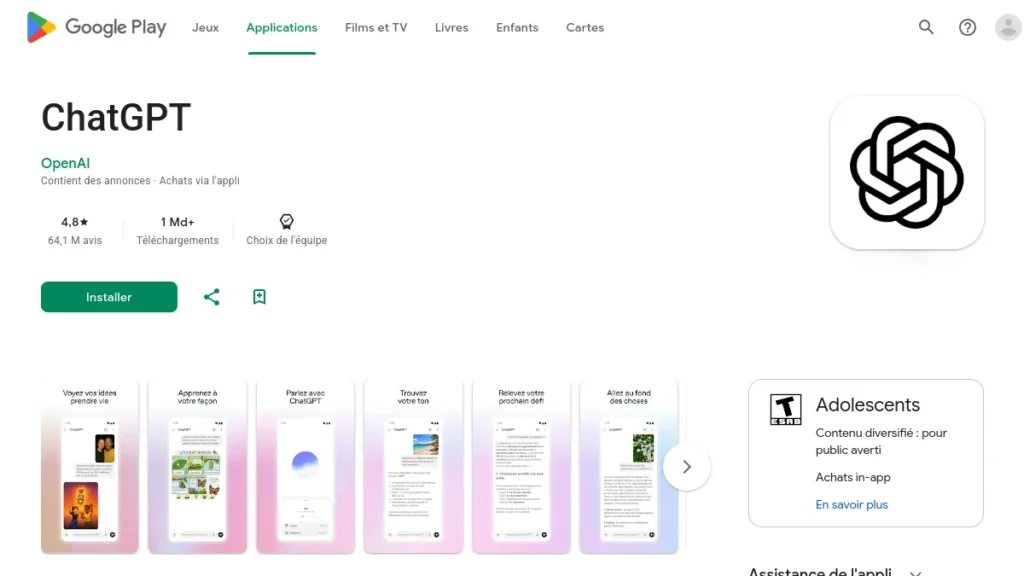
ChatGPT is available on iOS and Android with an average score of 4.7/5. The app offers voice recognition, real-time dictation and a hands-free mode that is particularly convenient in mobility. Since May 14, 2026, the app also includes Codex Mobile (for developers), available free on all levels, including Free.
3. Through integrations (Edge, WhatsApp, Apple Intelligence)
ChatGPT is also accessible from Microsoft Edge (Copilot side panel, powered by GPT-5), WhatsApp (send a message to the official number +1-800-242-8478), and Apple Intelligence on iOS 18+ and macOS Sequoia. These accesses are convenient for quick questions without changing application.
💡 Tip: If you run into a Outage ChatGPT (3 occurred only in the first quarter of 2026), switch to The Cat or Claude the time the service returns. All these alternatives have an immediate free tier, detailed in our comparison alternatives to ChatGPT.
What is ChatGPT Exactly?
ChatGPT is a conversational assistant developed by OpenAI, launched in November 2022. It is based on large language models (LLM) of the GPT family, cat gpt 4 at the time, GPT-5.5 today. The principle: we ask him a question in natural language, he generates a coherent text answer based on what he learned during his training.
In 2026, ChatGPT is no longer limited to the text. He can analyze images (Vision), generate images via ChatGPT Images 2.0 (which has replaced DALL-E 3 since May 12, 2026), produce short videos via Sora 1, listen to your voice, speak back, execute Python code, browse the web and even act independently in some applications with ChatGPT Agent. The transition from chatbot to real agent AI is the major evolution of 2025-2026.
It does not « includes » Not like a human. He predicts the next most likely word depending on the context provided. This technical nuance has practical consequences (hallucinations, oblivion, bias) which are detailed at the end of the article. To understand what is really going on under the hood, see our Classification AI 2026 with the most efficient models.
The interface and features of ChatGPT
The interface of gpt cat is deliberately purified. Four main areas to know.
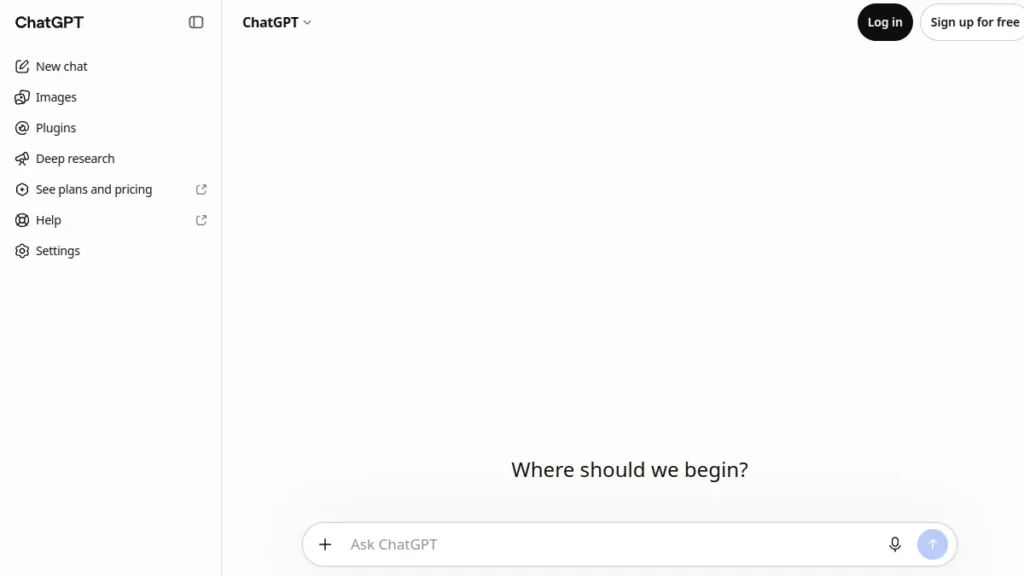
The items visible on the screen
Left sidebar gathers the history of all your conversations, organized by project (More and above) or by folder. This is also where you find « Explore TPMs » to access the GPT Store, your custom GPTs, and account settings.
The prompt bar down is where you type your questions. To its left, the trombone icon allows to send files (PDF, images, audio, code, spreadsheets up to 30 MB). To its right, the microphone icon activates vocal mode and the helmet icon triggers continuous conversation mode.
The top model selector (on Plus and above) allows you to choose between GPT-5.5 by default, GPT-5.5 Thinking for long reasoning, GPT-5 mini for simple and fast queries, and o1 Pro mode (Pro Max only). Free users have no choice: GPT-5.3 by default, with automatic switch to GPT-5.2 mini after limit.
The buttons under each answer allow to regenerate (make the same request differently), copy, read aloud, report a problem response, or continue a conversation from this specific point (connection).
Key features in 2026
- Canvas, editor side by side to revise a long document or write code, with inline suggestions. Available Plus and above.
- Deep Research, an agent who conducts a web survey for 5 to 30 minutes and produces a sourcing report. 10 runs/month on Plus, 250 on Pro Max.
- Sora, native video generation (Plus : preview limited ; Pro Max: high quota).
- Codex Agent, autonomous coder agent that can execute, test and correct code in its sandbox.
- Custom GPTs, creating custom chatbots with your own prompt system, files and actions, until their withdrawal announced on December 11, 2026 for the benefit of plugins.
- Memory, ChatGPT retains useful information between conversations (preferences, projects, personal context) if you activate the function.
How to create the best quick ChatGPT
A badly written prompt produces a vague answer. A structured prompt produces a directly usable deliverable. The difference is played on four components to always include.
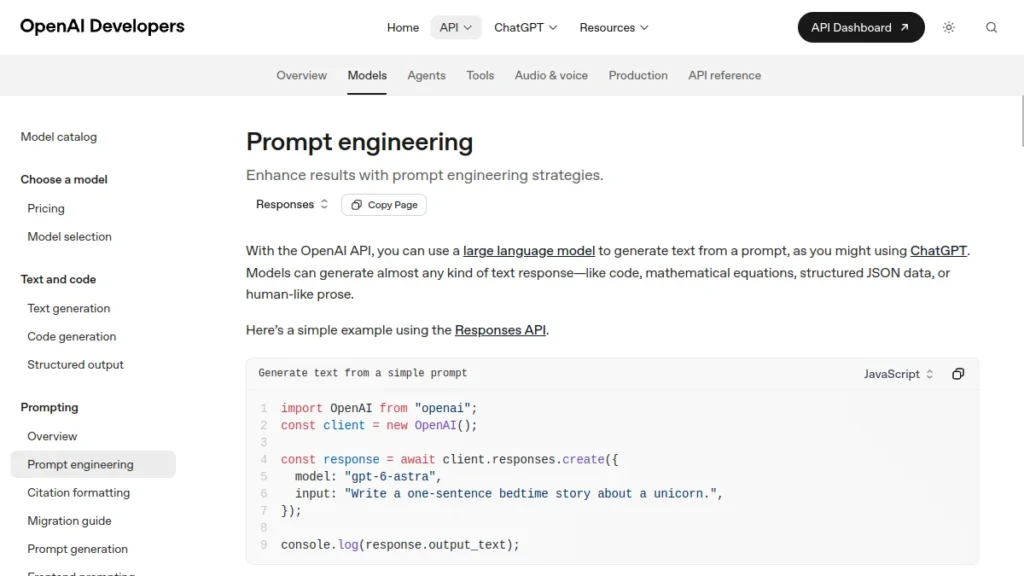
The CRTF Method: Context, Role, Task, Format
1. Background. Give to ChatGPT what he needs to know before he answers. Who are you? What is your goal? Who is the result for? The more precise the context, the more the answer.
2. Role. Ask ChatGPT to adopt a posture. « You're a labour lawyer. », « You're a copywriter SaaS B2B », « You're a demanding corrector. ». This fits the tone, vocabulary and level of expertise expected.
3. Task. Clearly state what you are waiting for. Not « Tell me about... » but « write an email of commercial revival in 120 words ». Action verb + object + encrypted constraint.
4. Format. Specify the form: table, chip list, paragraph, JSON, numbered steps, tone (formal/family), length. Without that, ChatGPT You often serve an indigestible boil.
Example of prompt bad vs. effective prompt
❌ Bad speed: « Write me an e-mail to restart a client »
✅ Good quick. « You're in charge of business in a digital agency (role). I have to restart a prospect that received my quote 10 days ago without answering (context). Writes a professional but warm email, in 120 words maximum (task + format). Finished with an open question to facilitate his answer. Your direct, no superlative. »
Three advanced techniques that make the difference
Few-shot prompting. Give 2 or 3 concrete examples of the expected result before asking for yours. For a LinkedIn title, provide 3 titles you like, ChatGPT produce a fourth in the same style.
Chain of thought. Add « Reason step by step before answering » on complex issues. The quality of reasoning increases significantly, especially on logical calculations and analyses.
Iteration. Don't look for the perfect quick first shot. Run a short version, look at the result, adjust with additional instructions (« shorter », « most familiar tone », « adds numbers »). It's in 3-4 laps that we get a clean deliverable.
How to use plugins and tools Integrated
The ecosystem « plugins » of 2023 was replaced in 2024-2025 by tools Native and GPT Store. Three levers to know.
The tools native (free on Plus)
- Web Search : live web browsing, citation of sources. Automatically activated when ChatGPT detects a topical issue.
- Code Interpreter / Advanced Data Analysis : execution of Python in a sandbox. Ideal for analyzing a CSV, generating a graph, transforming an Excel file.
- Image generation : ChatGPT Images 2.0 (GPT-Image-2) integrated natively since 21 April 2026, with Instant mode (fast, accessible Free) and Thinking mode (visual reason, Plus and above).
- Vision : image analysis. Send a photo and ask your question.
- Voice : real-time voice conversation with expressive synthesis voice.
Business connectors (60+ apps)
Business at 25 $/user/month, ChatGPT connects directly to Google Drive, OneDrive, SharePoint, GitHub, Slack, Notion, Salesforce, HubSpot and more than 60 apps. You can ask « summarizes the last 5 documents Drive of project file X » And he ingests them, analyses them, synthesizes them.
How to use custom instructions
Custom Instructions are one of the following: tools most underused of ChatGPT gpt. They allow to configure once and for all the default behavior of the wizard, on all your future conversations.
Where to configure them
In the sidebar, click on your name at the bottom → Settings → Custom → Custom instructions. Two fields open.
« What ChatGPT must know about you », your profession, your level of expertise, your languages, your preferences. Example: « I am freelance in digital marketing, I write for French B2B SaaS SMEs, I prefer a direct and factual tone without superlative. »
« How ChatGPT must answer », the format and style expected by default. Example: « Answer in French, in short sentences. Avoid introductions of type « Of course. ». Give the answer directly, then explain if necessary. Quote your sources when you make an encrypted statement. »
These instructions apply to all new conversations. You win 2-3 quick lines at each exchange and the average quality climbs immediately.
Memory (to be activated or not)
Since 2024, ChatGPT proposes a function « Memory » It automatically retains useful information between conversations (your first name, your ongoing projects, your recurring preferences). Practical not to repeat, but to activate in consciousness, one disables with one click, one can view and erase each memory in the settings.
How to create custom chatbots with ChatGPT
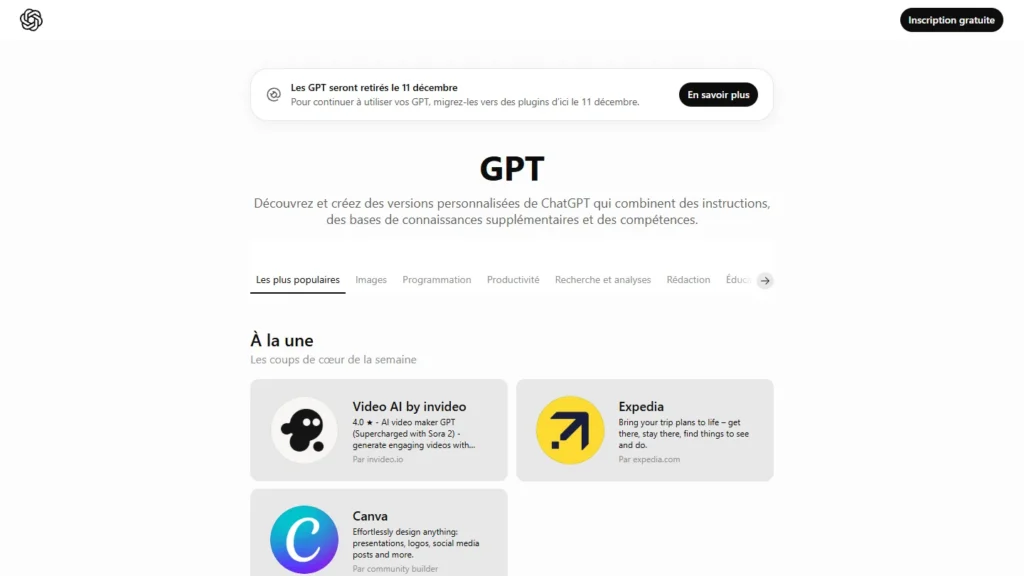
The Custom GPTs are specialized assistants that you configure once and reuse at will. Available on Plus and above, they allow « clone » your method of working in a bot that accompanies you for a recurring task. Attention, however: OpenAI announced the withdrawal of custom TPMs on December 11, 2026 (February 11, 2027 for Enterprise spaces that have obtained a deferral). They remain usable until that date. OpenAI then proposes to migrate them to plugins, which reproduce the instructions in the form of competence, reference files and connected applications. Personalised actions are not transferred.
Create a GPT in 5 minutes
These steps remain valid until withdrawal, if the creation of TPM is still open to your account. For an assistant called to last, go on a plugin instead. If you already have a TPM, the option « Migrate to a plugin » appears in My TPMs as soon as the migration is available for your account (OpenAI's official FAQ).
1. In the sidebar → « Explore TPMs » → « + Create a TPM ».
2. The configuration screen offers two tabs: « Create » (you chat with an assistant who configures the GPT for you) and « Configure » (you fill the fields directly).
3. Fill in the key fields: name, description, instructions (your prompt system, it's the heart), conversation starters (the starting questions), and upload reference files if relevant (up to 20 files, which will form the knowledge base of the GPT).
4. Enable capabilities: Web Search, Code Interpreter, Image Generation, and Actions (personal API calls to your own services).
5. Choose visibility: private (you alone), shared link, or public on the GPT Store. For Business subscribers, you can restrict access to your organization only.
Examples of effective use
- Editorial Assistant with your editorial charter as a reference file.
- Coach prompt which reformulates your prompts to improve them before execution.
- CV scanner which compares a CV to a job description and produces a structured report.
- Generator of video scripts which follows your format YouTube (intro, 3 points, conclusion, CTA).
- Watchman which summarizes a sectoral PDF study according to a fixed template.
🎙️ The bridge between ChatGPT and video
Transform your texts ChatGPT in voiceover natural
ElevenLabs synthesize your scripts ChatGPT in natural French voices (30+ voices available), ready for YouTube, TikTok, podcast or training. 10,000 characters offered each month.
Without credit card · French voice included
💡 The trap to avoid: never put really confidential information in a public TPM. Any downloaded file or prompt system can be downloaded by a specified user. For sensitive knowledge bases, see our guide Sovereign RAG, which is self-hosted.
The limits of ChatGPT to know
Cat gpt fr is not magic. Five limits to integrate into your daily practice to avoid disappointments and bumblebees.
The hallucinations
ChatGPT can produce completely false information with a perfectly assured tone. Invented quotes, DIY numbers, fictitious bibliographic references, it is less common in 2026 than in 2023, but it remains a real risk. Golden Rule: systematically check any encrypted or cited statements, especially on legal, medical or financial matters.
Data confidentiality
On Free, Go and Plus, your conversations may be used to train future models, unless you disable the option in Settings → Data Controls. On Business and Enterprise, no-training is enabled by default. For sensitive data (clients, medical, legal, HR), never share without control. Prefer Le Chat de Mistral (GRPD native) or a self-hosted model.
The knowledge deadline
Each GPT model has a training cut-off date (often 12 to 18 months before its release). Beyond, without Web Search enabled, ChatGPT do not « knows » Not. For any topical questions, check thattool has consulted the web well (sources must appear under the answer).
Bias and flattery
ChatGPT a tendency to validate user assumptions even when they are false (« sycophancy »). If you tell him « I'm right to think X is true, right? », it will often tend to confirm. For a review really critical, formulate the question in a neutral way, or ask explicitly « identifies the 3 main problems in my reasoning ».
Outages and dependency
OpenAI experienced three major failures in the first quarter of 2026 alone. If your entire working day depends on ChatGPT, you will be blocked a few hours at each incident. That's why we recommend always having a backup account on Claude or Le Chat, see our comparison of the 7 best alternatives to ChatGPT.
Alternatives to ChatGPT in 2026
ChatGPT remainsAI The best known conversational, but this is no longer the only credible option. Three alternatives to know at least.
- Claude (Anthropic), superior on long writing and code. Free available, Pro at 20 $/month.
- The Cat (Mistral AI, France), the French national GDPR chatbot. Pro at 14,99 $/month, the cheapest market.
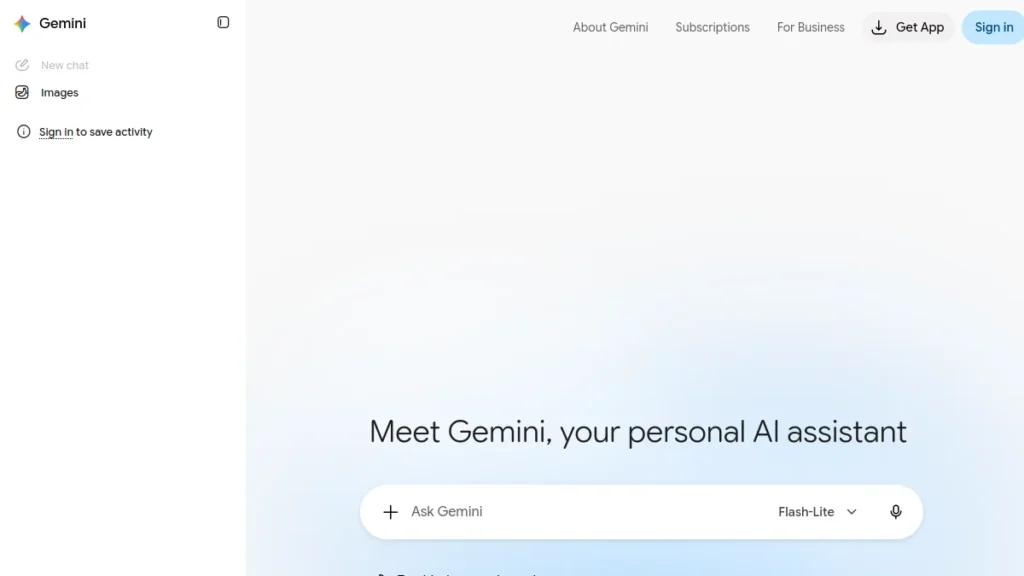
- Gemini (Google), context window of 2 million tokens, native integration in Google Workspace.
For details of each person's strengths and weaknesses, with up-to-date rates and user profiles, we have a comparison dedicated: The 7 best alternatives to ChatGPT in 2026. The practical rule: combine two tools Instead of doing everything on ChatGPT, if only not to lose everything in the event of a breakdown.
FAQ: All you need to know to use ChatGPT
How to use ChatGPT For free?
See you on cat.OpenAI.com, since April 2024, you can use ChatGPT without even creating an account. You access GPT-5.3 with a limit of about 10 messages every 5 hours. By creating a free account, you gain the history of conversations, memory, access to the GPT Store (until the withdrawal of the GPT, December 11, 2026) and slightly wider quotas. Note: Since February 2026, the free trier has been posting contextual ads in the United States.
How to use ChatGPT ?
Open the cat.OpenAI.com, type your question in the bottom bar, press Enter. ChatGPT Answers in seconds. For better results, structure your prompt with: a context (who you are), a role (who should it be), a clear task (verb of action + object) and an output format (list, table, length, tone). Iterate if necessary: restart with complementary instructions rather than looking for the perfect prompt from the first shot.
What's the best ChatGPT Free French?
ChatGPT He himself responds very well in French (entry and exit) on his free tier. For more intensive use without paying subscription, several free gpt chat French alternatives exist: The Cat de Mistral is the most successful in French (partly trained on a French-language corpus), with a free third to ~25 messages/day and native GDPR. Claude Free and Gemini Free are also excellent in French.
Why should we not trust ChatGPT ?
Three concrete reasons. First, your conversations can be used to drive future models if you have not disabled this option in the settings (Free, Go, Plus). Second, the data is transited through U.S. servers outside GDPR. Third, OpenAI experienced several incidents (3 major failures in the first quarter of 2026) and data leaks since 2023. For really sensitive information (medical, legal, financial, confidential professional), prefer Le Chat or a self-hosted model via Ollama.
How many times can you use ChatGPT For free?
With no strict daily limit on the free account, but with a sliding ceiling: about 10 messages every 5 hours on GPT-5.3, the leading model. Beyond this, you are automatically switched to GPT-5.2 mini (faster, less powerful) until the next window. The limit is therefore not the number of conversations, but the intensity of use on a short time window. For regular use without cutting, the Plan Plus to 20 $/month is the most profitable investment.
What application ChatGPT Is totally free?
Official application ChatGPT (iOS and Android) is completely free to download and use, with access to the free tier without subscription. Beware of third-party applications that mimic the appearance of ChatGPT and charge a subscription for something that is free at OpenAI. Make sure the developer is « OpenAI » on the App Store and Play Store before downloading.
🎯 Verdict
Use ChatGPT Effectively, it is first of all working its prompt. The Context + Role + Task + Format method triples the average quality of the results in less than five minutes of learning. The rest, plugins, custom GPTs, default instructions, amplify this base.
Start with the free trier to familiarize yourself, go to More at 20 $/month as soon as you use it daily, and consider Pro (100 $) only if you are an intensive developer or researcher. For European organisations that hesitate about the data, Le Chat de Mistral remains the soundest answer.
When you're comfortable with ChatGPT, the next natural step is to use it for generate visual content : explore our guide video AI to move from text to video, or our AI guide photo for the generation of images.