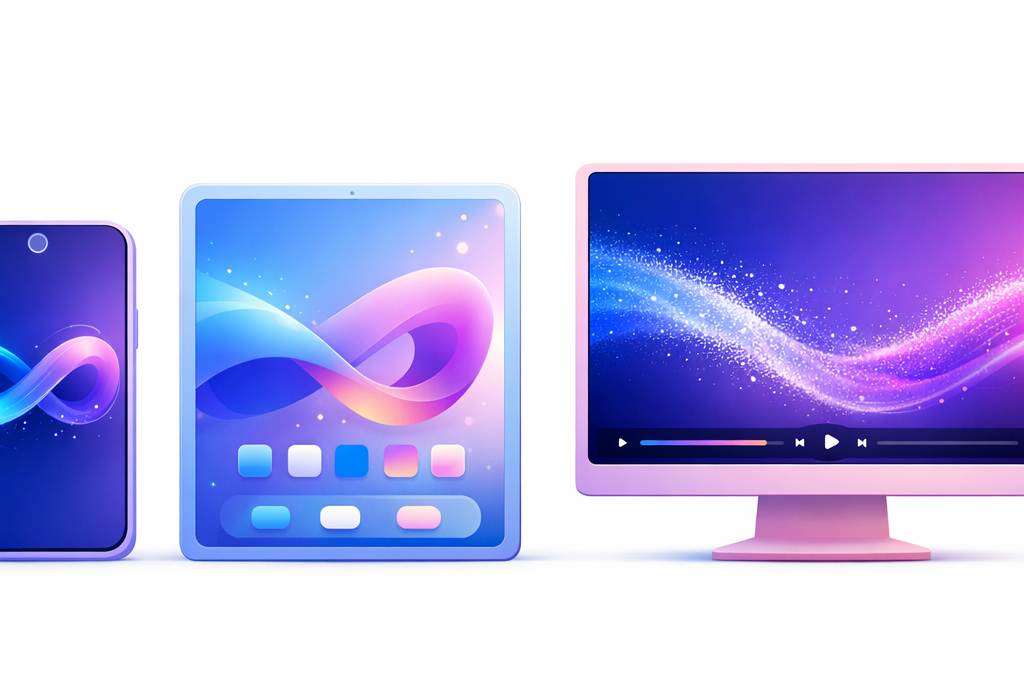
Yeah, you can put a video in the background, and it's easier than anyone thinks. On iPhone (iOS 16+), opens Settings → Wallpaper → Add a new wallpaper → Animated or Live Photo. On Android, passes through Settings → Wallpaper → Video wallpaper or uses the app Video Live Wallpaper. On Windows,tool Wallpaper Engine (3.99 € on Steam) manages all types of video loops.
📌 Essentials
- iPhone (iOS 16+): Live Animated photos or photos natively in Settings → Wallpaper. No direct MP4 video without third party app.
- Android: certain Samsung models and Google Pixel supports MP4 videos natively. Otherwise, app Video Live Wallpaper (free on Play Store).
- Windows 10/11: Wallpaper Engine (3.99 € on Steam), the reference.
- MacOS: No native support, app Mango 5Star or HiDock required.
- Key Advice: formatting the video in seamless loop before applying avoids the white flash restart.
Contents: iPhone • Android • Windows • Create your video with AI • FAQ
Put a video in the background on iPhone
On iPhone, Apple does not support MP4 files directly in the background. Two native formats or a third-party app are required.
Option 1: Live Photos (the simplest)
Live Photos are 1.5 second animated photos recorded by the iPhone camera. To use them in wallpaper:
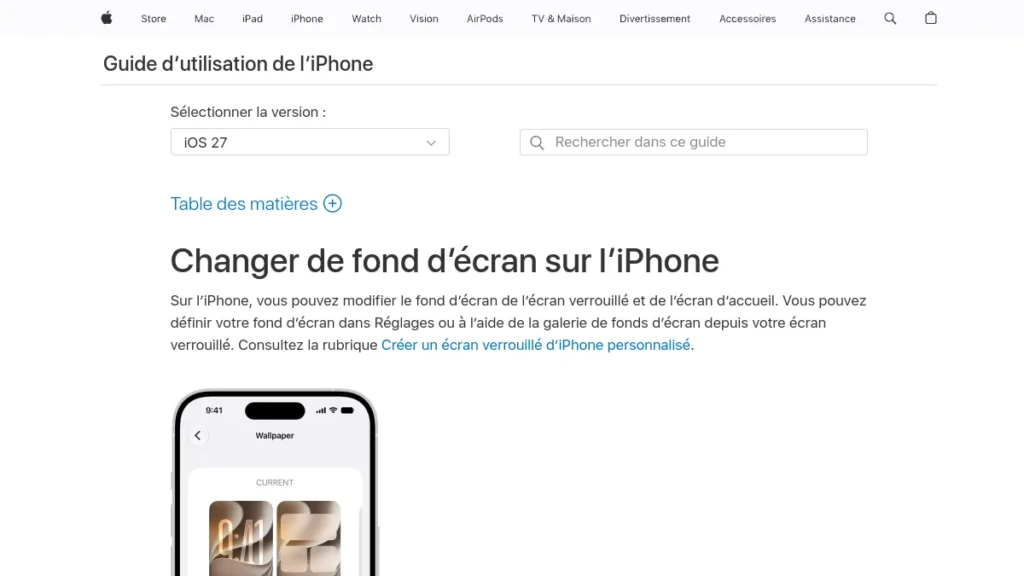
- Open Settings → Wallpaper → Add a new wallpaper.
- Select Animated photo (Live Photos).
- Choose your Live Photo from your gallery.
- Press Define → select lock screen and/or home screen.
The animation is triggered only on the locking screen by holding the finger. On the home screen, iOS displays the fixed photo from iOS 16.
Option 2: Convert video to Live Photo
You have an MP4 video and you want to use it? The app IntoLive (free, with built-in purchases) converts any video to Live Photo in less than a minute. You import your video, you cut the 3 to 5 seconds you want, you export to Live Photo, then you apply it via Settings as described above.
Can one put a video in home screen background on iPhone?
Not natively. Apple limits animated wallpapers to the locking screen. For the home screen, only static photos or widgets are possible without jailbreak. The app Lively partially bypasses this limit on some d
Put a video in the background on Android
Android is more flexible than iOS on this point. Some manufacturers integrate video media natively, others do not.
Samsung Galaxy (One UI): native support
On recent Galaxy (S21 and more recent on One UI 4+):
- Long press on the home screen → Wallpapers and Style.
- Select My gallery → filter on Videos.
- Choose your video and press Set as wallpaper.
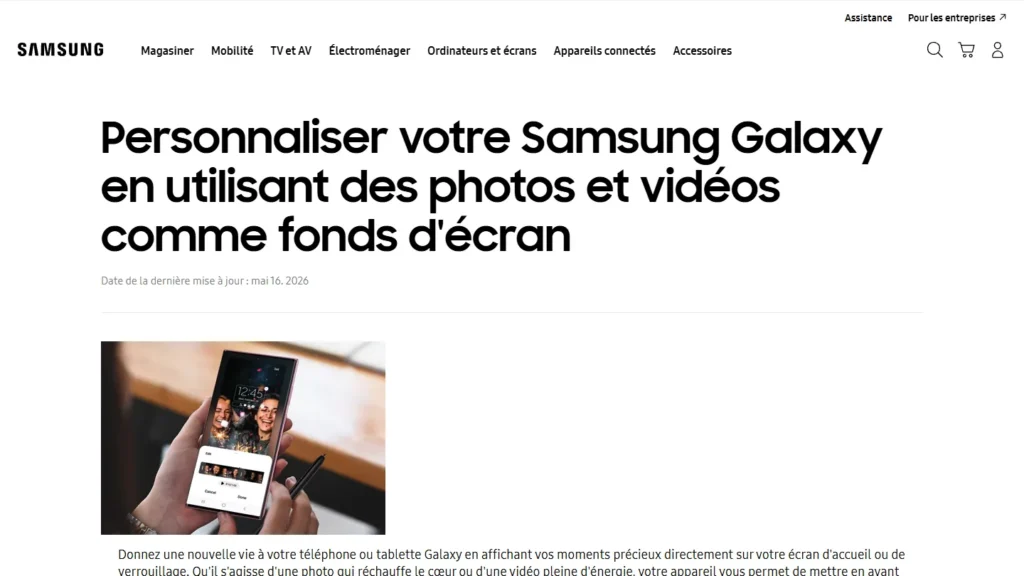
Attention: the video background works mainly on the locking screen. On the home screen, Samsung often displays a fixed image extracted from the video. This is a One UI limitation documented since 2022.
Google Pixel and other Android: via an app
If your phone does not support videos in the background natively, the app Video Live Wallpaper (free, Play Store) supports MP4, MOV and WebM formats. You select your video, you set the playback speed and cropping area, and you apply in the background of locking or home.
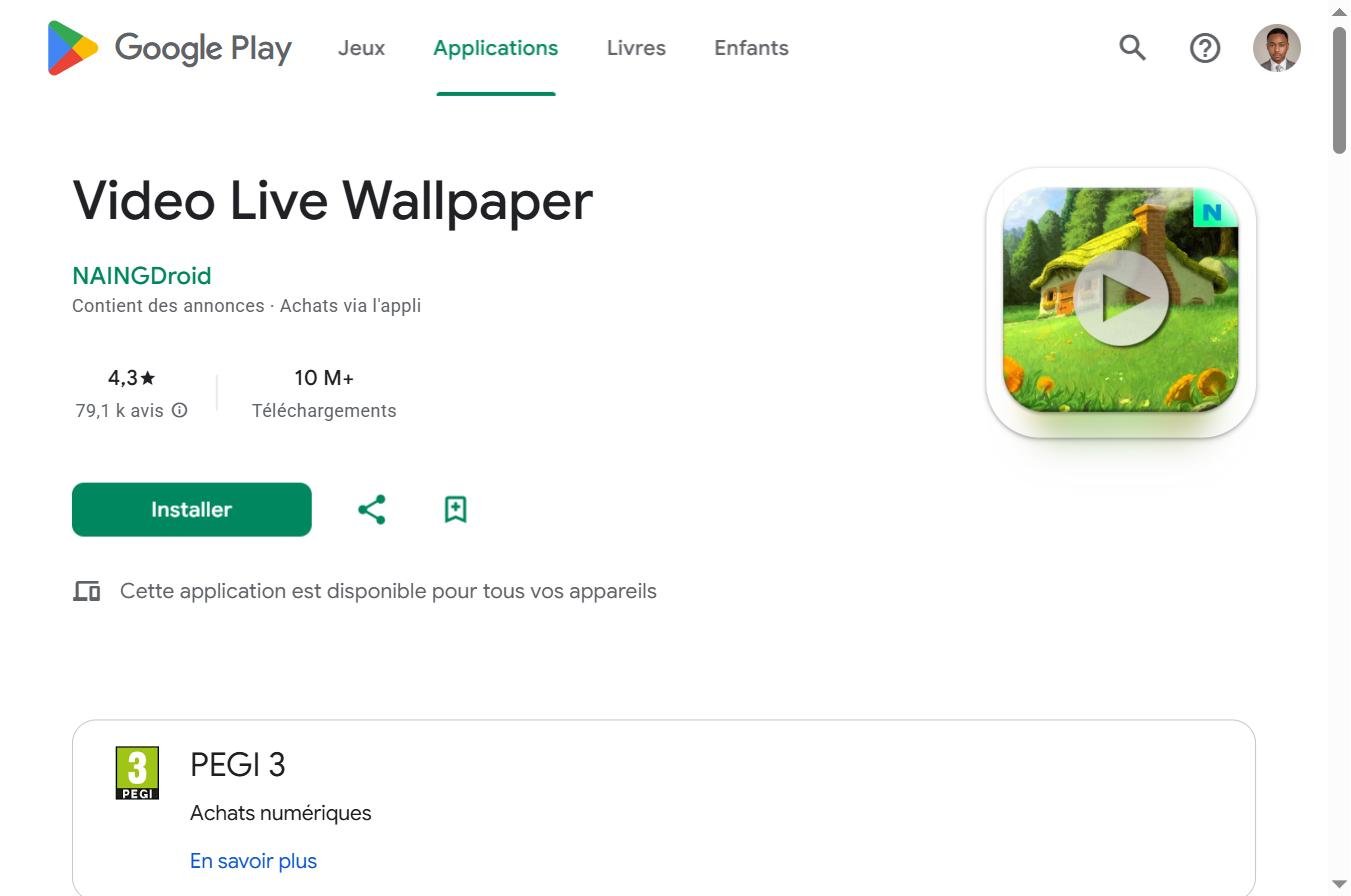
⚠️ Battery impact: A looped video background consumes significantly more battery than a fixed image. On a normal day, 10 to 20% more consumption depending on the resolution of the video and the rate of refreshment of your screen.
Put a video in the background on Windows
Windows 10 and 11 do not support videos in background natively. Two main solutions.
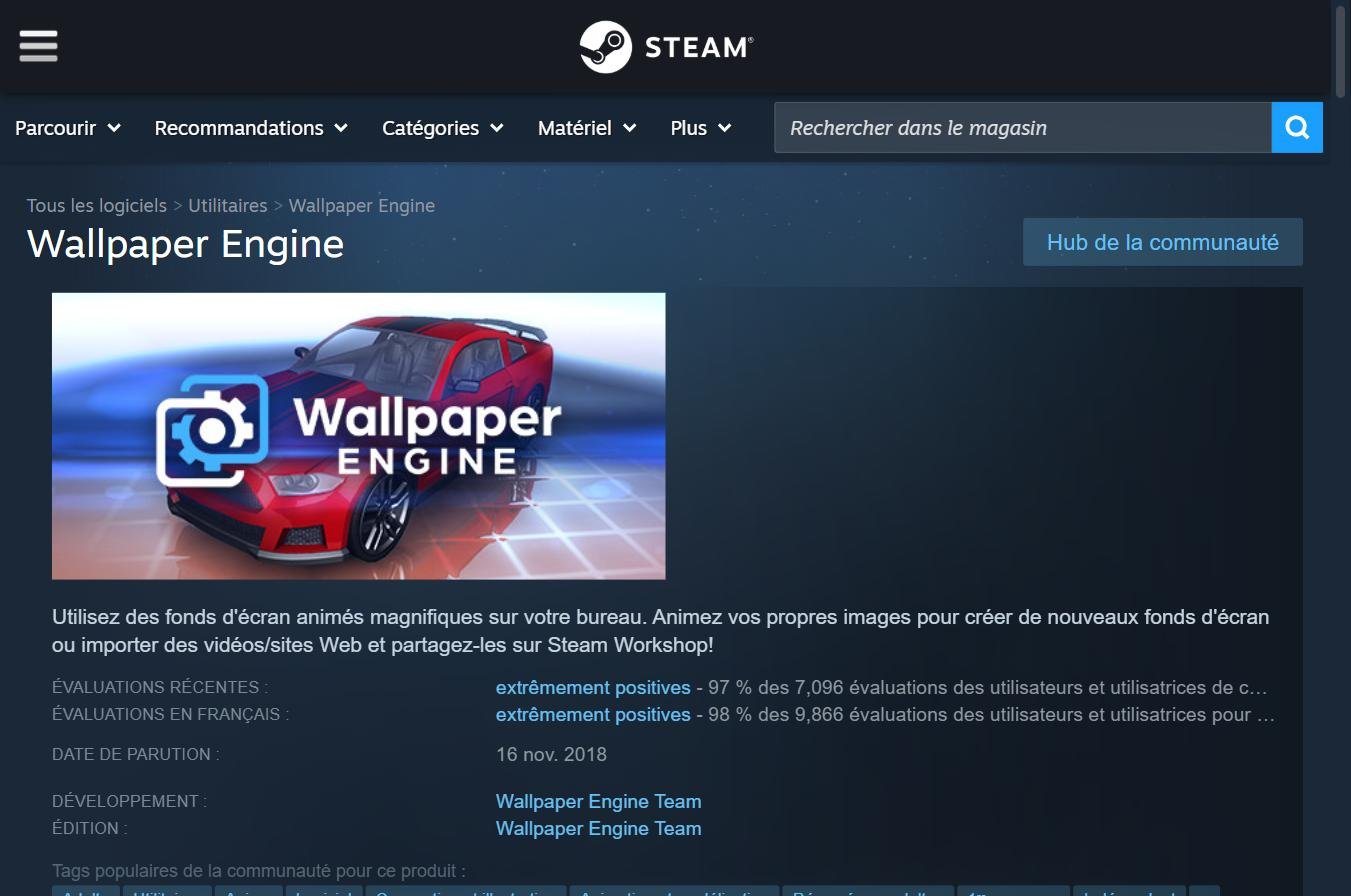
Wallpaper Engine : the reference (3.99 € on Steam)
Wallpaper Engine istool Most used for animated wallpapers on Windows. It supports MP4 videos, interactive scenes, GIFs and community wallpapers (more than 2 million on the Workshop Steam). Single payment at 3,99 € on Steam, no subscription.
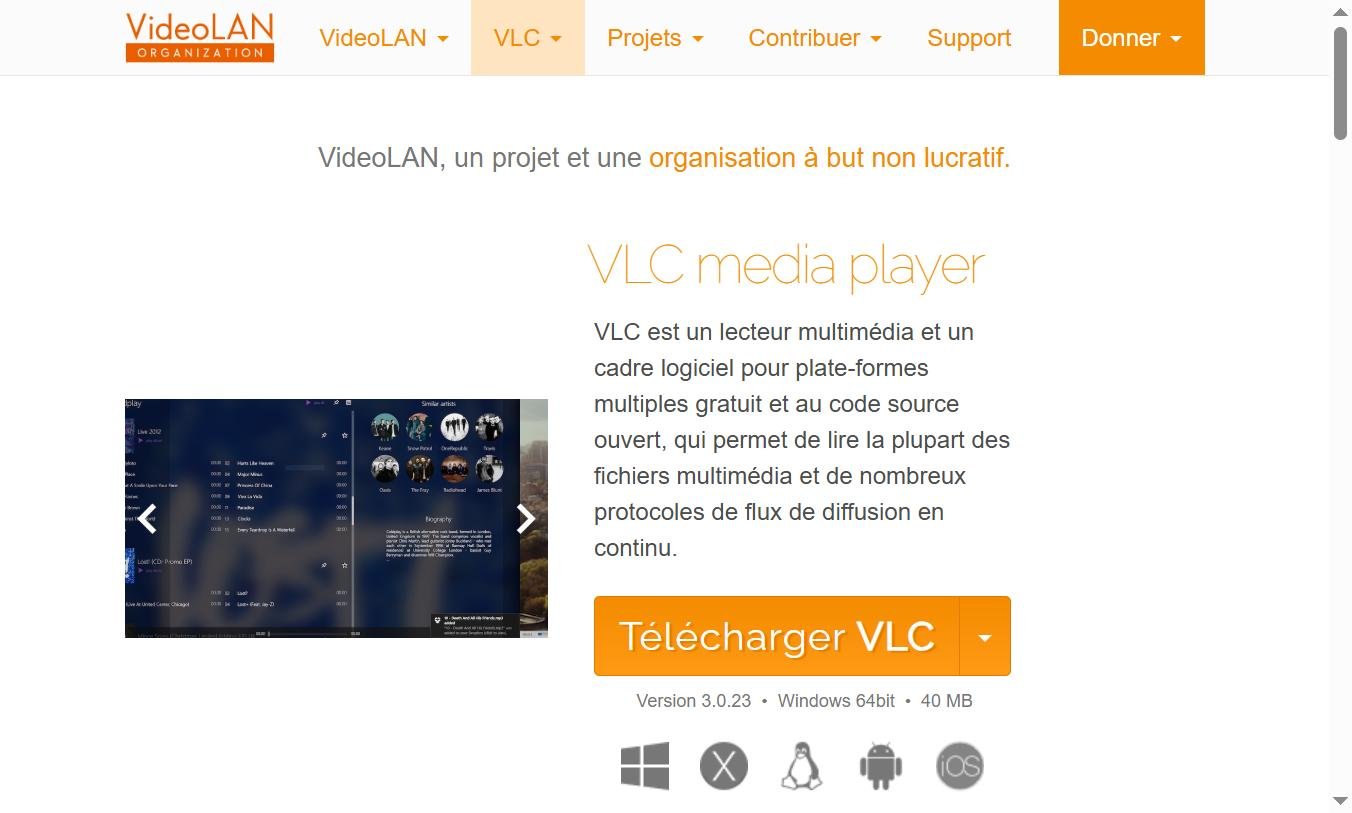
VLC Media Player: Free Solution
VLC allows you to define a video as a wallpaper without additional installation. Launch your video in VLC → right click on the video → Video → Configure as wallpaper. The video loops behind your icons. Limit: VLC must remain permanently open, and the method does not survive a restart without automation.
Before animate anything, you need a good starting image. Our guide to create your own wallpaper with AI gives the tools free, quick examples and the right dimensions for phone and computer.
Create your own wallpaper video with theAI
Instead of using an existing video, you can generate a custom-made video with a tool of the video ai. A wallpaper AI generative, abstract loop, animated landscape, dynamic particles, in 5 to 10 seconds in seamless loop, this is exactly what Kling AI, Runway Gen-4 or Deevid AI.


- Generate your basic video. Prompt type for a wallpaper: « abstract looping animation, flowing blue and purple particles, seamless loop, 4K, no camera movement, dark background ». Target time: 5 to 10 seconds. Kling AI and DeeVid AI offer free plans with monthly credits.
- Formatted in seamless loop. The beginning and end of the video must be connected without flash. In Filmora or CapCut, apply a cross melt between the last and first frame.
- Adjust the ratio. 9:16 for a smartphone (1080×1920), 16:9 for a desktop display (1920×1080). Most generators video AI allow you to choose the upstream ratio.
- Apply according to your device. iPhone → converted to Live Photo via intoLive. Android → Video Live Wallpaper. Windows → Wallpaper Engine.
💡 Prompt works well: « seamless looping abstract background, slow motion, dark deep blue and purple tones, no text, no faces, 4K, 10 seconds ». This type of prompt gives clean and discreet results, enough to be aesthetic without distracting when using your phone.
FAQ: Video in wallpaper
Can we put a video in the background?
Yes, on all devices, but not always natively. iPhone supports Live Photos animated (not direct MP4). Android supports MP4 videos natively on Samsung One UI, otherwise via an app like Video Live Wallpaper. Windows requires Wallpaper Engine (3.99 €) or VLC.
How to put a video on iPhone lock screen?
Settings → Wallpaper → Add a new wallpaper → Animated photo. Select a Live Photo from your gallery. If you have an MP4 video, first convert it to Live Photo with the intoLive app (free).
How to put an animated wallpaper on Android?
On Samsung One UI: long press on the screen → Wallpapers and style → My gallery → filter Videos. On other Android: download Video Live Wallpaper to the Play Store, select your video and apply it.
Can we record a video as a wallpaper?
Yes. You can use any video from your gallery or download it. For optimal rendering, prefers a short video (5 to 15 seconds) in Seamless loop and in the right ratio (9:16 for mobile, 16:9 for desktop). Heavy videos (4K+ long) slow down low-end devices.
What app to put a video in the background on Android?
Video Live Wallpaper (free, Play Store) is the most used. It supports MP4, MOV, and WebM, allows cropping and speed setting, and applies to the home screen as locking on most Android devices.
How to create an original video wallpaper with AI ?
Use a tool video have like Kling AI, Runway or DeeVid AI with an abstract loop prompt. Generates 5 to 10 seconds in 9:16 or 16:9, formatted in Seamless loop with Filmora or CapCut, then applies according to your device. Result: a unique wallpaper that no one else does.
🎯 Quick summary
iPhone: Settings → Wallpaper → Animated photo. For an MP4 video → intoLive to convert first.
Samsung Android: long support → Wallpapers → My gallery → filter Videos. Others Android → Video Live Wallpaper (Play Store, free).
Windows: Wallpaper Engine (3.99 € on Steam, single payment) or VLC free.