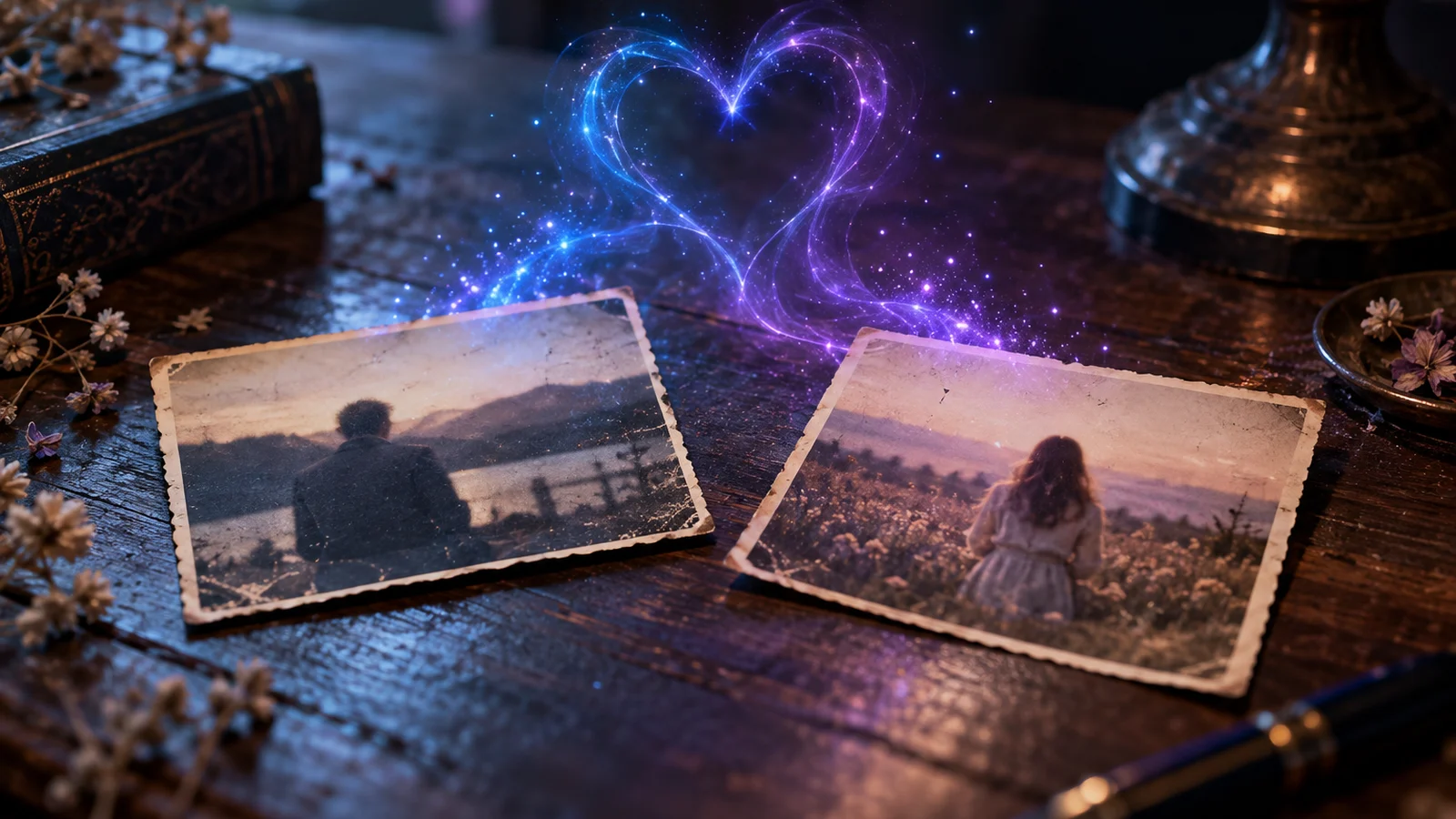
You must have seen it on TikTok or Instagram: two people sitting on a photo who turn one towards the other and kiss, in seconds. This is the effect « AI Kiss », one of the most shared models of generators video AI. It is fun, often touching when it gathers a couple in an old photo, and frankly problematic when you use it with someone's face who didn't ask for anything. This is how to achieve it properly, with which tools, what really allows free, and the limit to never cross.
Contents: Essential · How it works · AI kiss free : the method · Which application to use · Table comparison · Prepare the photo · Move the lips of a photo · Is it legal? · FAQ
📌 Essentials
- An AI kiss transforms a fixed photo of two people into a short video (a few seconds) where they kiss. Most often,tool wait one image where both people appear together.
- PixVerse is tool the most used for these viral effects: 90 credits offered for registration then 60 per day, i.e. about a free daily clip, with watermark.
- Kling AI gives a more cinematic rendering, with a smaller free quota whose renewal rules have changed several times.
- The quality depends on the photo : clear faces, face or three quarters, shoulders visible, same light on both people.
- Compulsory consent : using someone's photo without his consent, a celebrity, an ex or a minor, exposes to prosecution in France. An AI kiss is made with its own image and that of a person who agrees, point.
How does an AI kiss work?
Technically, an AI kiss is a generation « image to video » guided by an effect model. You provide the photo,tool already knows what movement to produce: the two faces come closer, the heads bow, the lips join, and the scene freezes or continues for a few moments. The model invents everything that does not exist in the starting image: the profile of the faces, the eyes closing, the hands moving. That's why the result can be bluffing in a good photo, and strange in a blurry photo.
On most platforms, there is no need to write a prompt: the effect is chosen in a library of models, as well as « AI Hug » (caline), « Muscle » or changes in style. The generators more generalist also allow to describe the scene in text, which gives more control but requires more testing.
A picture or two photos?
That's the question that blocks most people. The majority of AI Kiss effects, including PixVerse, work on one image containing both persons. If you have two separate photos, you must first assemble them side by side in the same image (with a simple tool gluing), ensuring that face sizes and light are close. Some sites offer a field « photo 1 » and « photo 2 » and do that editing for you, but the result is rarely better than if you prepare it yourself.
How to make an AI kiss for free?
Here is the method with PixVerse,tool which has popularized these effects and whose free plan is sufficient for one trial per day.
- Create an account on the site or app PixVerse (iOS, Android). No credit cards requested.
- Open the effects library and look for the kiss effect (his exact name varies according to the updates: « AI Kiss », « Kiss Kiss »...).
- Import your photo One image where both people are visible, ideally from the front or three quarters.
- Launch the Generation. Count from a few tens of seconds to a few minutes depending on the frequency on the servers.
- Download the video. Free of charge, it carries a watermark and comes out in reduced resolution; commercial use is not permitted.
On the quota side, according to the third-party statements on 11.10.2026, PixVerse's free plan gives 90 credits for registration and then 60 credits per day, reset to zero every night. An effect consumes much of this allowance: in practice, one free clip per day, sometimes two by playing on the options. If the first rendering is missed (it happens), you will have to wait the next day or move to the Standard Plan, around 10 $ by month according to the grids recorded in 2026. We detail everything in our page PixVerse free plan.
💡 Tip: sites that promise an AI kiss « free of charge, without registration and watermark-free » are numerous in the search results. Many display an endless queue, watermark at the time of download, or request a subscription at the last step. And most importantly, you don't know what they're doing with photos sent. For personal photos, we prefer a tool established whose privacy policy is legible.
Which app makes two photos kiss?
Several tools propose the effect. They're not worth it, and we'd rather tell you frankly who we recommend and why.
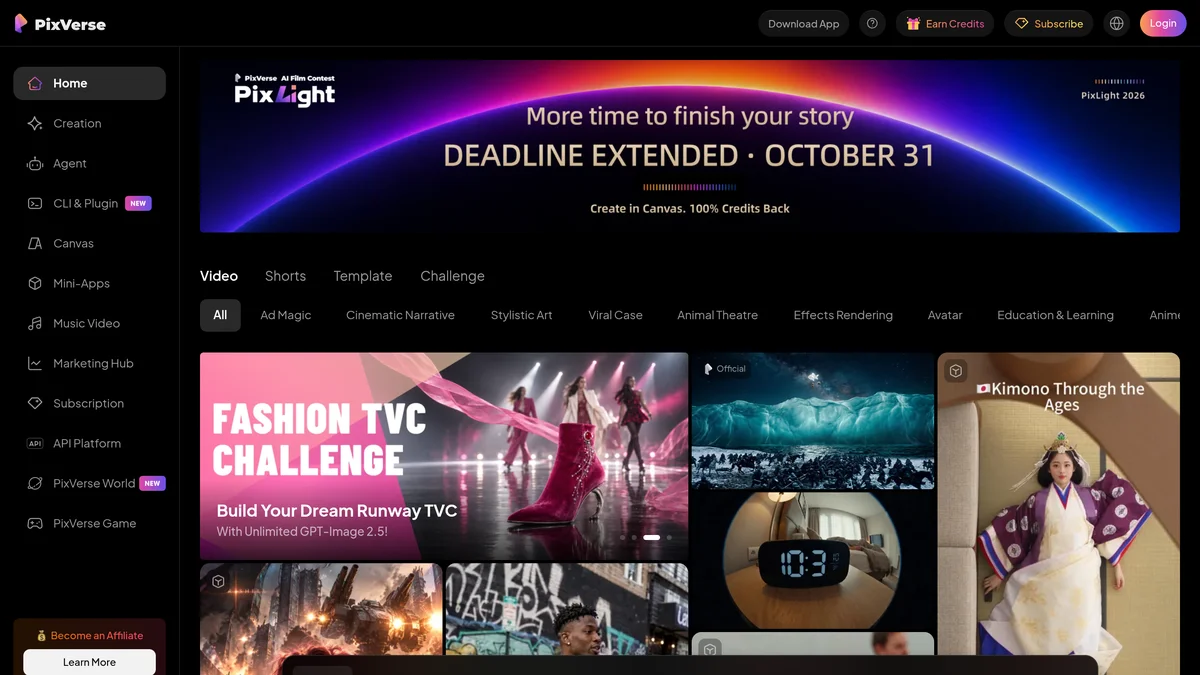
PixVerse: the simplest for a viral effect
Ready-to-use effects library, mobile app, fast rendering: PixVerse is designed for this type of short and shareable content. Its weak point is the resolution and watermark in free, and sometimes a little rendered « smooth » on the faces. For a video to share with friends or story, it is the best ratio simplicity to result. Our review complete on PixVerse AI details the rest of the tool.
Kling AI: for a more cinematic rendering
Kling AI It also offers dedicated pages of ideas dedicated to kissing scenes (intimistic coffee, retro movie atmosphere), and its image-to-video model better manages the coherence of faces and light than most of the tools effects. In realism we gain what we lose in simplicity: we often have to write a short description of the scene, and repeat several essays.
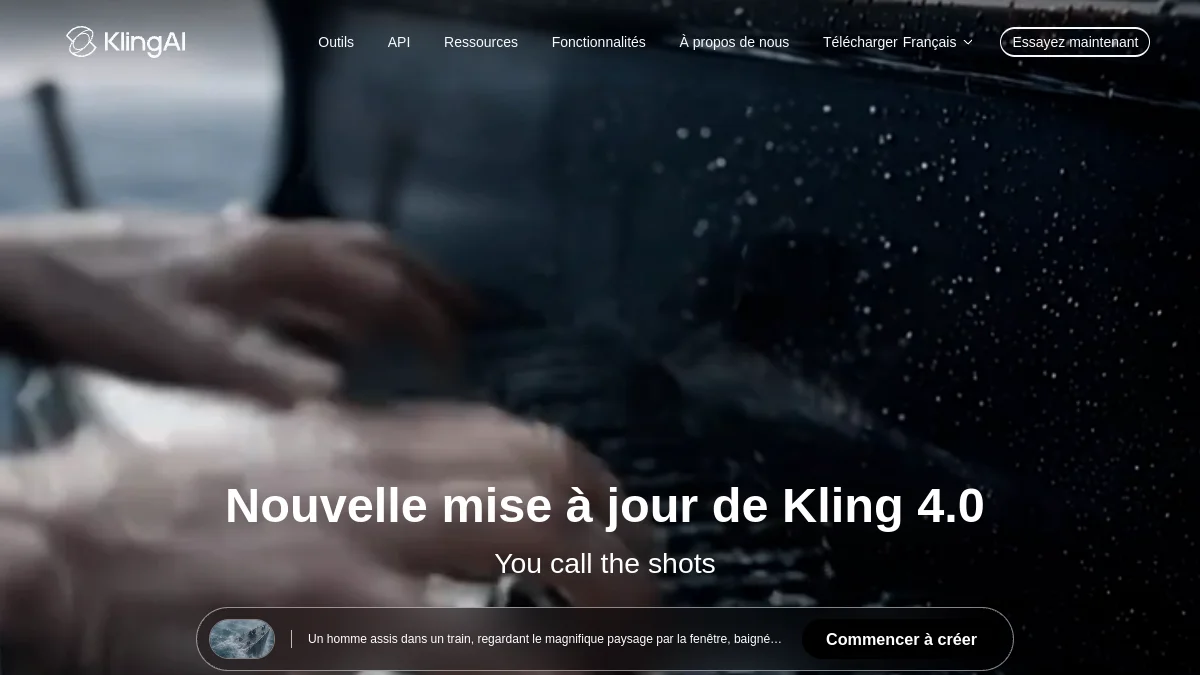
Basic's free plan includes more guaranteed monthly credits: Kling now distributes promotional credits at events or connections, and « 66 credits per day » old comparatives are no longer relevant. Check the meter in your account before counting on it. A 5-second short clip usually costs between 20 and 35 credits depending on the mode. See our guide Free Kling AI.
The others: MindVideo, Vidnoz, specialized sites
MindVideo offers an AI Kiss effect in its collection of viral effects, with a very limited free plan; we presented it in our review on MindVideo AI. Vidnoz also has generator « kiss AI » in French. Finally, a host of small mono-function sites are positioned on « AI kissing generator » Some work, but their photo storage policy is often blurred, which really matters when you send faces.
Table comparison of the tools AI kiss
| Tool | Ready-to-use effect | Free | First prize | Made |
|---|---|---|---|---|
| PixVerse | Yes | 90 credits then 60/day, watermark | About 10 $/month | Fast, social media style |
| Kling AI | Ideas of scenes + description | No guaranteed credits, one-time promotional credits | See our Kling price page | More realistic, more testing |
| MindVideo | Yes | Very limited, watermark | See our review | Correct |
| Sites « AI kissing generator » | Yes | Variable | Variable | Unequal, blurred privacy |
Quotas and prices recorded in October 2026 based on public information from publishers and third party surveys; They change often, check your account. The grid details are in our pages Kling AI price and PixVerse free.
Prepare the starting photo well
In nine out of ten cases, a missed AI kiss comes from the photo, not from the tool. A few simple rules change everything.
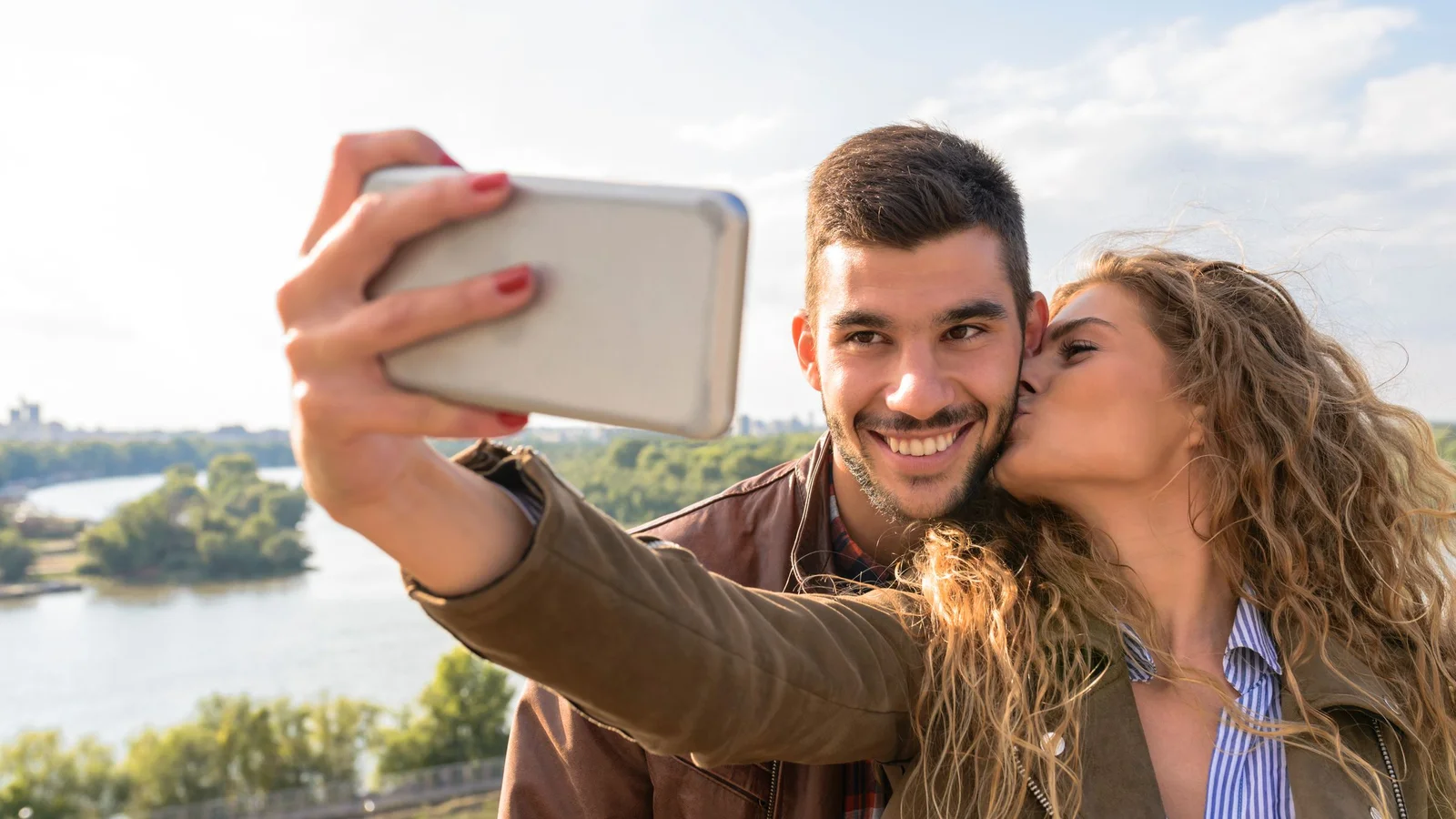
- Two clean faces, no blur, no sunglasses that hide eyes.
- Bend to shoulders : too tight a frame on the faces gives a stiff movement and cut shoulders.
- Same light on both people. If you assemble two photos, harmonize the brightness before, otherwise the faces deform where the two halves meet.
- No one else in the frame : in a group photo, the model can choose the wrong duo.
- Faces not too far away The closer they are at the beginning, the more natural the movement.
A usage that affects many people: to revive an ancient photo of his grandparents or parents. It works, provided you scan the photo correctly and, if damaged, improve it first. Our guide for improving the quality of a photo with AI will make you win a lot of failed trials.
How to move the lips of a photo?
It's another family tools, often confused with AI kiss. To move the lips of a photo is the labial synchronization (« lip sync ») : one provides a portrait and an audio file or text, and AI Animates the mouth for it to pronounce the words. The face speaks, it does not move towards anyone else.
For this, the tools The use of the term "speakers" is more appropriate than the use of the term "speakers". generators effects. We compare them in our guide for Make a photo talk with AI free of charge, and more broadly in our page for Animate a photo with AI. The same rules of consent apply: having a real person say words without his or her consent is even more risky than an animated kiss.
Is it legal to make an AI kiss with someone's picture?
That's the part we can't fly over. We are not lawyers, but the French framework is clear enough to set solid benchmarks.
With your own face and that of a person who agrees, for personal use or shared with it: no problem. This is the use for which these effects were designed.
Without the consent of the person representedIt's rocking. The right to image (article 9 of the Civil Code) already allows anyone to object to the dissemination of his image. Especially since Act of 21 May 2024,Article 226-8 of the Criminal Code explicitly targets the content generated by algorithmic processing: disseminate, without its consent, a editing If it does not appear to the obvious that it is a person's image, editing or if not expressly mentioned, shall be punished by one year's imprisonment and 15,000 € fine, penalties increased to two years and 45,000 € when the broadcast passes through an online service. And if the content is sexual in nature, article 226-8-1 provides for heavier penalties, even if the editing is reported as such.
⚠️ Attention: Three cases are absolutely forbidden. An AI kiss with a minor, whatever the context. An AI kiss with an ex, colleague or unknown without his consent, even « for laughing ». An AI kiss with a celebrity, even if not widely distributed: in addition to legal risk, serious platforms block these applications and may suspend the account.
When a video is shared online, add a clear indication that it was generated by AI. Platforms like TikTok and Instagram demand this for realistic content, and this is also what avoids that a editing It's a real scene. To go further on the relevant texts and the European Regulation on AI, read our guide on the deepfakes and the law in France.
Last point, more practical than legal: every photo sent to an online service is a personal data. Read the privacy policy, avoid anonymous websites, and do not upload third-party photos without asking them.
🎯 Verdict
For a successful AI kiss without spending one euro, PixVerse remains the simplest: a ready-to-use effect and a free clip per day. Kling AI gives a more realistic rendering if you agree to do several tests. In any case, treat the starting photo, and keep a non-negotiable rule: only with adults who agree.
Try AI Kiss effect on PixVerse
FAQ: AI kiss
How to make an AI kiss for free?
Create a free account on PixVerse, choose the effect of kissing in the library, import a photo where both people appear together and launch the generation. The free plan allows about one clip per day, with watermark.
Can we make an AI kiss with two separate photos?
Yes, but most tools wait for one picture. Assemble the two photos side by side with a tool by harmonising face size and brightness, then import this editing.
Is there an AI kiss watermark-free free?
The tools serious add watermark on free exports. Sites that promise the opposite often ask for a payment at the time of download or keep your photos without transparency. Watermark disappears with a paid subscription.
Is it legal to make an AI kiss with someone's picture?
Only with his agreement. Disseminate without consent a editing by AI with the image of a person is punished in France by article 226-8 of the Criminal Code, and up to two years imprisonment and 45,000 euros fine when published online. Minors should be excluded in all cases.
How long does an AI Kiss video last?
Usually a few seconds, often 5 seconds in standard generation. Some tools allow 8 to 10 seconds by paying more credits, but the effect is designed for a short and shareable clip.