📌 Essentials
To improve the quality of a photo,AI increases resolution, restores sharpness, unwinds and defixes an image in one click, it recreates missing details instead of simply « zoom in ». Tools free online: Fotor, Nero AI, iLoveIMG, Upscale.media and Remini (mobile) Ideal for an old photo, a blurry image or a low-quality photo.
A photo too small, blurred, pixelized or taken in bad conditions? Lartificial intelligence Can save her. Where a simple enlargement only stretches the pixels,AI recreated missing details: it increases resolution, restores sharpness and cleans digital noise. Here's how to improve the quality of a photo for free, increase resolution, deflate or defix it, and the best tools online and mobile.
Contents: How to do • Increase resolution • Unfloat / sharp • Depixelize • Tools free • On the phone • What's the point? • Old photos • Limits • FAQ
How to improve photo quality with AI

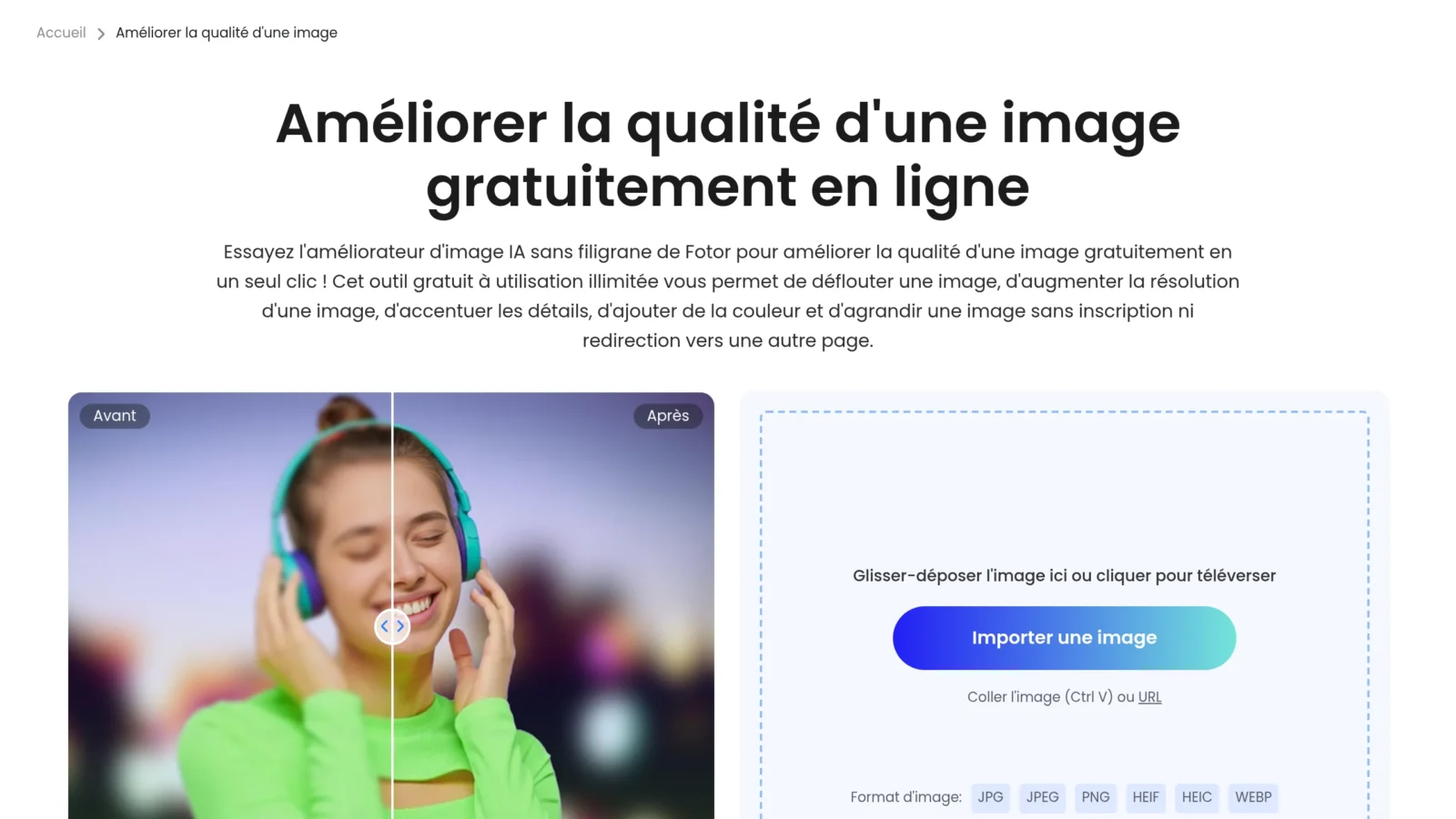
- Import your photo ontool (slide and drop) Even a small or blurred image fits.
- Choose improvement : enlargement (x2, x4), sharpness, noise suppression, or « car improvement » that combines everything.
- LAI analysis and reconstruction details (textures, contours, faces) in seconds.
- Comparison before/after Then download the improved version, ideally in high resolution.
Everything is done in the browser, without software. For a wider touch (colours, cropping, background), see also our guide Edit photo with AI.
Increase resolution (expand without loss)
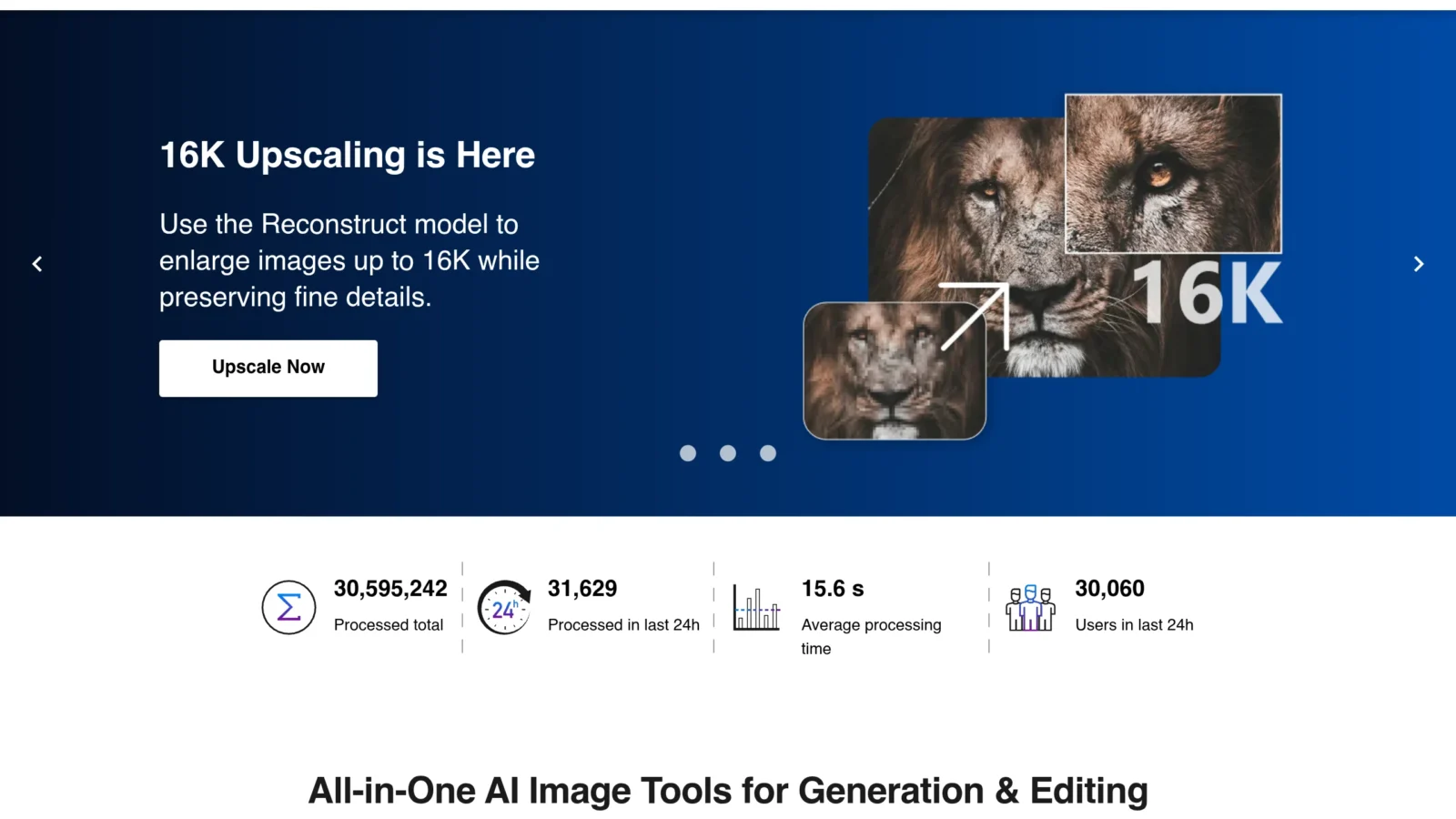
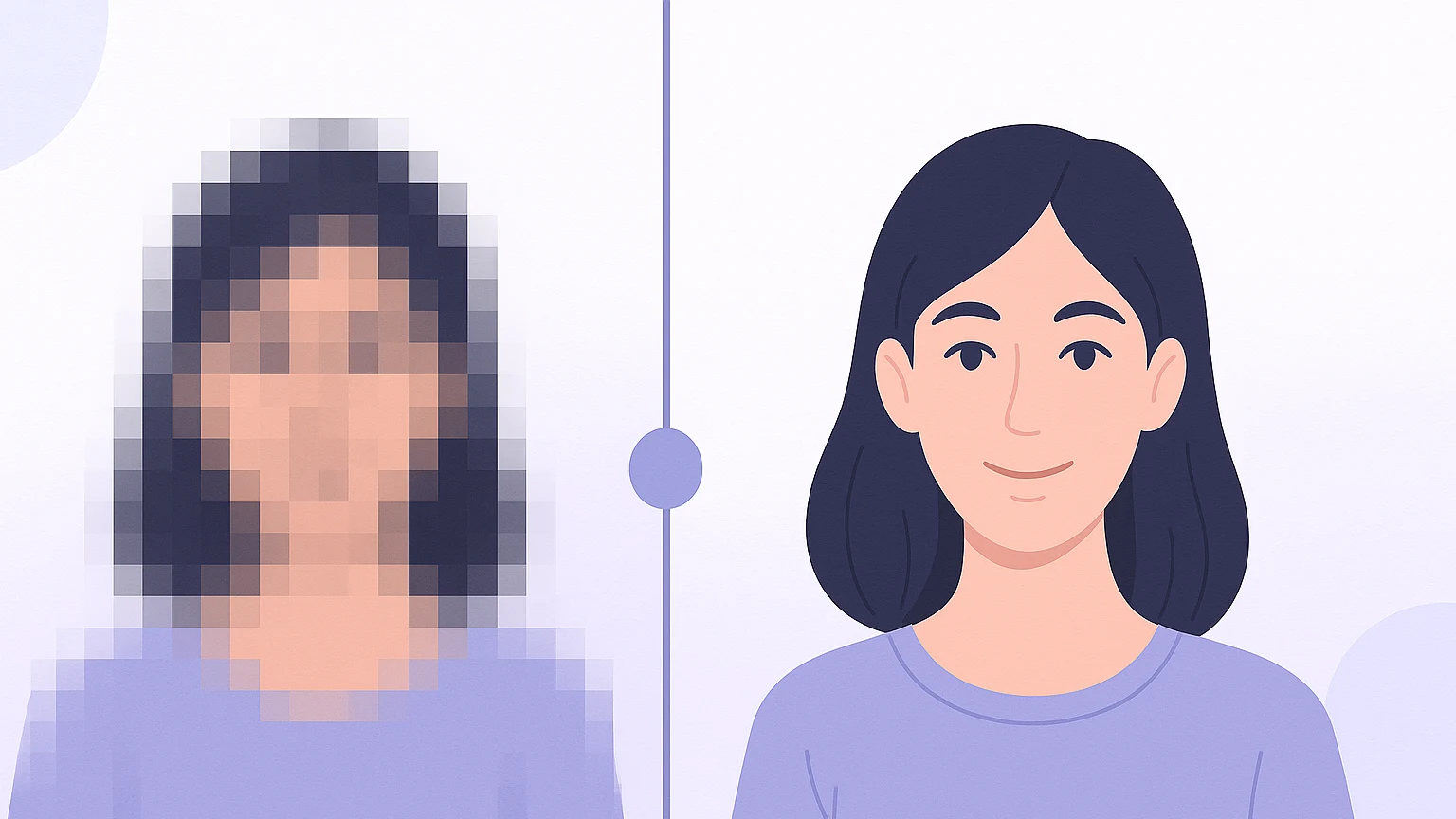
This is the most powerful use of theAI :upscaling. A classic enlargement multiplies existing pixels and makes the image blurred; IAI, she, invents coherent pixels from what she « includes » image (a face, grass, tissue). So you can pass a picture from 500 px to 2000 px while gaining sharpness. It's perfect to print an old photo, enlarge an image found in small format or prepare a high definition visual.
Unfloat a photo and restore sharpness
A blurred photo due to a move or poor focus can be largely recovered. The tools of the « descaling » by AI analyze contours and rebuild sharpness, especially on faces. The result is not magic on an extreme blur, but on a slight move it often turns an untapped photo into a completely correct one. This is one of the most frequently asked questions, and it isAI This is best done every year.
Depixel a low quality image
Old digital photos, compressed screenshots or very compressed images by social networks are often « pixelized » (effect of visible squares). LAI smoothes these blocks and restores clear contours, preserving important details. Coupled with upscaling, she gives a second life to images that were thought lost.
The best tools free
| Tool | Free | Strong point |
|---|---|---|
| Fotor | Yes | Complete auto enhancement |
| Nero AI | Yes | Upscaling up to x4 |
| iLoveIMG | Yes, without account | Rapid expansion |
| Upscale.media | Yes | Simple and efficient |
| Remini | Yes (app) | Face restoration, mobile |
Fotor and Nero AI are the most versatile (improvement + enlargement). iLoveIMG No account is required. Remini is the star on mobile to restore portraits. To edit the image beyond quality (change an element by text instruction), a publisher AI as Nano Banana is very practical.
Improve a photo on phone
On smartphone, dedicated apps like Remini or Fotor (iOS and Android) do wonders, especially on old family portraits. Recent galleries (Google Photos, Samsung) also include features « improve » or « sharpness » In a tap. For a high-resolution, water-free export, a dedicated app is often preferable to thetool integrated.
What is the point of improving the quality of a photo?
- Restore old photos : blurred digitizations, yellowed or pixelized family shots regain sharpness before printing or sharing.
- Print in large format : an image too small for a poster or a print is enlarged without becoming blurred thanks to the upscaling.
- E-commerce and marketplaces : clear and well-defined product photos inspire confidence and comply with platform resolution requirements.
- Profile Photo and CV : a clean and clean portrait makes a better impression on LinkedIn or a pro site.
- Social networks : to recover an image compressed by a mail app for republishing it in good quality.
In all these cases, the ideal reflex remains to start from the largest original available: moreAI has information at the beginning, better is the final result. Improvement complements a good source, not replacing an unrecoverable image.
Restore an old family photo
This is one of the most moving uses of theAI. A digitized, yellowed, blurred or damaged silver photo can find a second youth: tools combine improved clarity, facial restoration, noise suppression and sometimes Colouring Black and white photographs. Apps like Remini are specialized in recovering old faces and give spectacular results, ideal for reprinting a family portrait or sharing it net.
The procedure to follow: scan the photo at the best possible resolution (a scan is better than a photo), pass it in a tool restoration, then refine with an enlargement AI If necessary. Always keep the original:AI reconstructed, so the result is an interpretation, superb for sharing but to keep next to the original version.
Limitations to know
LAI invent details that it reconstructs: on a very blurred face, it can slightly change the features. On unreadable text, it may invent letters. And she doesn't create the completely missing information: a tiny and very degraded photo will have its limits. To be used with a critical eye, especially for uses where fidelity counts (documents, evidence).
In summary
Improve photo quality with AIToday, it's within everyone's reach: in a few seconds, we increase resolution, we deflate, we defix and we clean the noise, without software or skill. The real revolution is upscaling: instead of stretching the pixels stupidly,AI reconstruct credible details, allowing for the expansion, printing or reuse of images that were believed to be lost.
To choose well: Fotor and Nero AI for versatility (improvement + enlargement), iLoveIMG for an accountless express enlargement, Remini for portraits on mobile. Always leave from the largest file available,AI completes a good source, it does not perform a miracle on a tiny thumbnail, and keeps a critical eye on the rendering of faces and text, that AI can slightly reinvent. Well used, this technology gives life to your old photos and puts all your images to the level expected on the web as to print. The simplest thing is to test several tools in the same photo: depending on whether it is a face, landscape or text to be readable, either one or the other will give the best result, and the test does not cost anything.
FAQ
How to increase the quality of a photo for free?
Import your photo on a tool AI as Fotor, Nero AI or iLoveIMG, selected « improve » or « Enlarge », anAI rebuild sharpness and resolution in seconds. It's free and online.
Can we improve a blurred photo?
Yes, in large part: tools defrying by AI restore sharpness on a light blur or a move. On a very pronounced blur, the result remains limited but often sufficient to make the photo usable.
What application to improve photo quality?
On mobile, Remini and Fotor are the most effective, especially for portraits. Online on computer, Nero AI and iLoveIMG do the job very well for free.
How to make a picture clean?
Use the function « sharpness » or « pour » d tool AI : he analyses the contours and reconstructs the definition. Combine it with enlargement for an optimal result on a low quality image.