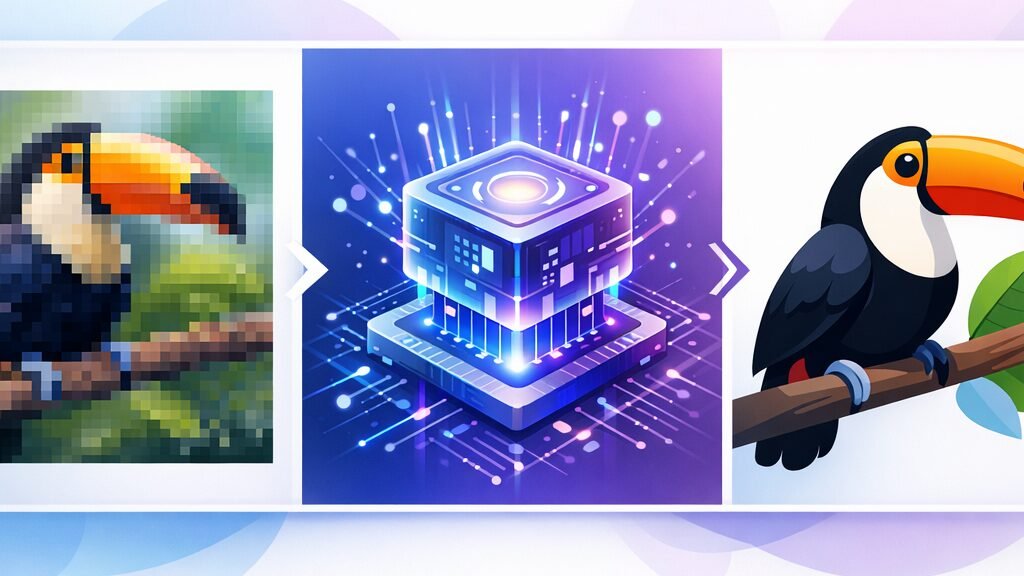
Do you have a blurred PNG logo or a photo that pixels as soon as you grow? The solution is called vectorization, anAI makes it almost instantaneous today.
To vector an image is to transform a file composed of pixels (PNG, JPG) into a file composed of mathematical curves (SVG). The result remains net to any size. With a tool Vectorization AI, the operation takes 2 to 5 seconds online, without software to install.
📌 Essentials
- Vectorize = pixels → curves. The file becomes infinitely resizeable, without loss.
- The fastest: a vectorizer AI online (Vectorizer.ai, VectoSolve, Recraft). Two to five seconds.
- The freest: Inkscape (free software) or Vectorizer.ai beta.
- The most pro: Adobe Illustrator (Image Vectorization function).
- Limit: a complex photo gives a heavy vector. Vectorization shines on logos, icons and drawings.
Contents: That's what to vectorize. • Why?AI changes everything • How to do it, step by step • Use • Generate and Vectorize • FAQ
Vectoring an image means what?
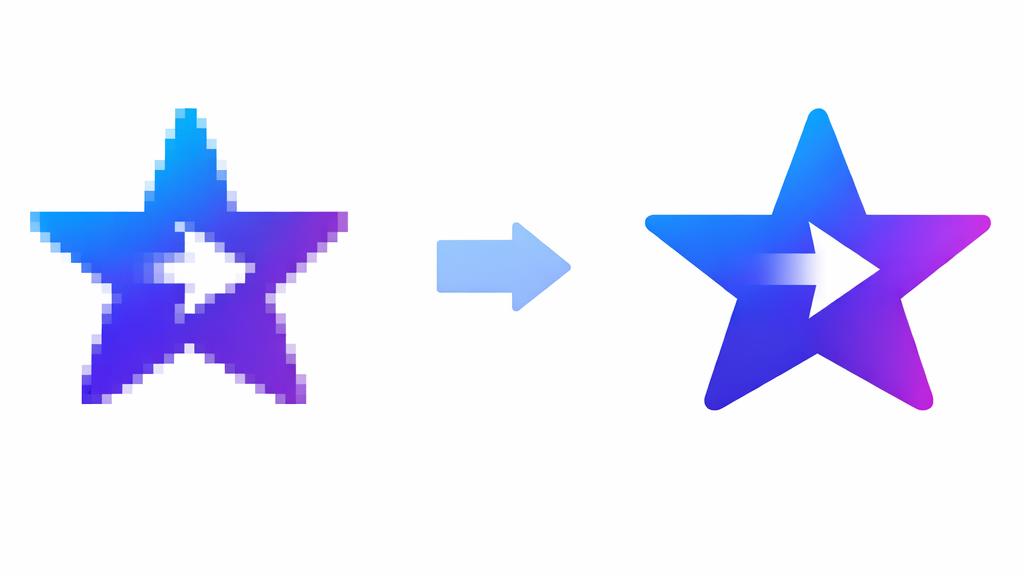
There are two large families of images. The matrix images (raster) are made of pixels: JPG, PNG, GIF. When enlarged, the pixels become visible and the image becomes blurred.
Vector images, on the other hand, are described by formulas: dots, bezier curves, color flats. The most common format on the web is SVG (Scalable Vector Graphics), an XML-based file. The EPS, PDF and .ai (Adobe Illustrator) formats are also vectors.
Vectoring means moving an image from the first family to the second. Interest: the file remains perfectly clear whether it is printed on a business card or displayed 4×3.
Why?AI changed everything for vectorization
Before, vectorizing properly required Adobe Illustrator and real know-how: re-drawing contours by hand, or crafting the automatic plot function by correcting failures.
New generation vectorizers rely on theAI to analyze the structure, contours and colors of the image, then reconstruct clean lines. VectoSolve announces an accuracy of about 98% on the contours in 2 to 5 seconds. In concrete terms, the result is often better than the old Illustrator automatic route, and accessible without any technical expertise.
How to vectorize an image with AIstep by step
Three paths according to your budget and your needs. The principle is always the same: you load a raster image, you get a vector.
1. The free way : Inkscape
- Open your image in Inkscape (free software, free).
- Select image, then menu Path > Vectoring bitmap.
- Set the threshold, preview, validate.
- Register in SVG. For a .ai, export in PDF or EPS: Illustrator can reopen them.
It is free and offline, but the route of Inkscape is less fine than that of AI Tools recent, especially on color images.
2. The Fast Track: A Vector AI online
This is the simplest option. We slide the image, the imageAI Do the rest. The references of the moment:
- Vectorizer. a : the new generation of Vector Magic. Full color vectorization, free during beta (limit ~2 megapixels per image).
- VectoSolve: speed oriented, ~98% precision on contours, SVG 60 to 80% files lighter than the original.
- Recraft: platform AI which makes both the generation and the image conversion → SVG, appreciated for logos and icons.
- Pippit (CapCut): Color vectorizer pressed on the SeeDream and Nano Banana engines.
| Tool | Free? | Ideal for |
|---|---|---|
| Inkscape | Yes (free) | Small budget, offline |
| Vectorizer. a | Free beta | Colour quality |
| VectoSolve | Free trial | Speed, light files |
| Recraft | Free credits | Logos, icons |
| Illustrator | Fee | Advanced pro use |
3. The pro way: Adobe Illustrator
If you already have Illustrator, open the image, then use the function Image Vectorization (Image Trace). You get editable tracks, which you record in native .ai via File > Save As. This is the only method that produces a real editable .ai rather than a compatible PDF container.
💡 Tip: start from a sharpest image possible, with flats and few gradients. A photo rich in detail will give a huge and hard to edit SVG. For logos, simplify before vectorizing.
What is a vectorized image for?
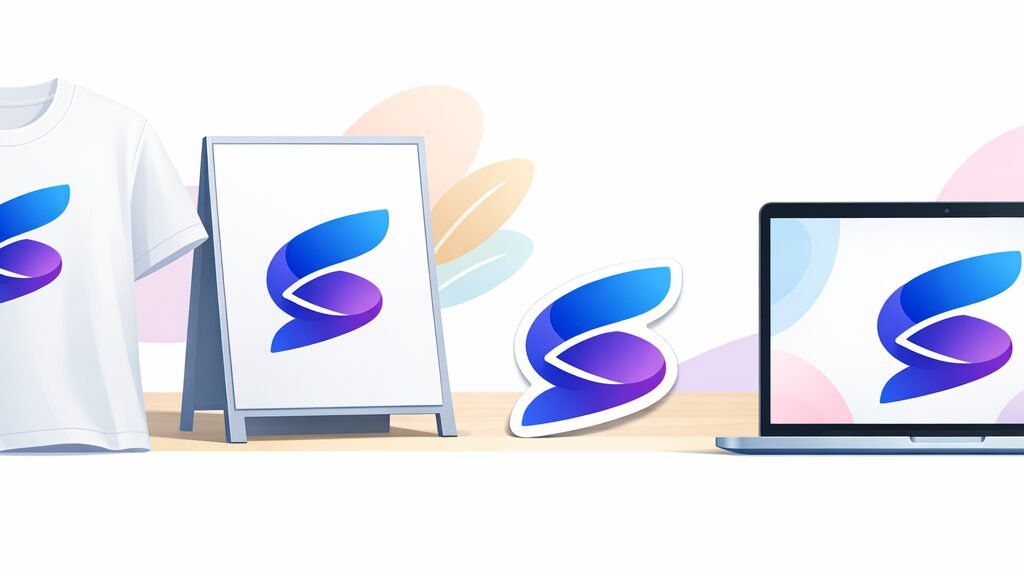
Vectorization is not a graphic designer's whim. It unlocks concrete uses:
- Logos: A logo must exist vectorically to be displayed everywhere without blur.
- Large format printing: posters, banners, kakemonos remain clean.
- Textile and embroidery: machines read vector lines.
- Laser cutting and stickers: The SVG serves as a cutting path.
- Web: a SVG weighs little and remains clean on Retina screen.
Generate Image with AI, then vectorize it
A workflow often returns in 2026: creating a visual with a ai image generator (Midjourney, DALL-E, FLUX), then vectorize it to make it resizeable. It's convenient to turn an illustration generated into a usable logo.
Most of these engines produce raster. Then we go through a vectorizer. If you start with the image generation, a lot of dtools offer a free level: research « free ai image generator » All you have to do is try. To choose your ai generator, we have detailed the best engines in our guide artificial intelligence photoand one specific case in our comparison AI portrait generator.
Note: some tools Like Recraft or Adobe Illustrator (Text to Vector Image function, powered by Firefly) directly generate vector from a text. This completely avoids the vectorization stage.
Last common case in creators: a vectorised logo is used to dress a video (intro, watermark, miniature). For this animation part, a all-in-one tool as Deevid AI takes over and integrates your visuals directly into a editing.
FAQ : Vectoriser une image
Can we vector an image for free?
Yes. Inkscape (free software) does it offline, and several tools online as Vectorizer.ai offer free beta vectorization. The quality varies according to the image: a simple logo comes out very well, a detailed photo much less.
Which is the best AI To vectorize an image?
For color quality, Vectorizer. referred. For speed and light files, VectoSolve. For a workflow logo/icon integrated with the generation, Recraft. The « better » depends on your image and end use.
What is the difference between a SVG and an AI file?
Both are vectors. SVG is an open standard based on XML, readable by browsers and most software. The .ai is the proprietary format of Adobe Illustrator. An online converter that produces a .ai actually generates a compatible PDF container, not a real editable .ai.
Does vectorization work in a photo?
Technically yes, but the result is rarely useful: a photo gives a very heavy and unfaithful vector. Vectorization is made for logos, icons, illustrations and flat drawings.
🎯 Verdict
For a punctual and free need: Inkscape or Vectorizer.ai beta. For regular quality oriented use: a vectorizer AI online. For produitable : Illustrator. And if you start from zero, generate and then vectorize (or use a tool text-to-vector) avoid looking for an existing image.