
📌 Essentials
Flow is a model of generation of images by AI developed by Black Forest Labs (founded by former Stable Diffusion). Renowned for its photorealism, its precision on the prompts and especially its rare ability to write legible text In the images, he competes with Midjourney and DALL-E. Some versions are free and open source (FLUX.1 [dev], [schnell]); the most powerful version (FLUX.2 [pro]) uses via API or pay interface.
Appeared at the end of 2024, Flux imposed itself in record time as one of the best generators images by AIto the point of serious competition between Midjourney and DALL-E. Its particularity: it is largely open source and excels where others sin, including writing text in images. This is our review Complete on Flux in 2026: the different models, how to use it (free or not), and how it compares to Midjourney.
Contents: What flow • Flux models • How to use (free?) • Flow vs Midjourney • Strengths & limitations • For whom • Advice • FAQ
What's Flow?

Flow (or FLUX.1 / FLUX.2) is a family of image generation models « text to image »created by Black Forest Labs, a German laboratory founded in 2024 by former researchers behind Stable Diffusion. In concrete terms, an image is described with words (a « prompt »), and Flow generates it. What propelled him to the top is the quality of his renderings: a bluffing photorealism, hands and coherent faces (long time the weak point of the AI), excellent fidelity to the prompt, and especially the ability to display clear and legible text in the image, a decisive asset for posters, logos and visual marketing.
Another major feature: Flow is partly open source. Several of its models are freely downloadable, which has led to a massive adoption by the community and its integration into a multitude oftools third.
The different Flux models
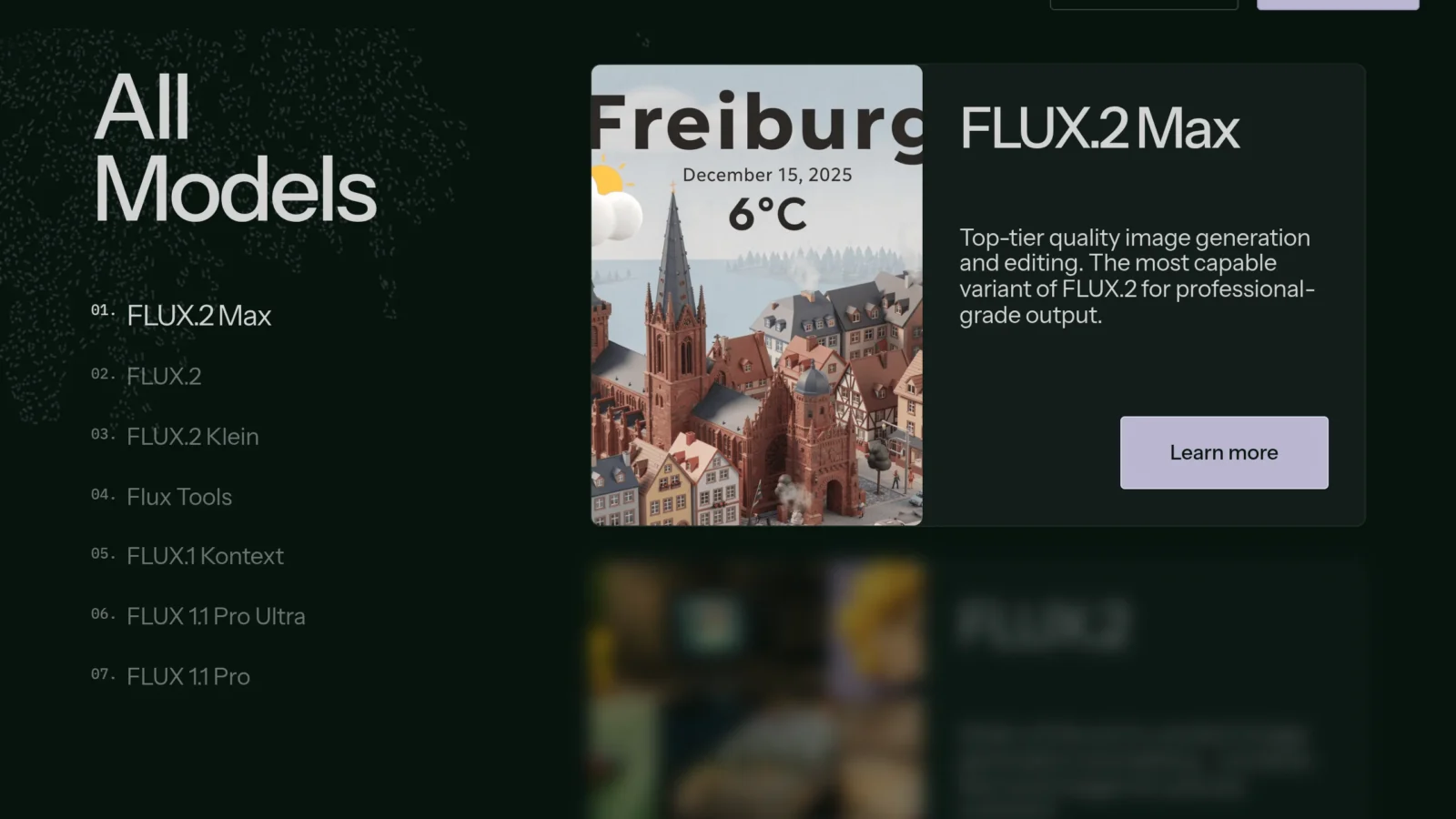
- FLUX.2 [pro] : the flagship model (2025), photorealistic up to 4 megapixels, state of art in quality and in image editing. Accessible via API/pay interface.
- FLUX.1 [pro] : the previous pro version, always excellent, via API.
- FLUX.1 [dev] : open model of 12 billion parameters, very close to the pro quality, free for use Non-commercial.
- FLUX.1 [schnell] : fast version (1 to 4 steps), free license Apache 2.0, free of charge including commercial.
- Variants [flex] and [klein] : for more control or generation on device (on-device), arrived in 2026.
Clearly: to test or for personal use, models « dev » and « schnell » sufficient and free; for best quality or pro commercial use, we go through FLUX.2 [pro].
How to use Flux (is it free?)
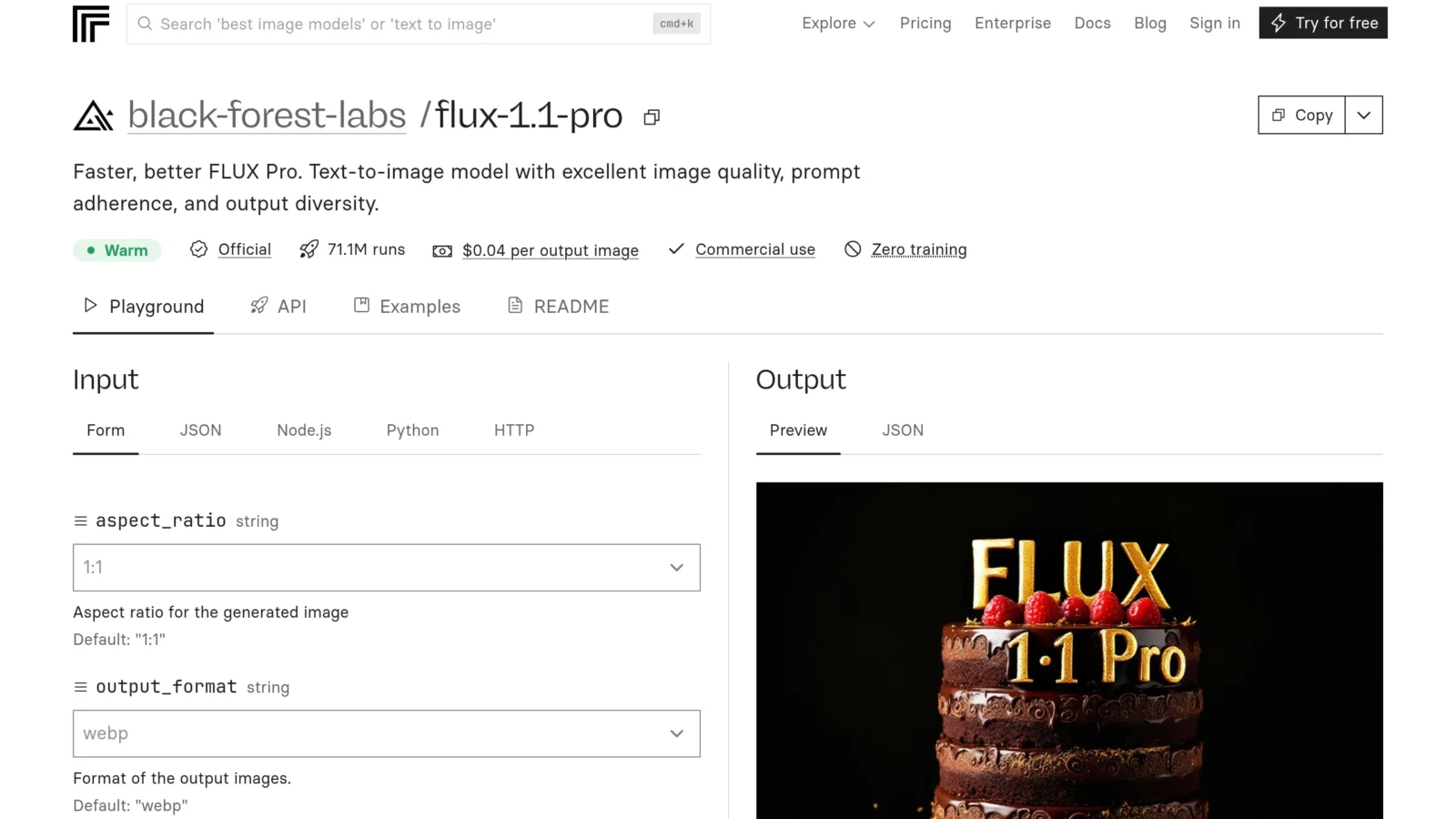
Flux is not a single app but a model that is used in several ways:
- Official playground Black Forest Labs: Generate directly online (paying credit system for pro models).
- Third-party platforms Like Replicate, Fal or Freepik: they host Flux and charge to the image (some cents), often with some free try.
- Local / open source : download FLUX.1 [dev] or [schnell] from Hugging Face and run it yourself, totally free, but request a correct graphics card.
- Integrated with other tools : many generators d
So yes, Flow may be free (locally opened models, or platform testing), but the best quality (FLUX.2 [pro]) is paid for for use. To generate images without installing anything, the simplest is an online platform. To begin creating images by AI, see our guide of lartificial intelligence for photo.
Flow vs Midjourney: Which Should You Choose ?
It's the queen comparison. Both are excellent, but with different personalities. Flow dominates on fidelity to the prompt, text in the image (from far), photorealism « credible » and commercial visuals (products, campaigns). It is also more flexible (open source, integrable). Midday keeps the advantage over the artistic, stylized and editorial rendering (mode, art, atmospheres): his images have a « leg » immediately recognizable. In summary: Flow for realism, text and commercial; Midjourney for aesthetics and art. Many creators use both depending on the project.

Face to DALL-E 3 (integrated into ChatGPT), Flux is generally more precise about photorealism and text, while DALL-E remains very convenient to generate an image over a conversation. And compared to Stable Diffusion, from which the creators of Flux come, the latter offers a much higher quality while remaining, for its open versions, in the same free and customizable spirit. It is this combination of quality and openness that explains its fulgurating adoption.
Strengths and limitations
- + Photorealism and coherence (hands, faces) at the top of the market.
- + Readable text in the images, where most fail.
- + Open source (dev/schnell): free, customizable, integrable.
- + Excellent loyalty the detailed prompts.
- - No single general public application : you have to go through a platform or install.
- - The best (pro) model is paid for use.
- - Artistic rendering sometimes less « Stylish » Midjourney.
If you are hesitant with a key platform in hand rather than a model to host, Leonardo covers image, video and animation in a single interface, with a comfortable free offer. Beware, however, of the public status of free creations, which we establish in our review on Leonardo AI.
For whom and for what uses?
Flow is ideal for those who want to realism and control e-commerce and advertising visuals, product situations, posters with text, credible portraits, and any project where fidelity to the brief takes precedence over artistic style. Developers and studios value its open models to build their own tools. For a purely creative and stylish use, Midjourney remains a complementary companion. After generation, think also of our guides for remove the background of an image or Edit photo, and to the publisher Nano Banana to modify an image by instruction.
Tips for good images with Flux
- Be descriptive and structured : Flow follows very well the detailed prompts. Specify the subject, framing, light, style and atmosphere rather than an isolated keyword.
- Exploit the text : indicates between quotes the exact text you want to see appearing (on a poster, a sign, a packaging), that's where Flux shines.
- Choose the right model [schnell] to iterate quickly and for free, [dev] for better quality, [pro] when the final report.
- Think resolution and ratio : for a print visual or banner, aims for high resolution and the right format from the generation.
- Iterus : generates several variants of the same prompt and keeps the best, then refines with small modifications of the text.
Well used, Flux is a good substitute for a image bank for custom visuals: article illustration, thumbnail, product mockup, advertising banner. And since its open models are free, it is also an excellent entry door to initiate the generation of images AI without a budget, before eventually moving to the pro model for client projects. Coupled with a publisher like Nano Banana for editing, it covers the essential of a modern visual creation stream.
FAQ
Is flow free?
Partly: FLUX.1 [dev] (non-commercial) and [schnell] (free, Apache 2.0) models are free and downloadable. Online platforms often offer free testing. On the other hand, the most powerful model, FLUX.2 [pro], is paid for using API.
Is flow better than Midjourney?
Depends on the need. Flux is better for photorealism, text in the image and commercial visuals. Midjourney prevails over the artistic and stylized rendering. Many creators use both.
How to use Flux for free?
Download FLUX.1 [dev] or [schnell] from Hugging Face to make it run locally (graphic card required), or use free trial platforms like Replicate or Fal. This is the free way to discover the model.
Can Flux write text in an image?
Yes, and this is one of his great assets: Stream generates legible and well-integrated text where most models produce distorted letters. It is valuable for posters, logos and marketing visuals.