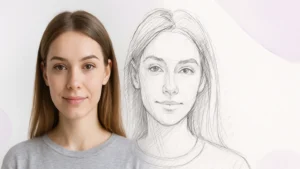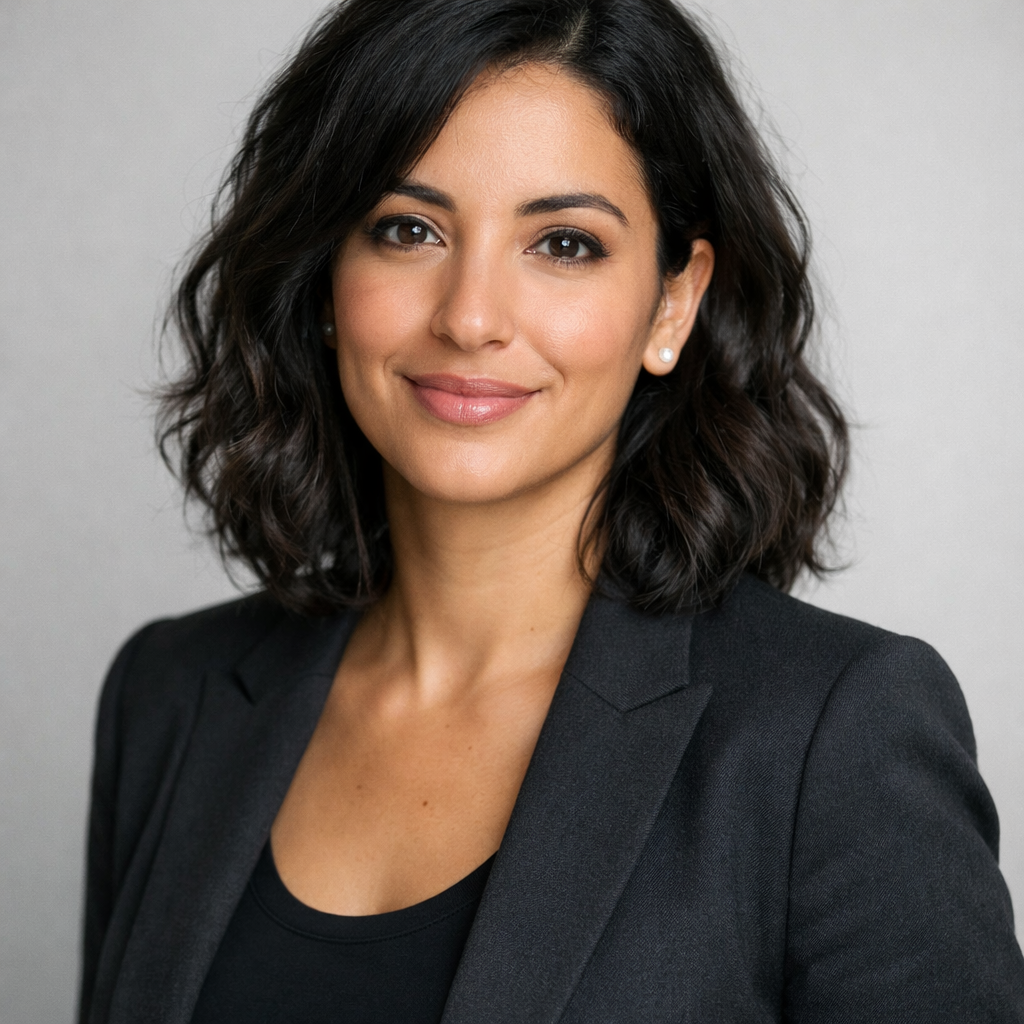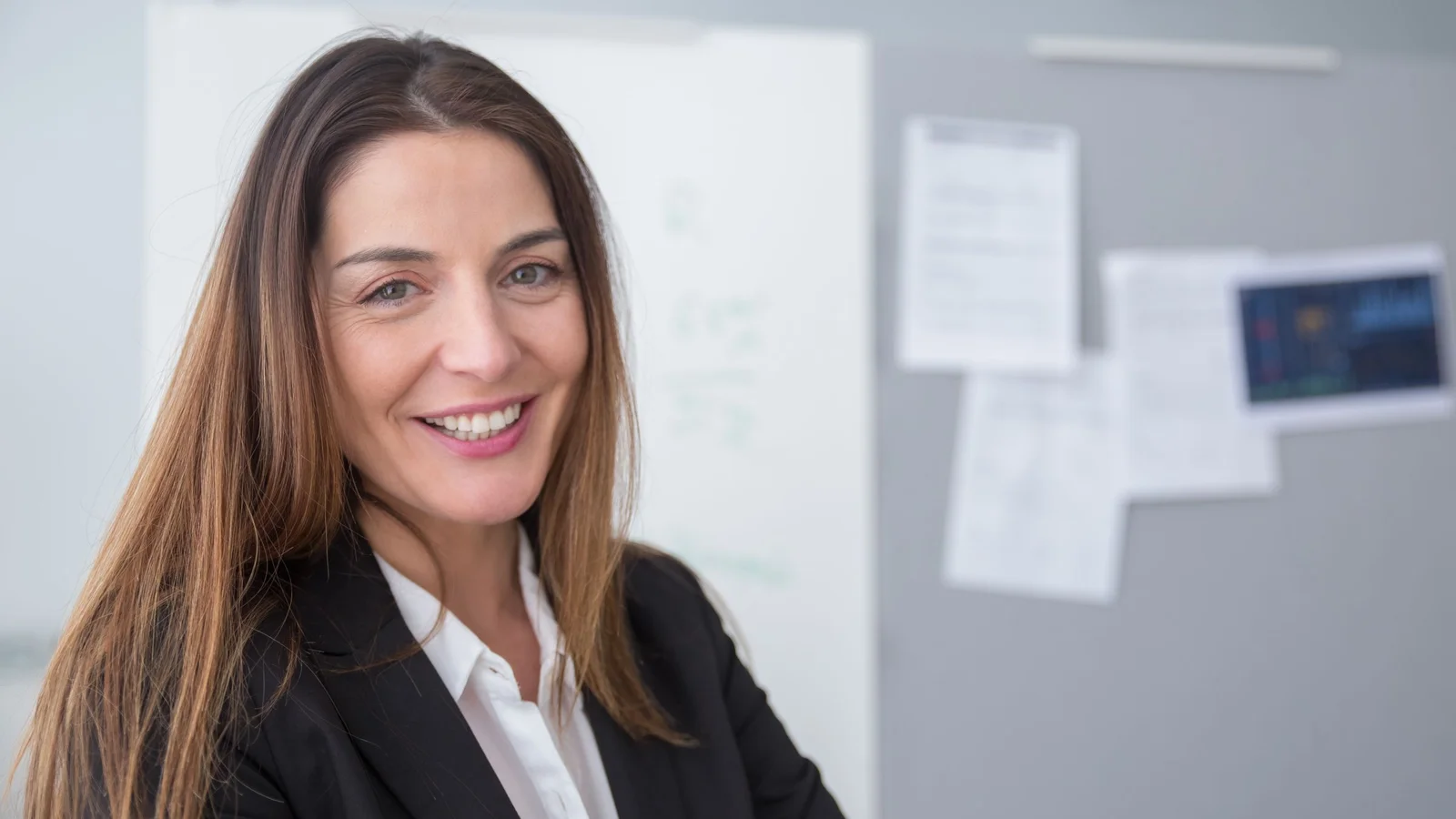
One free AI professional photo, it is an ordinary selfie transformed into studio portrait, neutral background, correct jacket, flattering light, without photographer and without appointment. For a CV, a LinkedIn profile or the team page of a site,AI today does the work in a few minutes. It remains to know what is really free, which is worth 30 to 60 $ a specialty service, and where AI has no place (e.g. official identity photo). We handed this over. guide up to date on October 11, 2026, prices verified on publishers' websites.
📌 Essentials
- Free and fast: Canva, Fotor, MyEdit or an assistant like Gemini transform a single photo into a pro portrait, with limited tests per day.
- Best quality for a CV or LinkedIn: HeadshotPro (from 29 $, 30 portraits) or Aragon AI (from 35 $, 40 portraits), which lead a model on your selfies.
- Option in euros: Dr Headshot, from 29,99 € 40 portraits.
- Official identity photo: I AI is excluded. Passport and ID require a photographer or licensed cabin.
- To go further: Your portrait AI can serve as a basis for a video avatar that speaks, with a tool as Creatify.
Contents: Making a CV photo with AI • Table comparison • The 6 tools in detail • Free options • What about ID photos? • Cost of a professional photo • CV photo: the rules • Which tool for which use • FAQ
How to make a CV photo with AI?
Whatever the platform, the method takes four steps. The quality of what you send counts more than the quality of what you send.tool chosen.
- Prepare your source photos. For a tool Instant, only one face picture is enough. For a premium service (HeadshotPro, Aragon, Dr.Headshot), you can plan a dozen different selfies: daylight, several angles, without sunglasses or filters, face clearly visible. Avoid counter-days and re-set group photos.
- Choose a “corporate” style. Plain background grey, blue or blurred office, sober outfit (vest, shirt, plain sweater). For a CV in France, a natural look is better than a look too « advertising ».
- Generate and sort. The tools instants deliver in seconds, premium services in 15 minutes to 2 hours according to the formula. Removes without hesitation the portraits where the hands, ears or hair on the edge look weird: these are the areas where the AI still betrayed in 2026.
- Check the resemblance. The right test: show the photo to a relative without saying anything. If he doesn't recognize you at first, she won't be on your resume. A recruiter who meets you needs to find the person in the picture.
💡 Tip: frame in portrait format (including shoulder) and export in JPG from 400 to 800 px wide for a CV: beyond, the file weighs your PDF for nothing.
Comparison table: the best AI professional photo generators in 2026
| Tool | Free | Paid price | Deadline | Force |
|---|---|---|---|---|
| HeadshotPro | No | 29 $ (30 portraits), 39 $ (50), 59 $ (70) | 15 minutes to 2 hours | Guarantee « likeness or refund » |
| Aragon AI | No | 35 $ (40 portraits), 45 $ (60), 75 $ (100) | 15 to 45 min | Ultra-realism, several outfits |
| Dr. Headshot | Tool basic free | 29,99 € (40), 39,99 € (80), 59,99 € (140) | 1-2 hours | Website and prices in French |
| Fotor | Yes (limited) | Subscription | Instant | Keep the micro-details of the face |
| Canva | Yes (limited appropriations) | Canva Pro | Instant | Editing and layout in the process |
| Monica.im | Yes (limited daily) | Monthly subscription | Instant | 20+ styles, interface EN |
Prices recorded on publisher's sites October 11, 2026. On that day, Aragon posted a 20% rebate already included in these amounts. Fotor, Canva and Monica's free quotas vary by account and often change, so we don't give exact numbers.
The 6 AI professional photo tools in detail
1. Aragon AI: ultra-realism for pros

Aragon AI produces the closest results of a real photo shoot. You send a series of varied selfies, Aragon drives a mini-model on your face, and you receive between 40 and 100 portraits according to the formula, in several backgrounds and outfits. Estimated time: 45 minutes on the basic formula, 15 minutes on the most expensive. Official website Aragon AI.
- Price: 35 $ (40 portraits, 1 outfit, 1 background), 45 $ (60 portraits), 75 $ (100 portraits, all outfits), 20% discount included on October 11, 2026.
- Ideal for: LinkedIn corporate profile, corporate team page, press kit.
- Limit: no free version, single payment, site in English.
2. HeadshotPro: the benchmark, with a guarantee

HeadshotPro is one of the most cited services by users. Its grid is simple: 29 $ for 30 portraits delivered in about 2 hours, 39 $ for 50 portraits in 30 minutes, 59 $ for 70 portraits in 15 minutes with 4K download. The top two formulas include a new generation free within 14 days, and the publisher promises a refund if the result doesn't look like you.
- Price: 29 $, 39 $ or 59 $single payment, without subscription.
- Ideal for: who wants a lot of credible portraits for CV, LinkedIn and e-mail signature.
- Limit: no free trial, you have to pay before seeing the result (where the interest of the guarantee).
3. Fotor: the free that preserves the natural

Fotor is an online photo editor that integrates a generator professional portraits. Its strong point: it preserves micro-details (skin seed, hair) and avoids the effect « Too smooth » who betrays many portraits AI. Only one photo is enough, the result is instant.
- Price: Free version with limited testing, Pro subscription for unlimited HD exports.
- Ideal for: test without paying, social media profile photo, punctual resume.
- Limit: few free generations per day, high definition reserved for the payer.
4. Canva: retouch and lay out in one go

Canva offers generations AI free in limited number, and this is especially the case tool the most convenient when the photo must land directly in a CV. You generate or edit your portrait, you change the background, and you drag it into a CV Canva model without leaving the editor. The quality of the portrait does not compete with HeadshotPro, but for a clean photo without budget, it is the most accessible.
- Price: appropriations AI Free Limited, Canva Pro for intensive use.
- Ideal for: who already makes his CV on Canva, students, punctual use.
- Limit: face details sometimes artificial, less thin than the tools specialized.
5. Monica.im: varied styles in French

Monica.im offers more than 20 portrait styles (professional, realistic, artistic, anime) with an interface in French. Instant result from a single photo, good resemblance. The free plan is limited but enough to compare a few styles.
- Price: Limited free plan, monthly subscription for regular use.
- Ideal for: Francophones who want to vary styles, from the CV to creative l'avatar.
- Limit: less precise than Aragon on strict photorealism.
6. Vidnoz AI: portrait and video avatar

Vidnoz AI is not a tool pure portrait: he makes both the headshot and the talkable video. Practical if you want to unify your profile photo and presentation videos. Limited free plan, Starter at 26,99 $Monthly (162 $Annual) according to Vidnoz 10 October 2026. While it is mainly video avatar that interests you, Creatify makes a photo speak from his free plan, details in our Creatify review.
💡 Workflow combined: generate your portrait with HeadshotPro or Aragon, then import it into a tool of the talking photo to make a short video presentation (LinkedIn, video application, page « about »). A clean face portrait gives a much more credible avatar.
What is the best free AI photo tool for a professional headshot?
If you don't want to spend anything, four serious leads, tested with the same starting photo taken at the smartphone near a window.
- Fotor : the most natural rendering free of charge, provided you start with a clean photo.
- Canva : the most practical to link with the layout of the CV.
- MyEdit : one generator professional portrait online, with some free essays and correct desktop funds.
- Gemini or ChatGPT : assistants who retouch an image on instructions (« Keep my face, put me a navy blue jacket and a plain grey background »). On Gemini, this is the image model Nano Banana who does the work, with a respect of the face often better than the generators Dedicated a year ago.
The limit of free is regularity: you quickly get a good portrait out of ten, rarely ten good portraits. For an important candidacy, 29 to 35 $ a premium service remains a good investment. To retouch the background or light, we listed the tools in Edit photo with AI free of charge and remove the background of an image.
Where can you create an ID photo with AI for free?
⚠️ Attention: for a passport, identity card or driver's licence, a photo generated or retouched by AI is not an option.
The official rules, recalled by Service-Public.fr, require a recent and resembling photo of 3,5 × 4,5 cm, on a clear plain background (not white), made by a professional photographer or in an approved cabin. A Portrait AI, by definition reinterpreted, does not pass this framework and may cause your file to be rejected.
On the other hand, for a CV, an internal badge, a job platform profile or an online application, a photo « identity style » generated by AI is perfectly accepted. Simply ask for a plain background, a head and shoulders frame, and a neutral expression or a light smile.
How much does a professional photo cost?
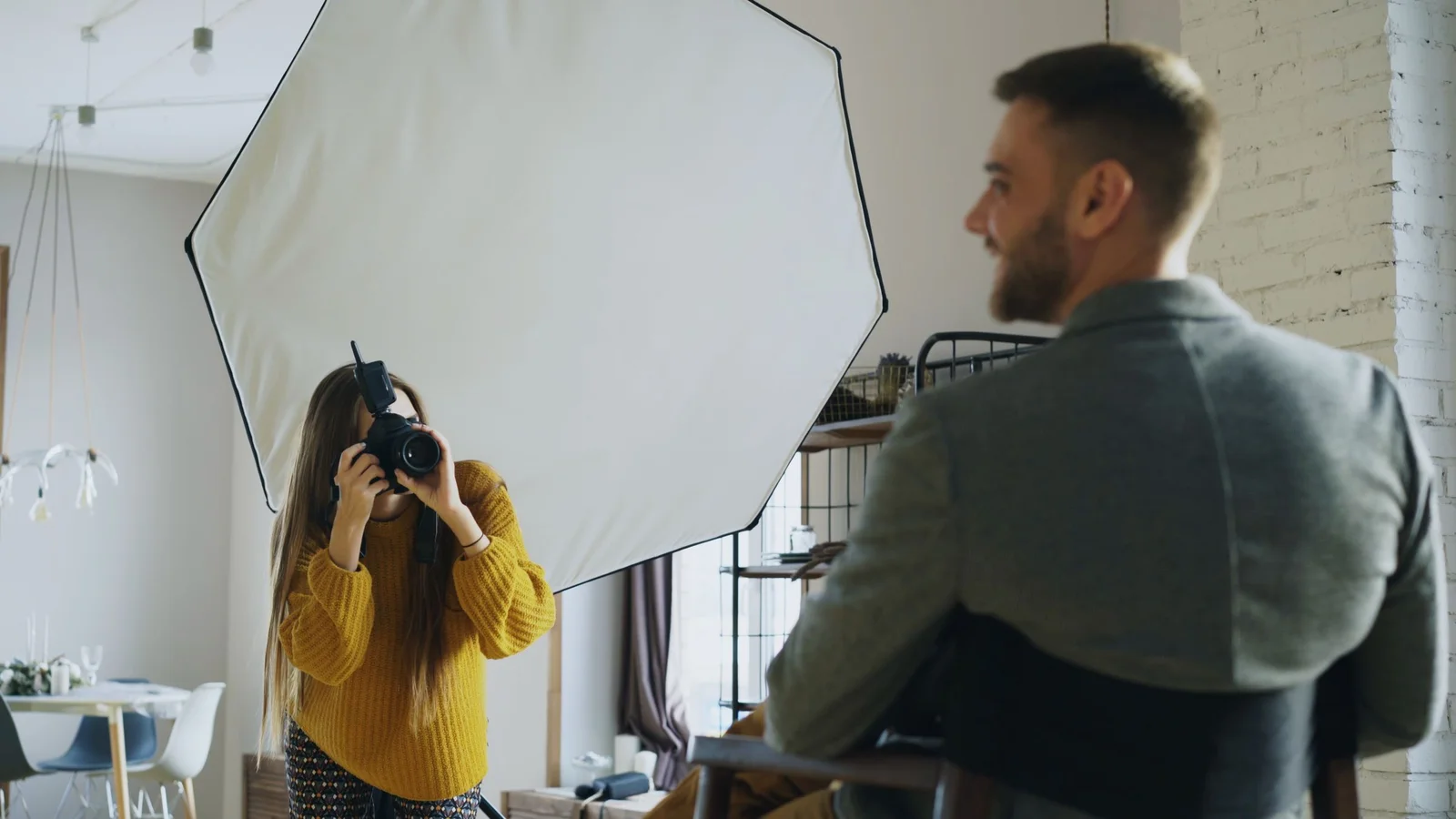
At a photographer, a professional portrait for CV or LinkedIn usually costs a few tens of euros for a quick shot, and several hundred for a complete session with retouching and several outfits, depending on the city and professional. Rates are free, you have to ask for a quote.
Facing this,AI plays on two tables: free (with uneven results) and packages from 29 to 75 $ deliver 30 to 140 portraits. Our reading:AI wins for LinkedIn, CV or quick update. The photographer keeps the advantage for a portrait of a leader, a book cover or a photo that really must reflect your personality, because he directs you and captures an expression that the AI Just imitates.
CV photo: what recruiters expect
In France, the photo on the CV is not mandatory, and some employers even practice anonymous CV. If you put one on, she has to serve your candidacy, not serve her. Some simple rules, valid whether the photo comes from a studio or from a AI :
- Resemblance above all: too flattering a portrait creates an unease at the interview. Keep your strokes, your glasses if you wear them, your current fit.
- Outfit suited to your industry: jacket for finance or advice, neat but relaxed outfit for tech or creation.
- Plain background: grey, light blue or blurred desk. No beach or evening.
- Head-and-shoulders framing, look towards the lens, light smile.
- Same picture everywhere: CV, LinkedIn and profile on job sites like France Travail. Coherence reassures.
What if we ask you if it's a photo? AI ? Just say it. Use a tool to get a clean photo is nothing shameful, as long as the photo looks like you. The photo usages of the AI in our file AI and photography.
How can I transform my photo with AI?
Beyond the professional photo, the same tools allow you to change a background, outfit, lighting or style of an existing photo. Two approaches: the button editors (Fotor, Canva, MyEdit) where the effect is chosen, and the attendants (Gemini, ChatGPT) where the transformation into French is described. The second is more flexible, the first more predictable.
To animate this photo, move it or talk, we move into the field of video: our guide for Animate a photo with AI Take over. And to exchange a face on an existing model, it's another technology, detailed in our AI face swap comparison.
Which tool for which use?
- CV and application: HeadshotPro or Dr Headshot if you can put 30 €, otherwise Canva to link with layout.
- LinkedIn and pro profile: HeadshotPro or Aragon AI. The difference can be seen in a photo seen by recruiters or customers.
- Social media profile photo: Free Fotor, Monica.im or Gemini are enough.
- Team page of a company: HeadshotPro team offers (from 19,50 $ per person according to volume) give a uniform rendering.
- Avatar for video: a good portrait AI then one tool from talking photo as Creatify.
- Official identity photo: photographer or certified cabin, never AI.
FAQ
How to make a CV photo with AI?
Take one or more sharp pictures from the face in daylight, import them in a generator professional photo like HeadshotPro, Aragon AI, Fotor or Canva, choose a corporate style with a single background, then keep the portrait that looks like you most.
Where can you create an ID photo with AI for free?
Nowhere for an official document: passport and identity card require a similar photo taken by a photographer or licensed cabin. For an online CV or profile, Canva, Fotor or Gemini allow a free identity style portrait.
Which AI for a free CV?
Canva is the most convenient because it combines image generation and CV models. Fotor gives the most natural rendering in free, and Gemini or ChatGPT retouch an existing photo on simple instructions.
How much does a professional photo cost?
With AI, of 0 € free at 29-75 $ for a set of 30 to 140 portraits at HeadshotPro, Aragon AI or Dr Headshot. At a photographer, there are a few tens to several hundred euros depending on the session.
How can I transform my photo with AI?
Use an effect editor like Fotor, Canva or MyEdit, or describe the desired transformation to an assistant like Gemini or ChatGPT : change of background, hold, lighting or style.
Are AI professional photos indistinguishable from real ones?
On a LinkedIn thumbnail, the best services often go wrong. By zooming, defects persist on the border hair, ears or hands. Always sort the results before using them.