
📌 Essentials
To delete an object or a person in a photo,AI erase the unwanted element and reconstruct the background in an invisible way. You highlight the area to be erased.AI Do the rest in a second. Tools free online: Magic Studio, Cleanup.pictures, Photoroom, Pixelcut and Canva. On smartphone, the « Magic gum » (iPhone, Android, Samsung) does the same thing.
A passer-by in the background, a wire, a logo, an ex on a holiday photo... Lartificial intelligence removes any unwanted element and restores the background as if it had never existed. No more need for Photoshop duplication buffer: a brush stroke is enough. Here's how to delete an object or person in a photo, for free, online as on phone.
Contents: How to do • Delete Person • Magic gum (iPhone, Android) • Tools free • Tips for a clean result • Use • WhatAI Clears best • AI or manual retouching • FAQ
How to delete an object from a photo with AI
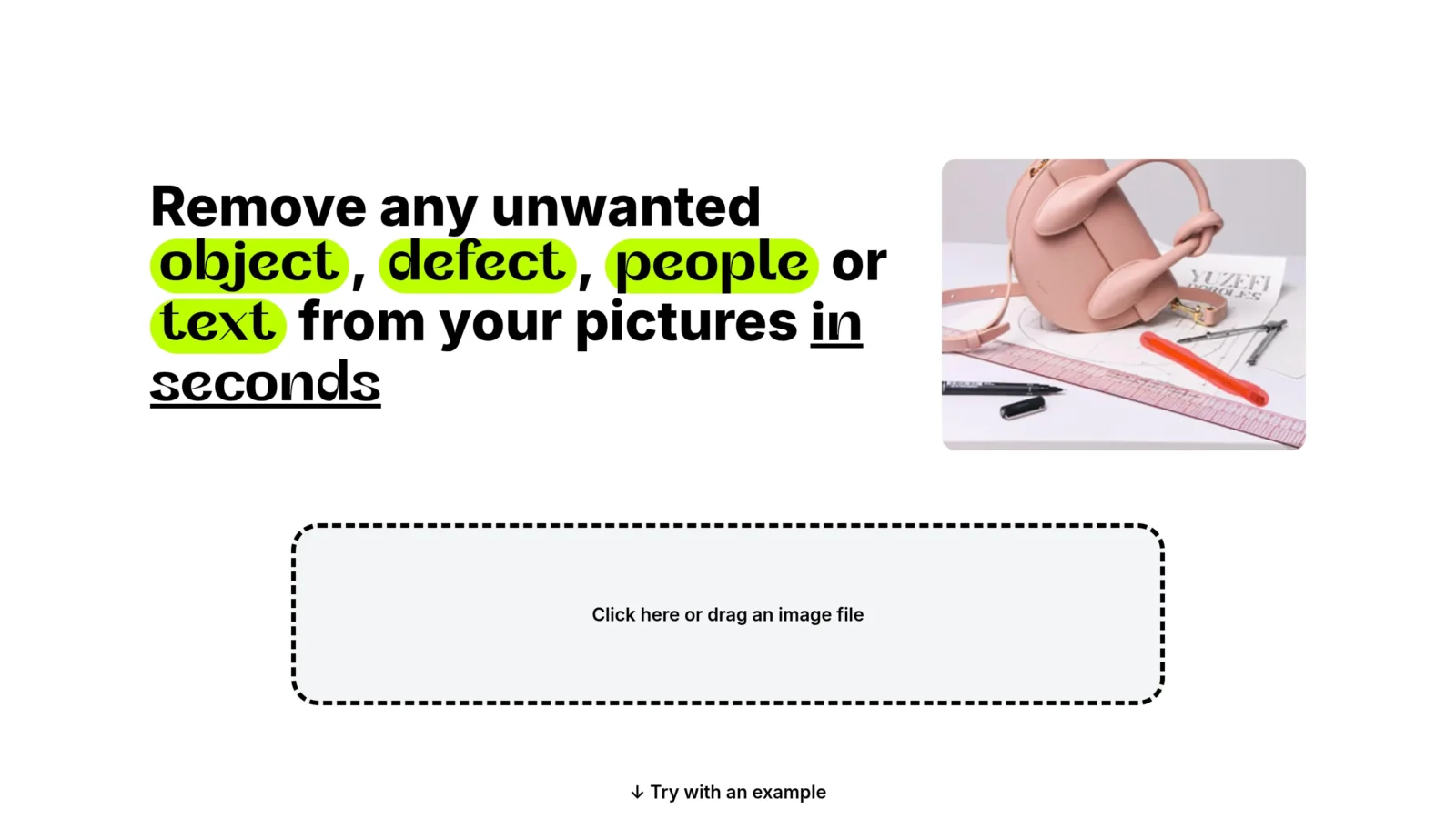
- Import your photo ontool (slide-and-drop, JPG/PNG formats).
- Highlight the element erase with brush or selection (object, person, text, stain).
- LAI erase and reconstruct the background (known as the technique of« inpainting ») in one to two seconds.
- Check the rendering, if necessary, go back to an area and download the cleaned image.
All in the browser, without software or skill. To isolate a subject rather than remove an object, see our guides remove the background of an image and divert image.
Remove an unwanted person or passerby

The most common case: a stranger in the background who spoils a beautiful travel photo. The method is the same, you highlight the silhouette,AI replaces it with the reconstructed decoration (plage, wall, sky). The result is even cleaner as the area behind the person is regular (a plain bottom, water, greenery). In very detailed backgrounds or with overlapping people, a second passage improves the rendering.
Magic gum on iPhone, Android and Samsung
You don't need a computer, your phone can do it:
- iPhone : The photo app (iOS recent) proposes a tool « Clean » in publishing, surrounds the object, it disappears. Otherwise, a free app like Cleanup.pictures does the job.
- Android (Google Photos) : the function « Magic gum » (Magic Eraser) automatically detects and erases unwanted elements in a few taps.
- Samsung Galaxy :« Object Clearer » built into the gallery (Galaxy AI) removes objects and people directly from the phone.
The best tools free online

| Tool | Free | Strong point |
|---|---|---|
| Magic Studio | Yes | Very simple magic eraser |
| Cleanup.pictures | Yes, without account | Precise, free in low def |
| Photoroom | Yes | Ideal photo product |
| Pixelcut | Yes | Mobile + retouch |
| Canva | Yes (Pro for Magic Eraser) | Integrated with the editor |
Cleanup.pictures and Magic Studio are perfect for one-time use without registration. Photoroom excels on product photos. To replace an element (and not just delete) with a text statement, a publisher AI as Nano Banana Go further.
Tips for an invisible result
- Wide selection : also includes shadow and reflection of the object, otherwise they betray suppression.
- Step by step on large areas: erases in several passages rather than a single large selection.
- Prioritise regular funds :AI rebuilds a sky or wall better than a very complex decor.
- Zoom to check Fittings and ironing on small residual imperfections.
In what cases erase an element from a photo?
- Travel photos : make tourists disappear in the background of a monument for a cliché « as one in the world ».
- Real estate : clean a room (personal objects, mess, garbage cans in the street) for a more selling ad.
- E-commerce : remove a parasitic element around a product for a clean visual.
- Portraits Clear a button, wire, sign or unwanted person behind the subject.
- Captures and visuals : delete a time stamp, an annoying logo or a defect on an image.
One point of attention: does not erase the watermark of a photo that does not belong to, or an element for deceptive purposes. Ltool is powerful, to be used in accordance with copyright and the trueness of the image.
What elementsAI Does she erase the best?
Not every case is worth it. LAI excels when the item to be removed detachs on a regular background A passerby on a beach, a sign in a sky, a stain on a united wall. It then reconstructs the area almost invisiblely. More delicate situations: an object that covers an important detail (a partially hidden face, a complex texture), shadows and reflections linked to the object, or a very loaded background (foil, dense foliage, repeated patterns). In these cases, it is best to proceed with small touches and accept a small additional touch work.
Good to know: most tools enable the generation to be revived in the same area. If the first result is not convincing, a second try (or slightly different selection) often gives a much better rendering. It's a reflex to take, because IAI proposes a reconstruction among several possible.
AI or manual retouch?
For most removals (isolated objects, passers-by, small defects),AI is faster and simpler than the Photoshop manual duplication buffer, for an equivalent result. Manual retouching retains the advantage only on very complex cases (object covering an important detail to be precisely reconstructed). And again, we often start with a blank AI then fine-tuned.
In summary
Delete an object or a person in a photo became the case for a few seconds: you highlight the element, theAI effaced and reconstructed the background, often invisible. No longer have Photoshop's laborious duplication buffer, a passerby that spoils a vacation photo, wire, logo or over-object disappear in one click, for free and even from a phone thanks to the integrated magic gums (iPhone, Android, Samsung) that do the same work directly from your gallery, without any additional application to install.
For a clean result, targets regular funds, selects wide (including shades and reflections) and does not hesitate to revive the generation if the first try does not convince. Side tools, Cleanup.pictures and Magic Studio are perfect without registration, Photoroom excels on the product photos, and Pixelcut shines on mobile. One last important point: this power comes with responsibility, avoids removing a watermark that does not belong to you or changing an image for misleading purposes. Used wisely, deleting object by AI is one of the tools the most bluffing and useful touch of everyday life. Whether it is to treat a real estate ad, clean a product sheet, enhance a travel memory or simply erase a small defect, it replaces in a few seconds manipulations that once required real skills, and most of the tools cities allow you to do everything for free, online, without installing anything.
FAQ
How to remove an object from a photo for free?
Import your photo on a tool AI like Cleanup.pictures or Magic Studio, highlight the object to erase, and theAI reconstruct the background in a second. It's free, online and without software.
How to remove an object from a photo on iPhone?
On recent iPhone, open the photo, key « Modify » then I'mtool « Clean » : surrounds the object to erase. Otherwise, the free app Cleanup.pictures does the same from the browser.
Where is the magic gum on Android?
In Google Photos: open the photo, key « Modify » then « Tools » → « Magic gum ». It automatically detects unwanted elements or lets you highlight them. On Samsung, it's the one« Object Clearer » Gallery.
Can one delete a person in a photo?
Yes: the method is the same as for an object. You highlight the person,AI replace it with the reconstructed background. The result is better when the bottom behind it is regular.