📌 Essentials
Opus Clip istool AI to transform a long video (podcast, interview, live) into dozens of viral short clips ready for TikTok, YouTube Shorts and Reels. It detects the best moments, adds animated subtitles, frames in vertical and notes the viral potential of each extract. A free plan exists (60 min/month, with watermark), then offers start at 15 $/month. Real time-saving for creators.
Cut a long video into short clips for networks, it's hours of editing : identify the right passages, reframe vertically, subtitle, export. Opus Clip automates this whole chain. He « Look. » Your video, identifies the most striking moments and comes out of subtitled vertical clips, optimized to become viral, all in a few minutes. This is our review Complete on Opus Clip in 2026: features in detail, real prices, strengths and limits, and for whom it is really made.
Contents: What is Opus Clip • Features • ClipAnything • Subtitles & Languages • How to use • Price (free?) • Benefits & Limitations • Alternatives • FAQ
What's Opus Clip?
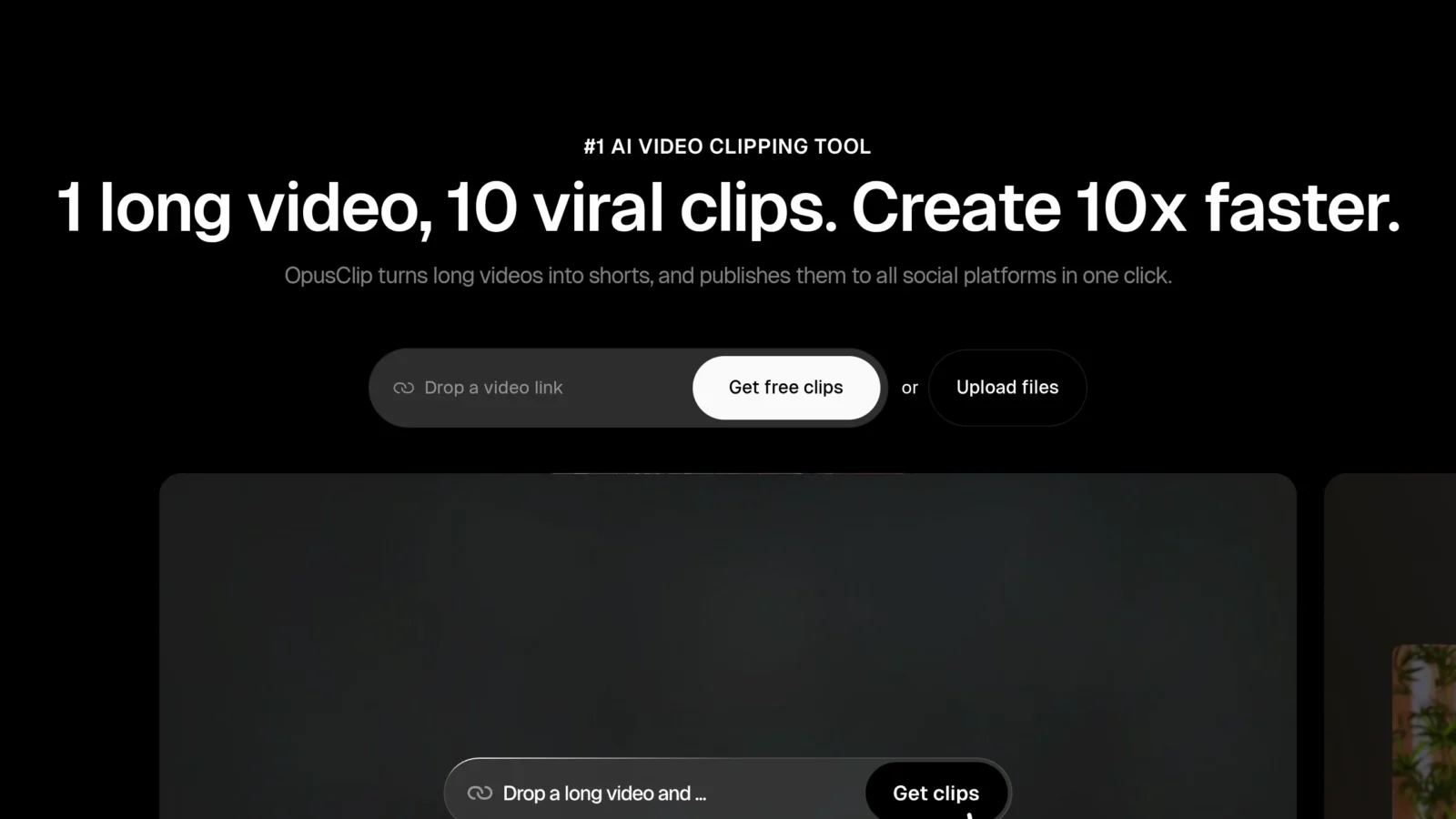
Opus Clip is a tool of the « repurposing » video: it takes a long video (YouTube, podcast, webinar, interview) and automatically transforms it into several short clips in vertical format, ready to publish on TikTok, Instagram Reels and YouTube Short. Used by millions of entrepreneurs and businesses, it is based on theAI to identify the highlights, generate dynamic subtitles and even predict which excerpts are most likely to work. In a few years, it has become a reference of the sector, to the point of defining the category.
The idea of starting answers a real problem: a creator who publishes a long video leaves a lot of « nuggets » untapped in it. Opus Clip extracts these nuggets and puts them in the format of short networks, where today most of the organic reach is located.
Opus Clip features

- Automatic cutting (ClipGenius) :AI analyzes the entire video, understands the context and isolates the best moments in autonomous clips that « hold » alone.
- Virality score : each clip receives a note considering its potential engagement, based on the catch, rhythm and narrative structure, ideal for prioritizing publications.
- Animated subtitles : automatically generated and synchronized, customizable (police, color, animation), in many languages including French.
- Smart frame (auto-reframe) : the subject or face that speaks remains centered on the passage in vertical format 9:16, even when several people speak.
- ClipAnything : extract a clip from a simple natural language instruction (e.g. « all funny moments » or « when he talks about money »).
- B-roll and visual elements : automatic addition of illustration images and animated emojis to boost the clip.
- Multi-network publication : programming and direct publication to TikTok, YouTube and Instagram from thetool.
It is this combination, moment detection + viral score + automatic dressing, which makes the force of Opus Clip against a simple tool manual cutting.
ClipAnything: cutting by instruction
ClipAnything is the feature that distinguishes Opus Clip most. Rather than just videos « speaking » (podcasts, interviews), it allows to extract clips from any type of video, gameplay, vlog, sport, tutorial, from a statement. You write what you are looking for (« goals », « the times when the product is shown », « moving passages »), anAI, which analyzes image, sound and text, finds and cuts these sequences. This is a real change from tools who can only deal with speech.
Subtitles and support for French
The subtitles are a strong point: Opus Clip automatically generates them, holds them to the word and offers effective animated models to capture attention in the first seconds. Multilingual support is wide, and French is well managed for both transcription and display. You can adjust the font, size, position and colors to stick to your visual identity, then reuse this pattern on all your clips to stay consistent. On this ground, Opus Clip competes with the tools specialized in the subtitling.
How to use Opus Clip
- Import your video : glue the link (YouTube, Google Drive, Zoom... or upload your file.
- Configure : choose the duration of the clips (less than 30 s, 30-60 s, 60-90 s), the period to be analyzed and the subtitle model.
- Start treatment :AI generates a series of clips classified by viral score.
- Custom : adjust the subtitles, the cropping, adds B-roll, removes a passage.
- Export or program Download in 1080p or directly plan the publication on your networks.
The onboarding is very accessible, even for a beginner. That's the one.tool ideal for feeding a large-scale short content strategy. To go further, see our guide of the AI for YouTube Shorts and our method for chain YouTube cost-effective.
Price of Opus Clip: Is it free?
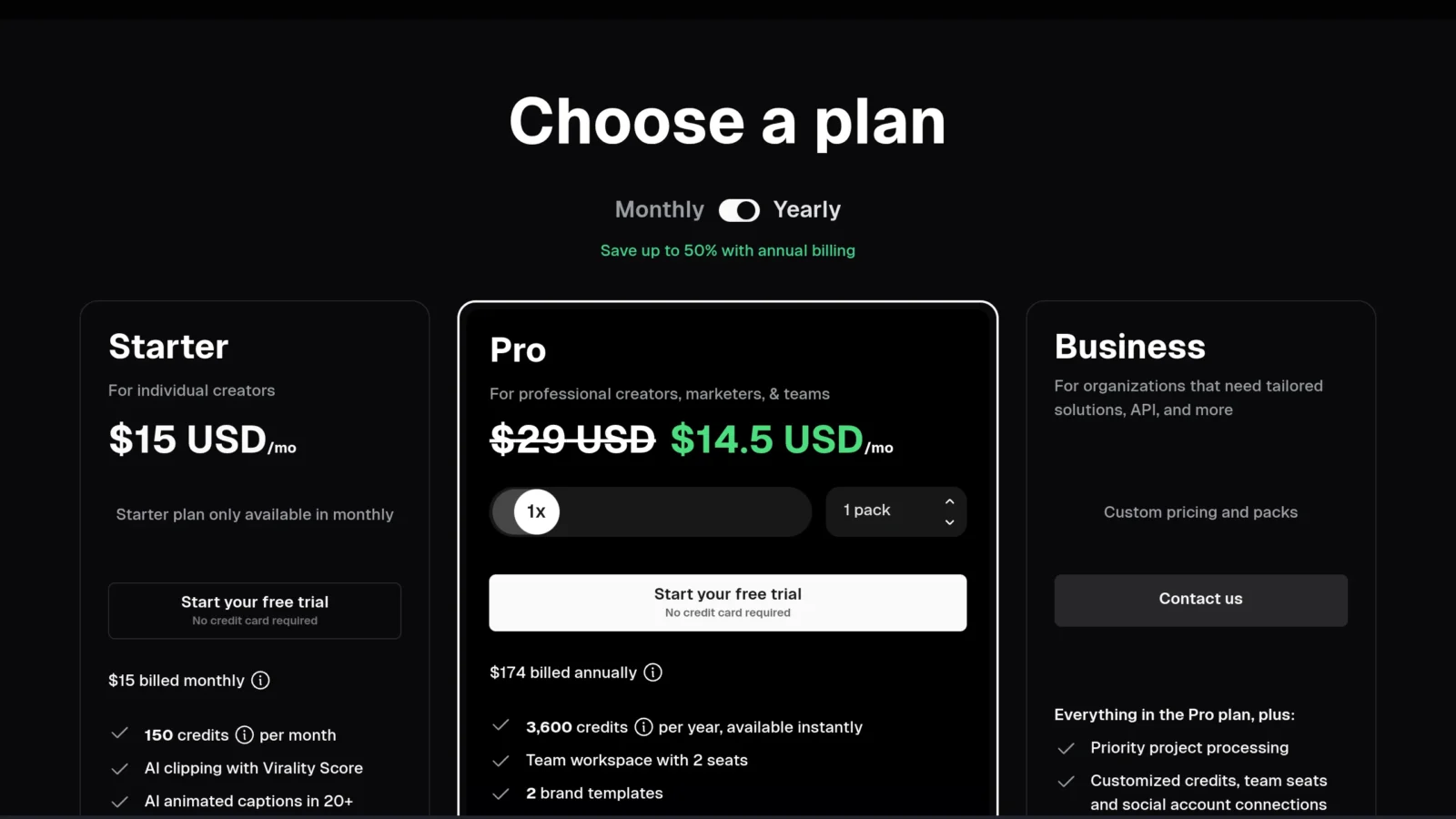
Yes, Opus Clip has a free plan : 60 minutes of processing per month, without credit card, but exports are Watermarked and the clips disappear after 3 days. Something to test seriously before you pay. Subscriptions (annual invoicing, about 50% savings vs. monthly):
| Plan | Prices | Minutes / month | Watermark |
|---|---|---|---|
| Free | 0 $ | 60 | Yes |
| Starter | 15 $ / month | 150 | No |
| Pro | 29 $ / month | 300 (1080p, self-post) | No |
The system operates in credits: 1 credit = 1 minute of processed video source, and unused credits are reported (until expiry). For serious use without watermark, the Starter plan is the logical entry point; the Pro targets regular designers who export in 1080p and want self-publication. A customized Business offer exists for teams. Rates are changing: check official grid before signing up.
Benefits, limitations and for whom
Opus Clip is made for all those who produce long video and want to decline it in short format : podcasters, coaches, YouTubers, brands and agencies. Side benefits : a cutting among the best in the market, a really useful viral score to prioritize, quality subtitles and a onboarding immediate. Side limits : the free watermarked plan quickly pushes to subscription, the minute system can be binding if you process a lot of long videos, and on very technical contentAI does not always catch the best moment, a human glance remains useful.
Our review : an excellent tool, almost essential for a serious Shorts/Reels strategy. To compare it to other video solutions, see our comparison video software AI.
Alternatives to Opus Clip
Several competitors play in the same court: Submagic (very strong on animated subtitles and effects), Vizard (good multilingual), Klap or 2Short. Each has its strengths on price, quality of subtitles or number of languages. Submagic is often the most cited alternative for which the subtitling Stylish; Opus Clip keeps the advantage on the analysis and viral score. If your main need is subtitles, take a look at our tools of the creation of Shorts by AI.
FAQ
Is Opus Clip free?
Yes, there is a free 60-minute processing plan per month, without credit card. The clips are however watermarked and removed after 3 days. For watermarkless exports, you must switch to the Starter plan (15 $/month).
How to create a clip from a video YouTube ?
Glue the URL of the video YouTube in Opus Clip, launches the analysis:AI automatically generates several subtitled short clips, classified by viral potential. All you have to do is choose, customize and download.
Does Opus Clip handle French?
Yes, Opus Clip supports videos and subtitles in French (and many other languages). The cutting and subtitling automatic works very well on francophone content.
What is the best alternative to Opus Clip?
Submagic is the most cited alternative, especially for its animated subtitles. Vizard, Klap and 2Shorts are also good choices according to your budget and your language and quality needs.
Does Opus Clip work on faceless videos (gameplay, vlog)?
Yes, thanks to ClipAnything:AI analyzes image and sound, not just speech. So you can extract gameplay, sports or vlog clips from a simple set, beyond podcasts and interviews.