📌 Essentials
Edit photo with AI is free and does not require any competence. To erase an object or passerby, Google Photos (magic apple) is enough, and it's free for everyone. To turn or change a background, Photoroom is the reference. To do everything in the same place, Canva, Pixlr or Fotor do the job online. And yes, ChatGPT can also modify an image from a natural language statement.
Clearing an awkward passerby, detouring a product, improving a blurred photo or changing the sky of a landscape: what required Photoshop and working hours is now done in seconds with AIfree of charge. Still have to choose the right one tool as needed. Here's how to retouch a photo with AI free in 2026, the best tools by use, and their actual limits.
Contents: WhatAI know how • The best tools free • Edit photo with ChatGPT • Without registration • The limits of free • Verdict • FAQ
WhatAI can do in a photo
Retouching AI Today covers most of the current needs. Before choosing a tool, identify what you want to do:
- Clear Item (magic gum): remove a passerby, an object, an unwanted reflection.
- Turn around and change the background : isolate a subject, put a neutral or new background.
- Improving quality : unroll, increase resolution (upscale), restore an old photo.
- Edit a portrait : skin, light, removal of imperfections.
- Expand Image (outpainting): Expand the frame by generating what is missing.
To understand the mechanics behind these functions, our Complete Guide onartificial intelligence photo details the operation and uses.
The best tools photo editing AI free in 2026
Google Photos: Magic gum for all
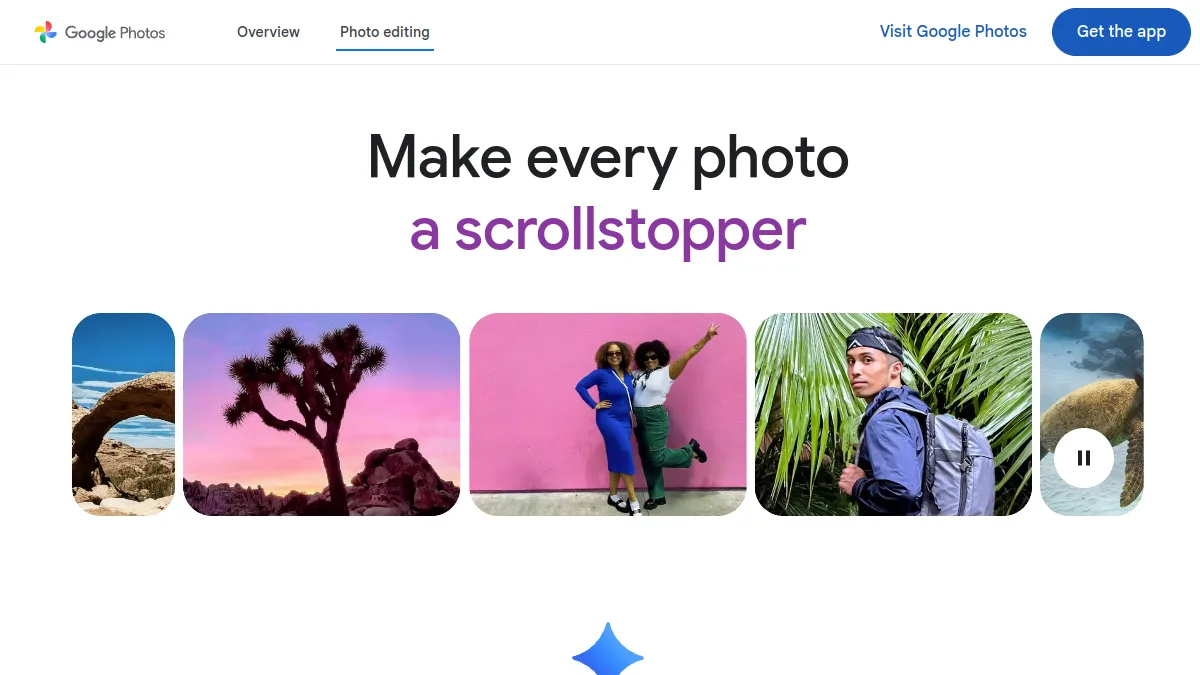
Google Photos has integrated its tools Retouching AI free for all, on Android, iOS and the web. The magic gum erases a passerby or object in one gesture, and the automatic retouches correct light and colors. This is the simplest option for a quick retouch from your phone, without installing anything.
Photoroom: detouring and background
Photoroom1 AI France, imposed on detouring and background management. Delete the background of a photo produced, replace it, extend the image: everything is done in a few clicks. Ideal for e-commerce and clean visuals. The free version is enough to start, with resolution limits and a watermark on certain functions.

Canva, Pixlr and Fotor: all-in-one publishers
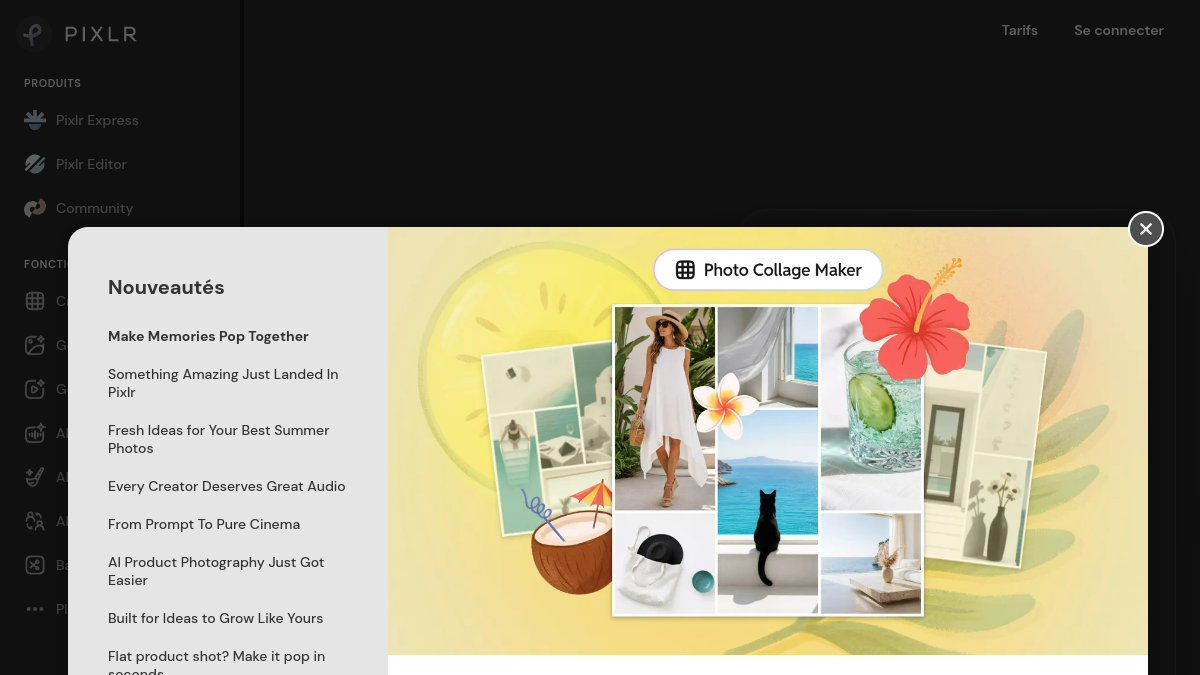
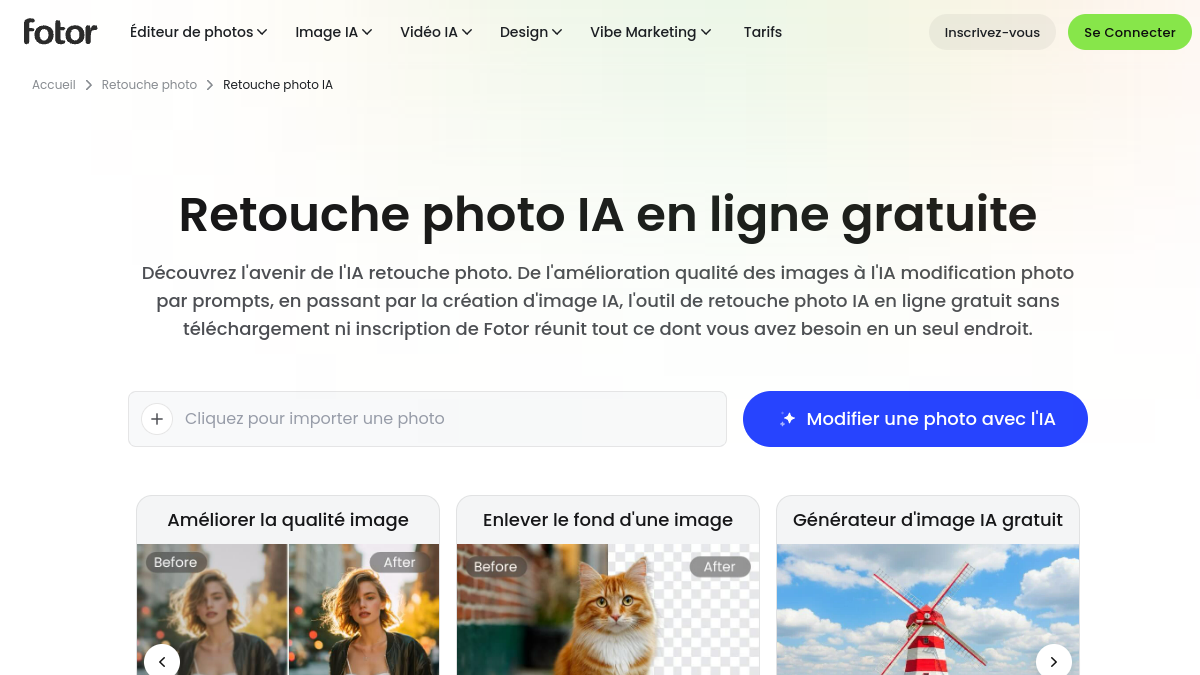
Canva combination retouch AI, removal of background and creation of social media visuals in an accessible interface. For a more classic but complete editor, Pixlr works directly in the browser, often without registration, while Fotor puts on automatic editing with one click and quality improvement.
Edit photo with ChatGPT
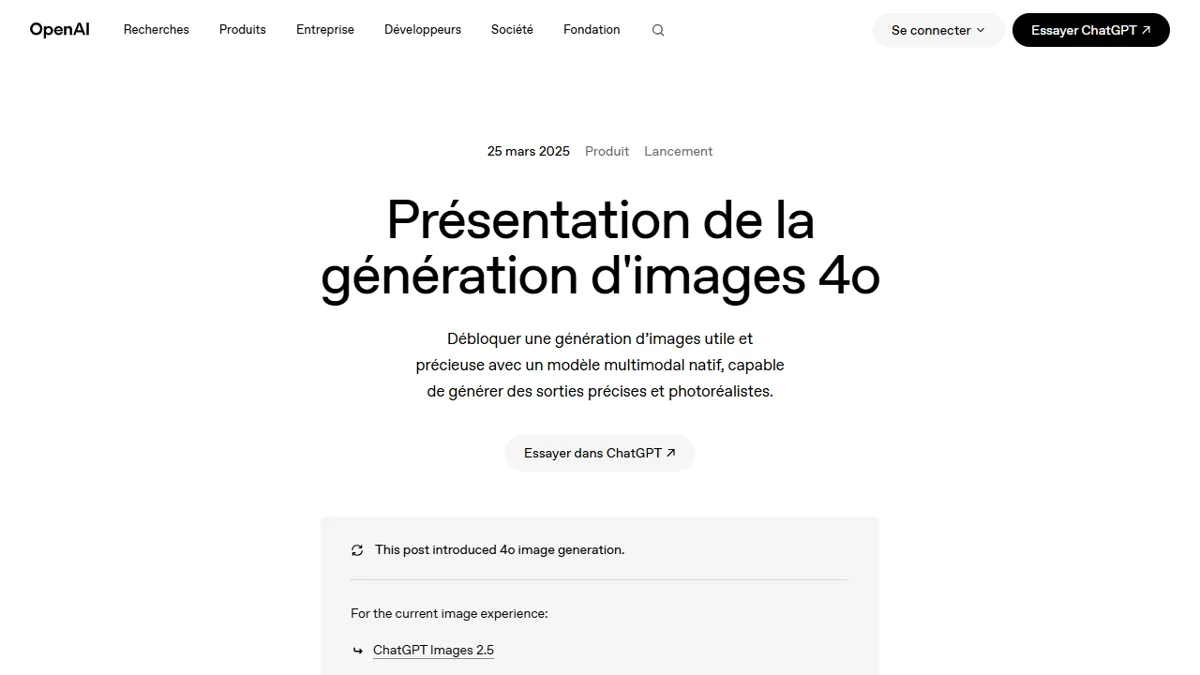
Yes, ChatGPT can modify an image. You import your photo and describe the desired modification (« Remove background », « Make the sky blue », « adds a vintage effect »). LAI generates a retouched version from your instructions. It is convenient for creative changes guided by the text, where classical publishers ask to handle tools. For precise editing to the pixel, a dedicated editor remains more reliable.
💡 Tip: Make one statement at a time. Chain « remove object » then « improves light » in two steps gives better results than a tote request.
Edit photo without registration
Several tools operate directly in the browser, without creating an account. Pixlr allows to edit immediately, and online publishers without registration manage gum, detour and improvement in one page. Convenient for one-time editing, but to save your projects or access advanced features, a free account is usually required.
The limits of free
The free covers the essentials, but with counterparties to know: fried export resolution, watermark on certain functions, limited number of touchdowns per day, and premium functions (high definition upgrade, batch processing) reserved for the payer. For occasional use, this is largely sufficient. For a professional volume, a subscription is justified. And before publishing a retouched image, keep in mind the rights issues, especially if the original photo is not yours.
One last track if the free limits block you: some creative suites offer a daily quota rather than a single credit to exhaust, which changes a lot for regular use. We explain this in our review on Krea AI.
Our verdict
🎯 Verdict
For quick retouching on mobile, Google Photos and its magic gum are enough, free of charge. For detourage and e-commerce, Photoroom is unbeatable. To do everything in the same place, Canva or Pixlr. And ChatGPT well for creative modifications described in one sentence. No need to pay as long as you stay on one-time use.
To go further on the images AI : our guide artificial intelligence photo, comparison AI portrait generator, and our advice for whether an image is generated by AI.
FAQ
How to edit a photo with AI For free?
Import your photo into a tool free of charge (Google Photos for magic gum, Photoroom for detouring, Canva or Pixlr to do everything), choose the retouch and export. No software to install or skill required.
What is the best tool photo editing AI free without registration?
Pixlr and several online editors allow you to retouch directly in the browser without creating an account. Google Photos is also free for any account holder Googlewithout third party application.
Is ChatGPT Can you change a photo?
Yes. You import the image and describe the desired modification in natural language; ChatGPT generates a retouched version. This is ideal for creative changes guided by the text, less for precise retouching of the pixel.
How to improve the quality of a blurred photo with AI ?
Use an improvement or upscale function (Fotor, Pixlr and others offer). LAI increases sharpness and resolution. The free version is sufficient for screen use; High definition is often reserved for the payer.
Retouching AI Is she wearing a watermark for free?
It depends ontool. Google Photos don't put on. Others (Photoroom, Fotor) apply a watermark or limit resolution on certain functions in free version; he disappears with a subscription.