Speechify is the better text reader AI the market, ideal for listening to articles, PDFs, emails and books instead of reading them. Voices are natural, multi-device synchronization works, and Chrome extension is very convenient. But this is not one tool creation of audio content: for voice over, voice cloning or video dubbing, ElevenLabs is much higher.
Note: 7/10, Excellent for reading, limited for creation. High price (139 $/year) for occasional use.
Speechify, Text reader AI n°1
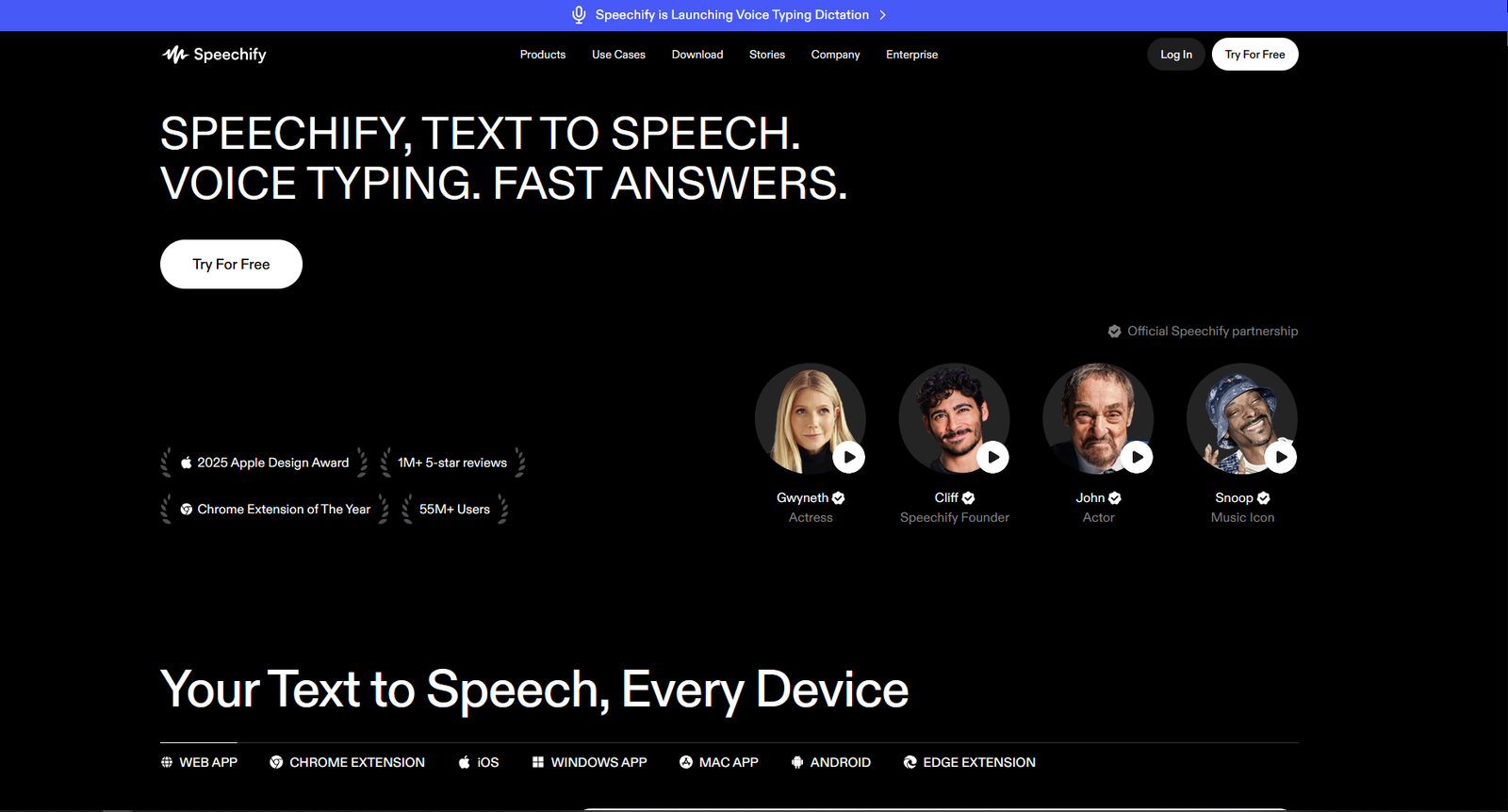
50M+ users. Chrome extension, iOS, Android, Mac. 200+ voice, 30+ languages. Apple Design Award 2025.
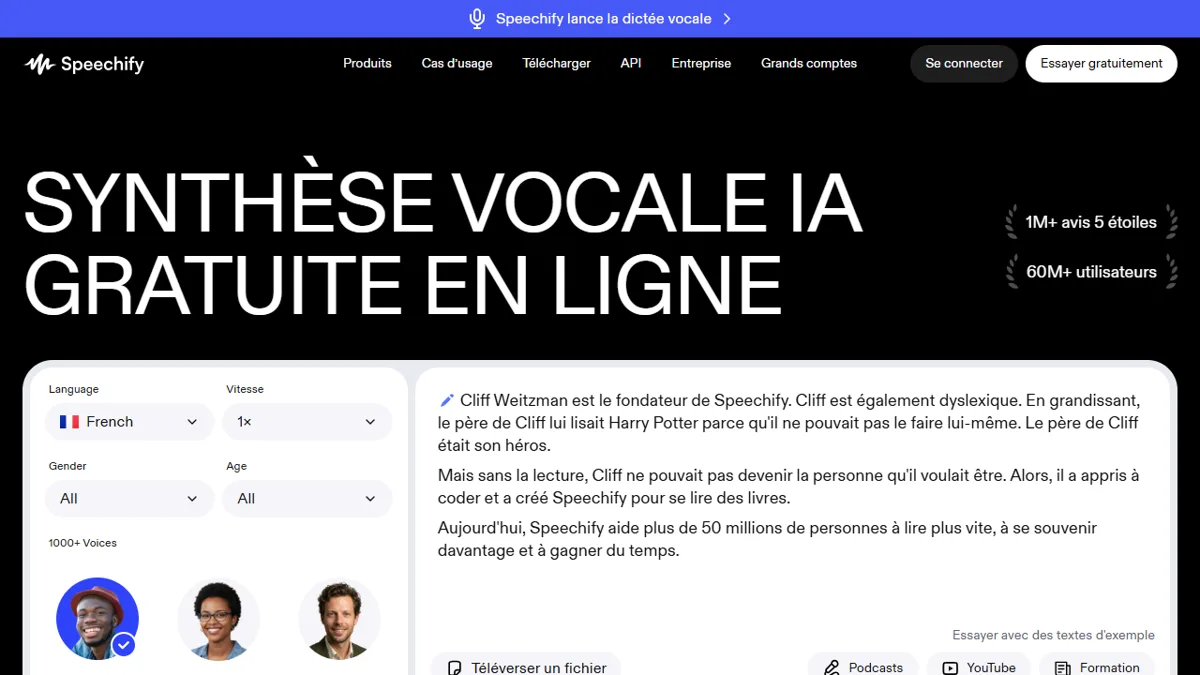
Speechify is the most popular text-to-speech application in the world with over 50 million users and an Apple Design Award in 2025. Founded in 2017 by Cliff Weitzman, diagnosed dyslexic, the app transforms any text into audio that you can listen to at variable speed. It's a tool of the consumption of content, no creation.
But behind the popularity, is Speechify really worth its 139 $/year? Is the free plan enough? We tested Speechify in depth, here's our honest verdict.
Speechify, what exactly is it?
Speechify is a intelligent text reader. You give him text and he reads it out loud with a voice AI natural. Instead of reading a 3,000-word article, you listen during your trip or sport.
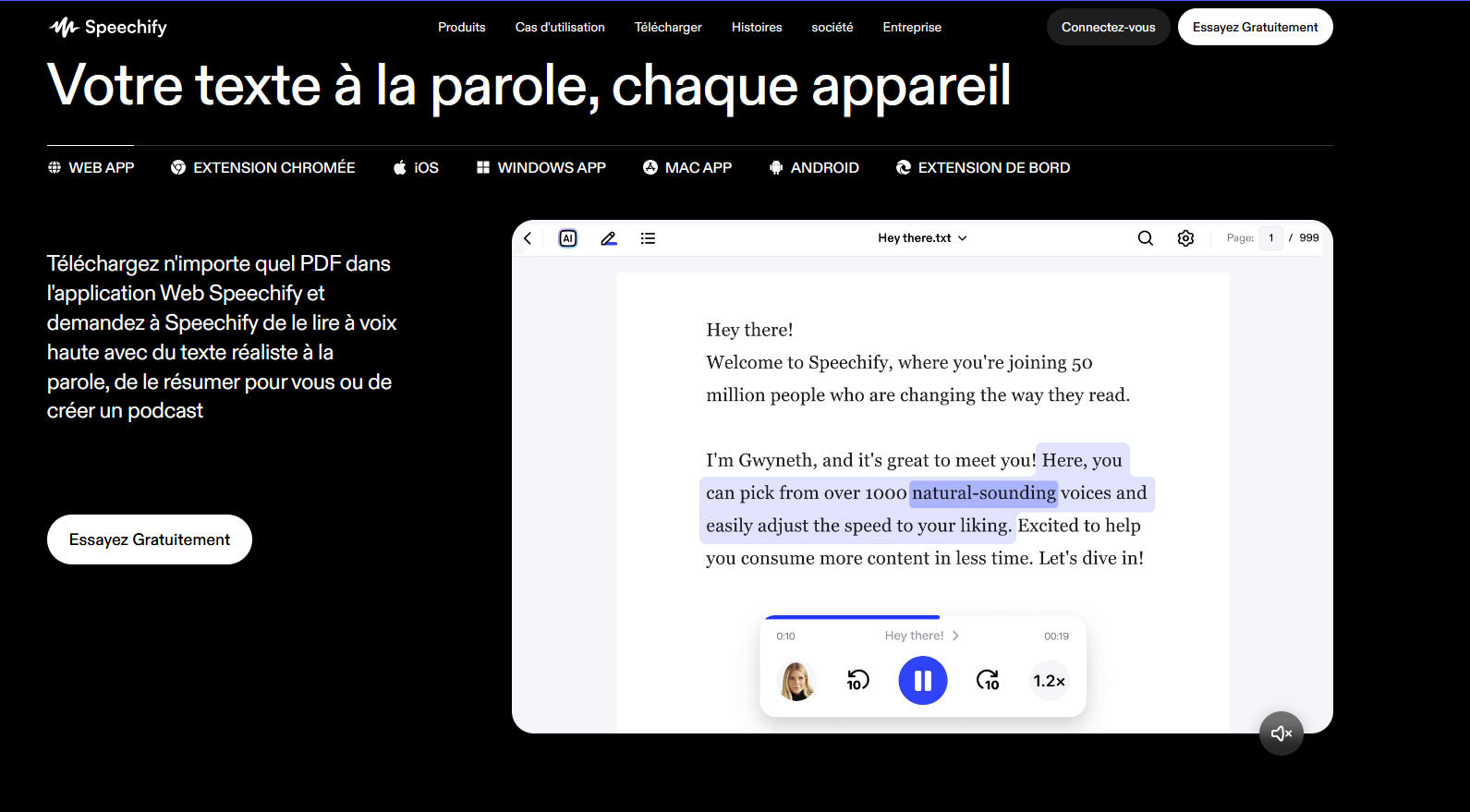
Ltool is available on all platforms : Chrome extension, iOS application, Android, Mac and web application. Synchronization between devices works well.
What distinguishes Speechify from basic TTS readers: the quality of votes, the adjustable speed up to 5x (in Premium) and productivity features (summary) AI, scan of physical documents, highlighted text being read).
A word about history: Speechify was founded in 2017 by Cliff Weitzman, diagnosed dyslexic in Grade 3. Its objective: to create atool that he would have liked to have. In 2025, Apple awarded him the prestigious Apple Design Award.
Features that matter
Chrome extension. The heart of the experience. You click on the icon, the text of the page is read out loud. The current word is highlighted in real time. It is the functionality that alone justifies the existence of Speechify.
Reading speed. The free plan capped 1.5x. Premium goes as far as 5x. A 10-minute article « bed » In 2 minutes at 5x. Some professional users have trained their brains to listen at this speed.
Scan physical documents. The mobile app uses the camera to scan printed text and read it aloud. LOCR works correctly in French.
Summaries AI. Speechify can summarize a long document before you read it in full. The functionality is correct but not exceptional.
Multi-device synchronization. Start a PDF on your Mac, take it back to the same place on your iPhone. It really works.
Accessibility dyslexia and ADHD. Highlighting the text being read helps to keep attention. The ability to adjust the flow allows to find its optimal rhythm. Several dyslexic users report that Speechify has transformed their relationship to study and work.
Audiobooks library. Speechify also offers a catalogue of audio books (plan Audiobooks at 14,99). $/month). It's a bonus, not the heart of the product.
Quality of the votes in English: correct, not exceptional
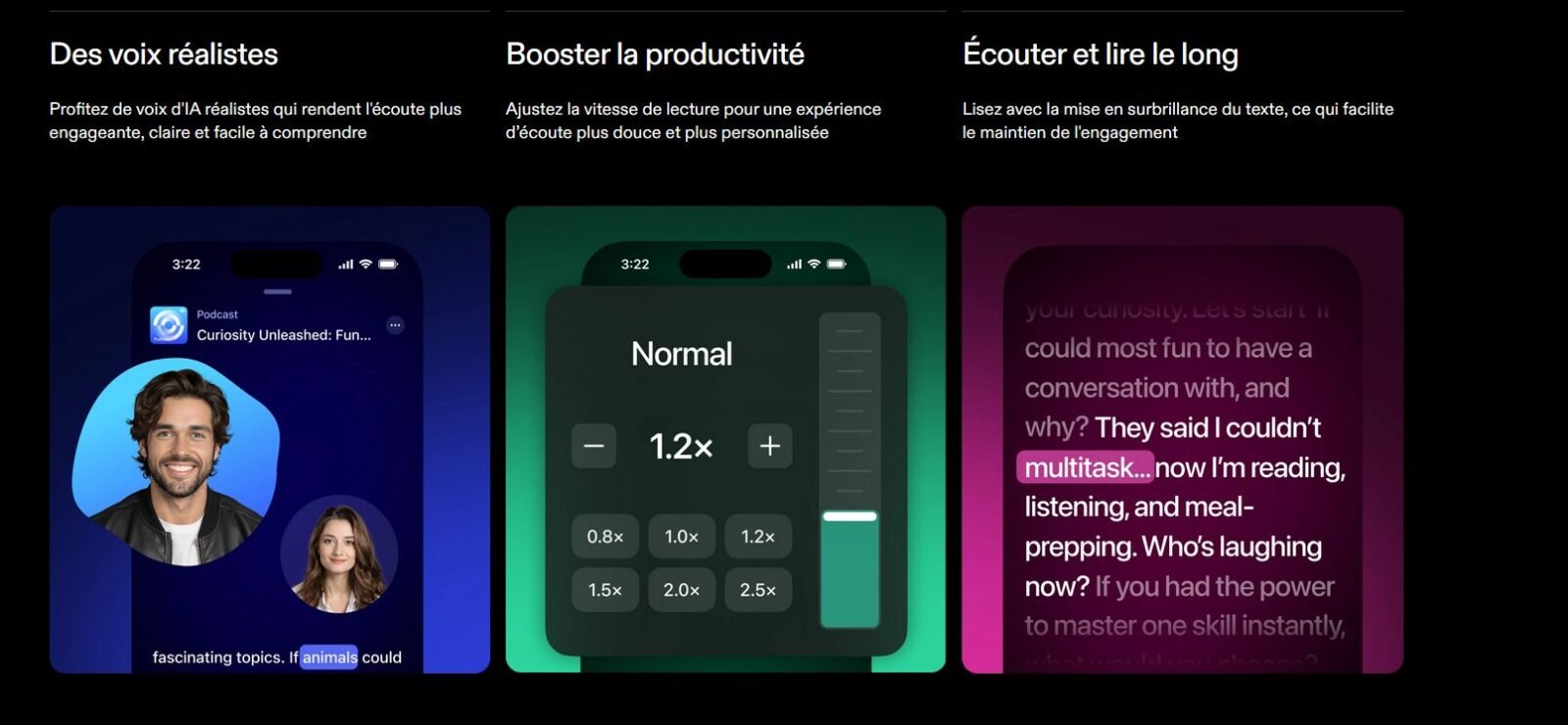
Speechify offers more 200 votes in 30+ languages, including several French voices. Premium HD voices are much better than the basics of the free plan.
Our review on French: the French voices are correct for reading. The flow is regular, the pronunciation is clean, the connections are well managed. However, if you compare with ElevenLabs on pure quality, ElevenLabs is clearly above. Speechify optimizes the flow regularity, ElevenLabs optimizes itexpressivity. See our comparison ElevenLabs vs Speechify.
Voices « Celebrities » (Snoop Dogg, Gwyneth Paltrow) are available in English only, a fun gadget but not a serious choice criterion.
Free vs Premium: what do we lose without paying?
| Functionality | Free | Premium (139 $/year) |
|---|---|---|
| Max speed | 1.5x | 5x+ |
| Votes | ~10 basics | 200+ natural HD |
| OCR Scan | Limited | Unlimited |
| Summaries AI | ✘ | ✔ |
| Export MP3 | ✘ | ✔ |
Is the free plan enough? For occasional use (1-2 items per week), yes. The Premium is justified from 30 minutes of listening per day.
Attention to subscription trap: Several users complain about the difficulty of terminating. Annual report (139 $/year) is much more advantageous than the monthly (29 $/month), but this is a one-year commitment.
Detailed rates (April 2026)
| Plan | Prices | Use |
|---|---|---|
| Free | 0 $ | Basic reading, 10 voices, 1.5x |
| Premium | 139 $/year or 29 $/month | 200+ HD voice, 5x+, OCR, abstracts AI |
| Audiobooks | 14.99 $/month | 1 audiobook/month + catalogue |
| Studio Starter | 19 $/month | Voice Over Studio |
| Studio Creator | 49 $/month | Advanced voice-over + cloning |
Our recommendation: start free for 2 weeks. If the speed limit frustrates you, go to the Annual Premium (139 $/year). Do not opt Never for monthly at 29 $/month is 2.5x more expensive. And if you need audio creation, know that Studio Starter (19 $/month) is 4x more expensive ElevenLabs Starter (5 $/month) for a lower result.
See our guide Votes AI Free to compare the free plans of tools audio creation.
Who's Speechify for?
🎯 Is Speechify made for you?
• Read a lot (articles, PDF, reports, emails) and prefer to listen
• Are dyslexic or have difficulty reading/TDAH
• Want to listen to your documents while travelling/sport
• Eat 30+ min of written content per day
• Want to create voices off → ElevenLabs
• Want to clone your voice → ElevenLabs
• Want to build videos with voices AI → Description
• Read occasionally → Microsoft Edge free
In summary: Speechify is the best tool to listen to written text. Our comparison of the Best AI in English will direct you to the right tool if you need to create content.
What Speechify does NOT do (and what to use instead)
Speechify launched a « Voice Over Studio » to get closer to content creation. But his DNA is still reading. Here is what he doesn't do (or hurt):
- Professional voice: optimized voices for reading, not for expressiveness. For quality voice-over → ElevenLabs (see our review ElevenLabs)
- Voice cloning: available in Studio Creator (49 $/month) but quality down. For cloning → ElevenLabs (free of charge, see our guide voice cloning)
- Multilingual video dubbing: basic (20+ languages). For dubbing pro → ElevenLabs Dubbing Studio (70+ languages)
- Video editing : non-existent. For the editing + vote AI → Description (see our review Description)
- Music AI, sound effects: Not available. For AI music → Mubert AI
For a comparison detailed, see our article ElevenLabs vs Speechify.
Alternatives to Speechify
Free Alternatives for Text Reading:
Before paying 139 $/year, test these free alternatives that cover 80% of the need:
- Microsoft Edge (reading aloud), The best free TTS. Integrated into the browser, voice « Neural » natural French. Adjustable speed. The most serious alternative for basic use.
- Google TTS, Integrated with Android and Chrome Extension « Read Aloud ». Quality correct, completely free. Sufficient for occasional use.
- Natural Reader, Web application and desktop, limited free plan. A credible alternative at lower prices.
- Apple Spoken Content, Integrated with iOS/Mac (Settings → Accessibility → Content stated). Siri voice improved, free. The simplest alternative for Apple users.
When Speechify Premium is justified: if you need 5x speed, OCR scan, multi-device synchronization and HD voices for long sessions. For 30 minutes a day or less, free is enough.
If you want to create audio content:
- ElevenLabs, Voiceover, voice cloning, dubbing, music AI. The best for creation. From 0 $/month. See our review ElevenLabs.
- Description, Video editing text + vote AI. Ideal podcasters/YouTubers. See our review Description.
- Murf AI, Voiceover + Canva/PowerPoint integrations. See our review Murf AI.
Our verdict: 7/10
Speechify is excellent for what he does : turning text into listening-quality audio. The Chrome extension is the best on the market, multi-device synchronization works, and Premium voices are natural enough to listen for hours.
Positive points: HD voice quality (in Premium), speed up to 5x, fluid Chrome extension, OCR scan, multi-device synchronization, Apple Design Award deserved, ideal for dyslexia and ADHD.
Negative points: high price for occasional use (139 $/year), very limited free plan (1.5x, 10 voices), the Voice Over Studio is not up to the level ofElevenLabs for creation, reported termination difficulties, no robust production API.
The ideal use case: You are a lawyer, consultant, researcher, student or executive. You receive dozens of documents every week. Speechify transforms this reading time into listening time, during your journeys, your sport, your household tasks. It's time recovered.
If Speechify is not appropriate: you are a content creator (YouTuber, podcaster, trainer, marketer). You need professional voice over, voice cloning, multilingual dubbing. In this case, ElevenLabs is the obvious choice (9/10 in our test, free plan with cloning, 70+ languages, from 5 $/month). Both tools are complementary.
FAQ
Is Speechify free?
Speechify offers a free plan with 10 basic voices and a maximum speed of 1.5x. Premium plan costs 139 $/year (or 29 $/month) and gives access to 200+ HD voices, 5x+ speed and advanced features.
Does Speechify work in French?
Yes. Speechify proposes several French voices. The quality is correct for reading but lower than ElevenLabs for creating off expressive voices.
Is Speechify worth the prize?
Yes if you listen to 30+ minutes of written content per day. No if you read occasionally, free alternatives (Microsoft Edge, Google TTS) is enough.
Can we use Speechify to create voices off?
Speechify has a Voice Over Studio (from 19 $/month), but quality is down compared to ElevenLabs for professional audio creation.
What's the best alternative to Speechify?
For free reading: Microsoft Edge. For the creation of voices off: ElevenLabs. For the video editing + vote: Descript.