Filmora, édité par Wondershare, est en 2026 l’un des logiciels de montage vidéo grand public les plus populaires au monde — avec une note moyenne de 4,4/5 sur G2 (594 avis) et plus de 100 millions d’utilisateurs cumulés. La version Filmora 15 (sortie fin 2025, mise à jour 2026) embarque désormais des intégrations natives avec Sora 2 et Veo 3.1 en text-to-video, un copilot AI baptisé AI Mate, et 2,3 millions d’assets créatifs intégrés. Prix d’entrée : 49,99 €/an en plan Advanced. Verdict après 4 semaines de tests : un excellent rapport qualité-prix pour les créateurs débutants à intermédiaires qui veulent une suite tout-en-un, moins pertinent pour les colorists et étalonneurs pros (DaVinci ou Final Cut restent devant).
📌 Essentials
- Publisher : Wondershare. Filmora 15 sortie fin 2025, mise à jour continue en 2026.
- Cross-platform : Windows, Mac, iOS, Android — synchronisation cloud entre appareils.
- Point fort 2026 : intégrations natives Sora 2 et Veo 3.1 en text-to-video directement dans la timeline.
- AI Mate (copilot) : génération de scripts, automatisation multi-step edits, suggestions intelligentes de coupes.
- Free version : disponible avec filigrane Filmora, sans limite de durée. 100 crédits AI offerts pour tester les fonctions premium.
- Paid price : Advanced 49,99 €/an (1 000 crédits AI/mois, 10 Go cloud), Cross-Platform 69,99 €/an, Perpetual 99,99 € one-time.
- For whom : créateurs débutants et intermédiaires, social media managers, formateurs vidéo. Pas pour les colorists pros (DaVinci/Premiere mieux adaptés).
Envie de tester le montage vidéo AI tout-en-un ? Filmora propose une version gratuite + 100 crédits AI offerts.
Contents: Qu’est-ce que Filmora • Les nouveautés 2026 • Les 6 fonctionnalités AI clés • Prices and plans 2026 • Filmora gratuit : ce qui est vraiment inclus • Test pratique sur 3 cas d’usage • Strengths and Limits • Alternatives • FAQ
Qu’est-ce que Filmora en 2026 ?
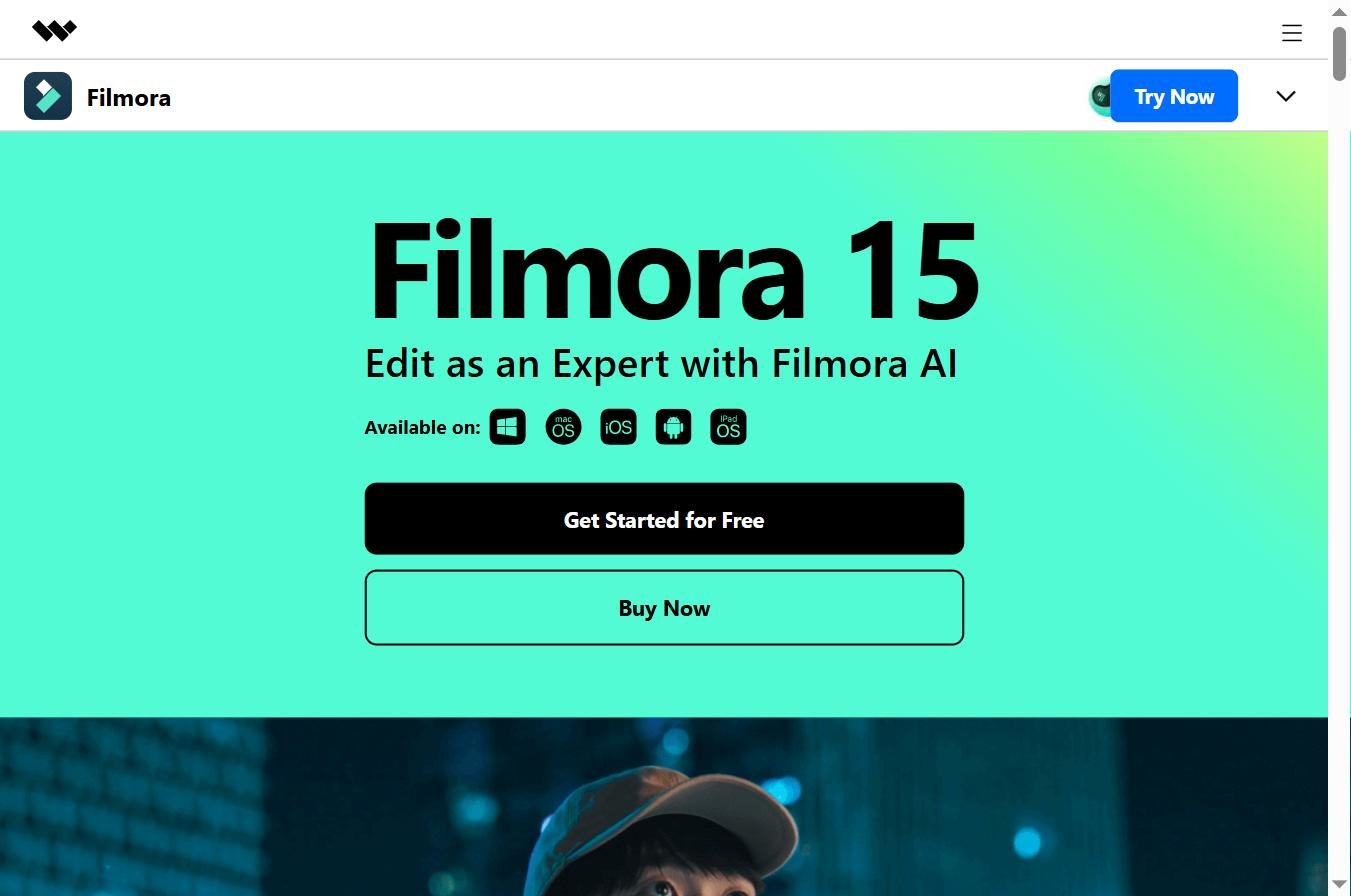
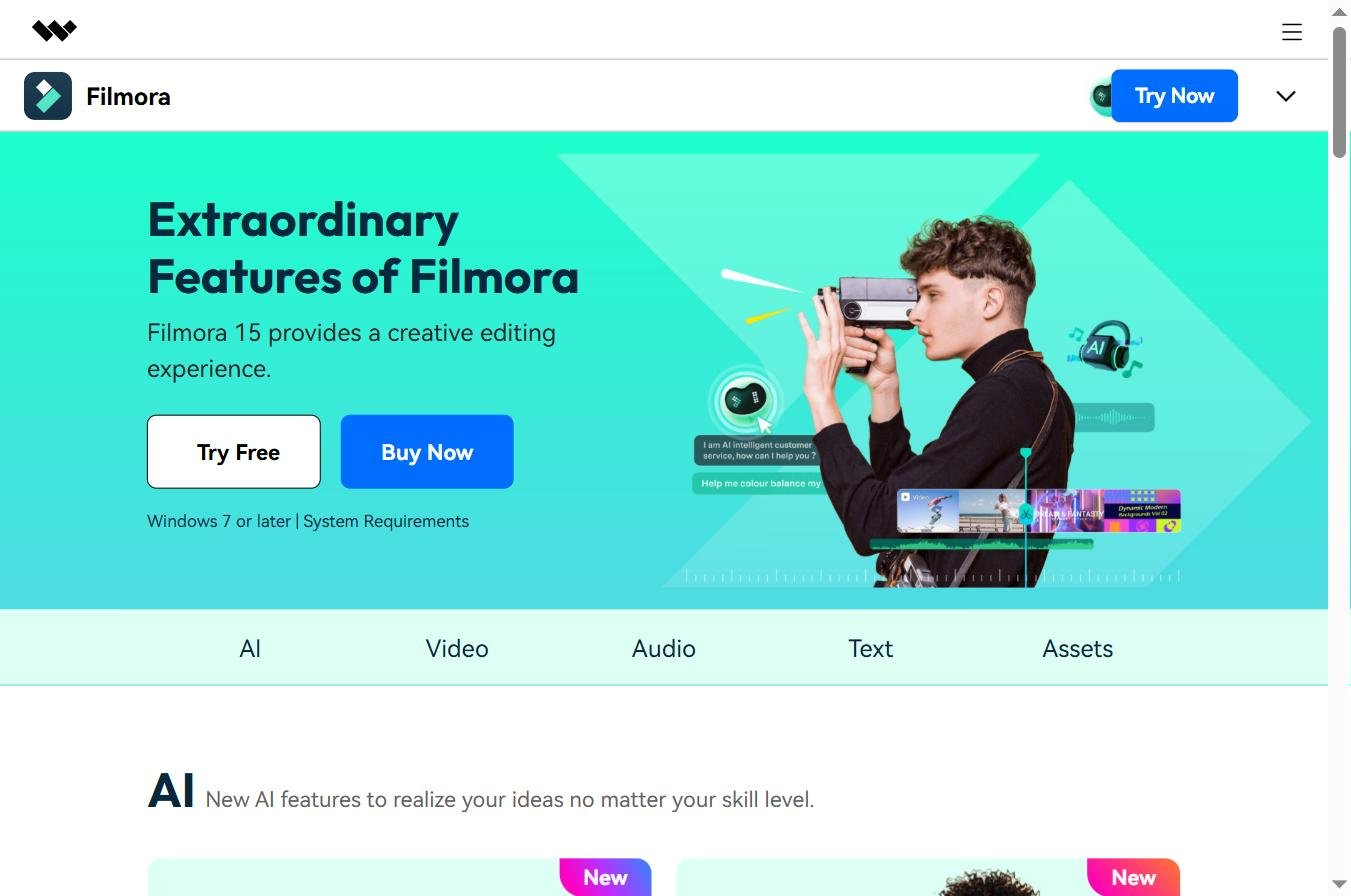
Wondershare Filmora est un logiciel de montage vidéo cross-platform développé par l’éditeur chinois Wondershare depuis 2015. Initialement positionné comme alternative simplifiée à Adobe Premiere Pro, Filmora a profondément évolué entre 2024 et 2026 pour devenir une plateforme de montage augmentée par l’AI. La version actuelle, Filmora 15, n’a plus grand-chose à voir avec les premières versions « éditeur de timeline avec effets ».
Avec plus de 13 000 recherches mensuelles en France sur le mot-clé « filmora » (sans compter les 3 900 sur « wondershare filmora »), c’est l’un des logiciels de montage les plus recherchés du marché francophone. Le positionnement est clair : viser les créateurs débutants à intermédiaires — TikTokeurs, YouTubers émergents, formateurs en ligne, social media managers, petites équipes marketing — qui veulent une qualité semi-pro sans la courbe d’apprentissage d’Adobe Premiere ou DaVinci Resolve.
La version Mac, Windows, iOS et Android partage le même projet via cloud sync — vous démarrez un montage sur desktop et finissez sur mobile depuis votre canapé. C’est l’un des arguments les plus mis en avant par Wondershare en 2026, et l’un de ceux qui justifient le passage du plan Annual classique au plan Cross-Platform à 20 € supplémentaires par an.
Les nouveautés Filmora 15 en 2026
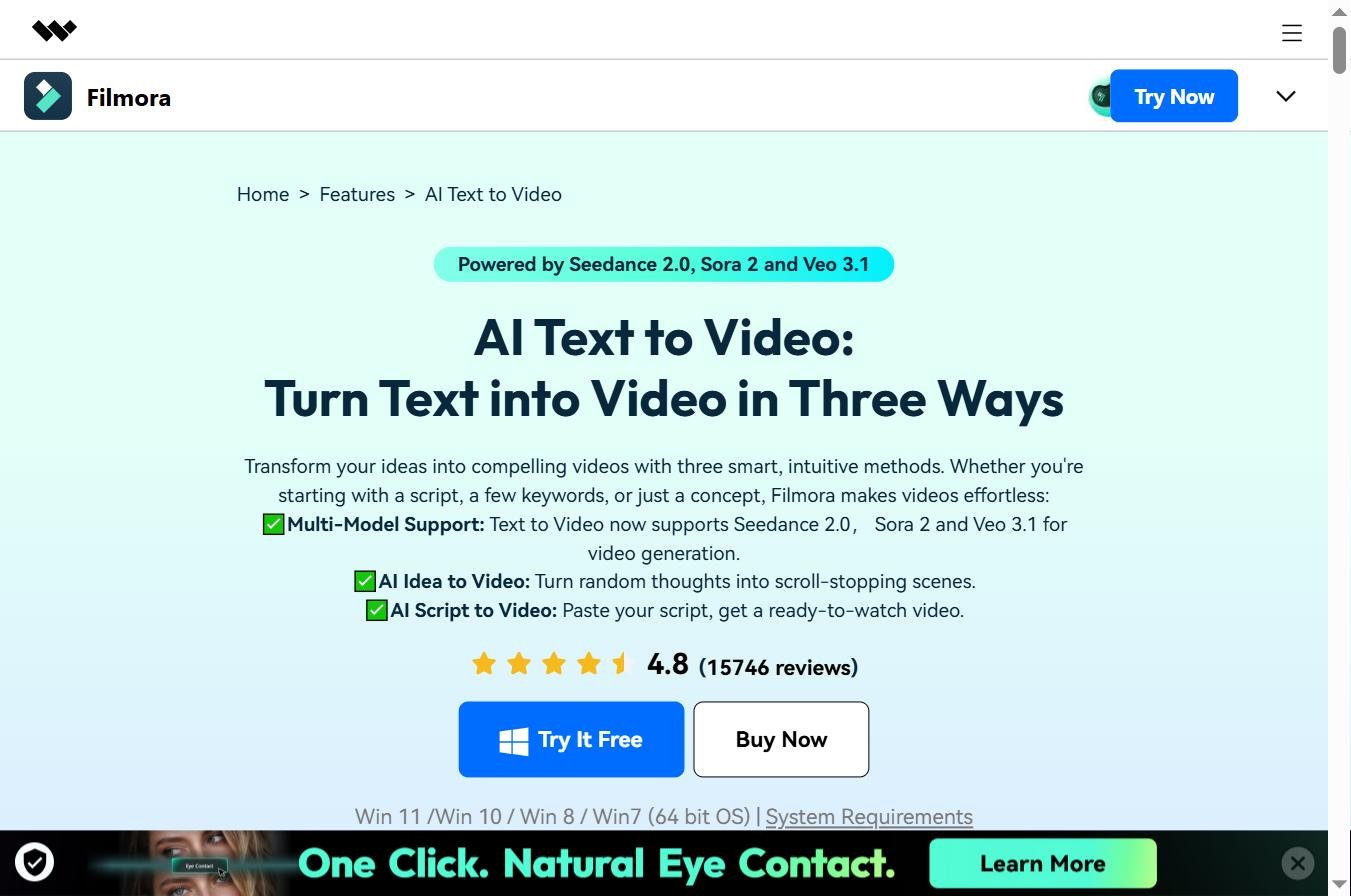
Trois axes majeurs pour la mise à jour 2026 par rapport à la version 14 sortie en 2024.
1. Intégrations text-to-video natives (Sora 2, Veo 3.1)
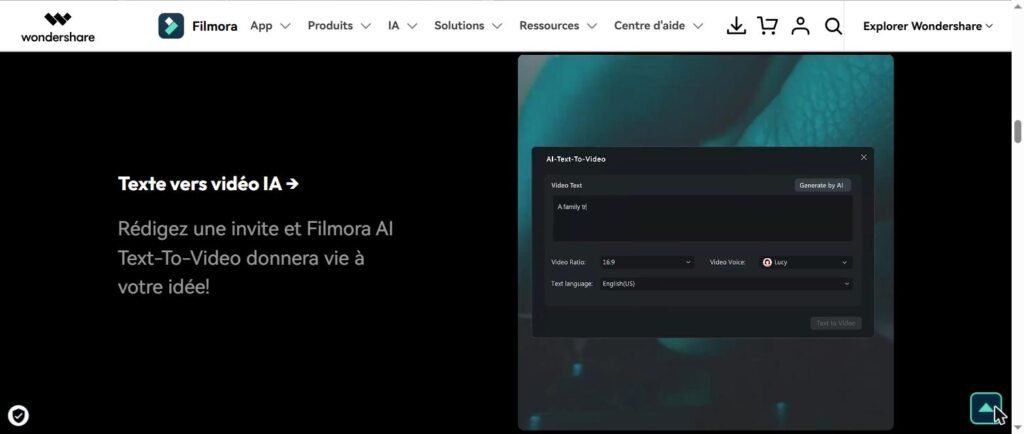
C’est la grande surprise de Filmora 15. L’éditeur ne s’est pas contenté d’ajouter un module AI bricolé — Wondershare a intégré Sora 2 d’OpenAI et Veo 3.1 de Google directement dans la timeline. Vous tapez un prompt texte, Filmora génère un clip vidéo AI via l’un des deux modèles, et le résultat atterrit directement sur votre piste. Pas besoin de sortir de l’application, pas d’export/import à gérer. Pour comparer aux modèles concurrents accessibles séparément, voir notre Kling AI avis, our Pixverse AI avis and our Seedance 2.0 avis 2026.
2. AI Mate — le copilot d’édition intégré
AI Mate est l’assistant conversationnel introduit dans Filmora 15. Vous lui parlez (en texte ou en voix) pendant que vous montez, et il peut : générer des scripts, automatiser des séquences multi-étapes (« supprime tous les silences supérieurs à 1 seconde »), suggérer des coupes basées sur l’analyse audio/visuelle de votre footage, recommander des effets selon votre intention. Notre test : utile en complément pour gagner 20-30 % de temps sur les tâches répétitives, pas un remplaçant complet du jugement humain. C’est néanmoins l’un des copilots les mieux intégrés du marché grand public en 2026.

3. Audio AI enrichi (voice cloning + AI translation)
Filmora 15 apporte plusieurs nouveautés audio : voice cloning (générer une voix off avec votre propre timbre à partir d’un échantillon), AI translation avec lip-sync correction (traduire un dialogue avec ajustement automatique des lèvres), AI Music Generator (générer des bandes son originales libres de droits), Vocal Remover, Audio Denoise. Une suite audio AI cohérente, mieux que la simple intégration ElevenLabs vue en 2024 chez d’autres éditeurs.
Les 6 fonctionnalités AI clés de Filmora en 2026
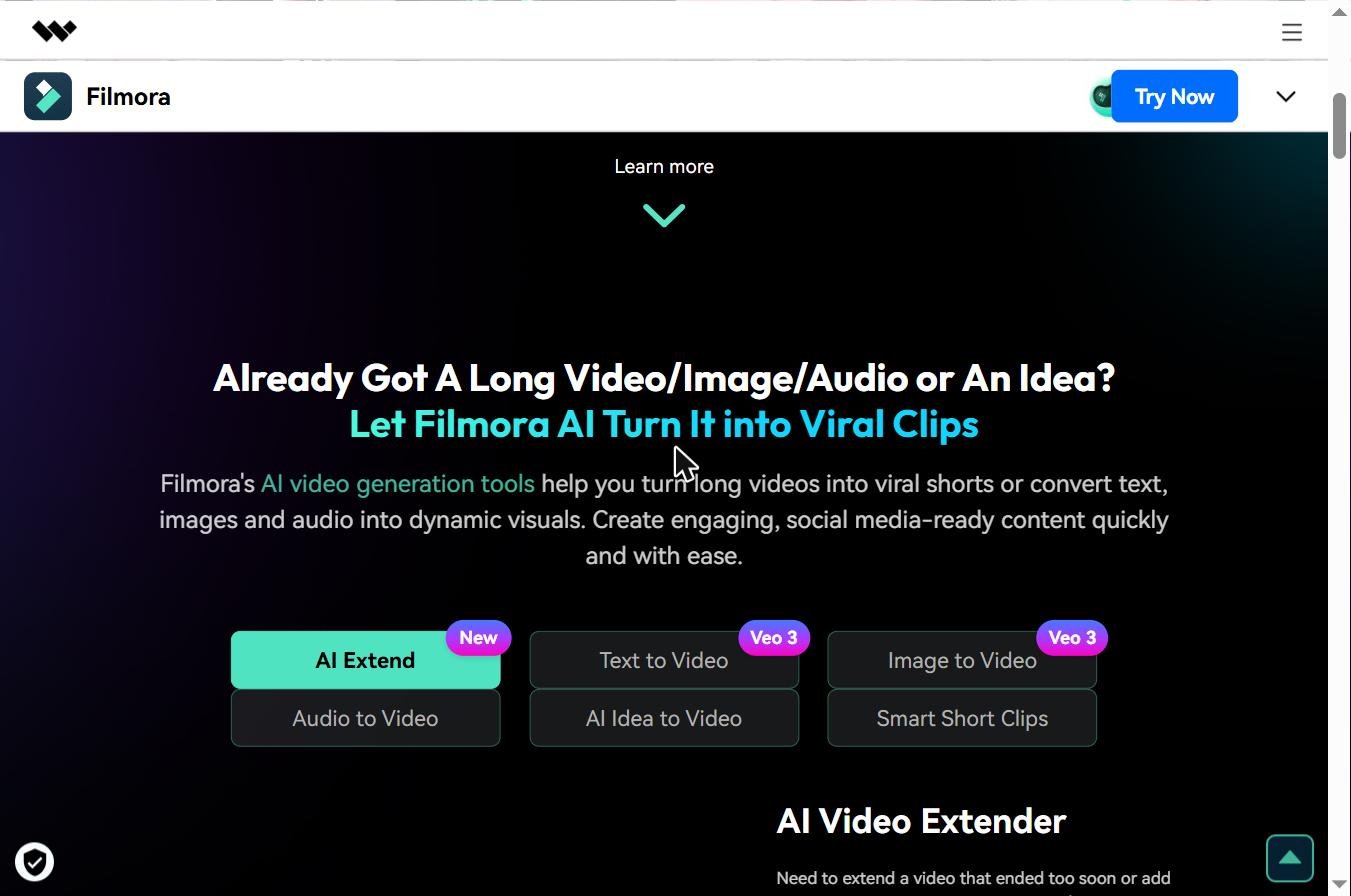
Au-delà des nouveautés majeures Filmora 15, voici les six modules AI qui structurent l’expérience d’édition au quotidien. Tous sont accessibles via le système de crédits AI (1 000/mois sur le plan Advanced à 49,99 €/an).
1. Auto Captions (sous-titres automatiques multilingues)
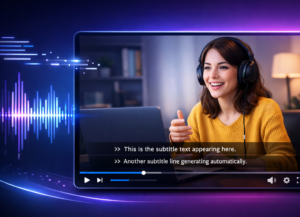
Filmora génère automatiquement des sous-titres à partir de la piste audio, avec un excellent niveau de précision sur le français (~95 % en notre test). Synchronisation parfaite avec les paroles, choix de style des captions intégré, possibilité de traduire en plusieurs langues à la volée. Fonction très demandée par les social media managers qui produisent pour TikTok et Reels où 85 % des vues se font son coupé.
2. Smart Clip Generation
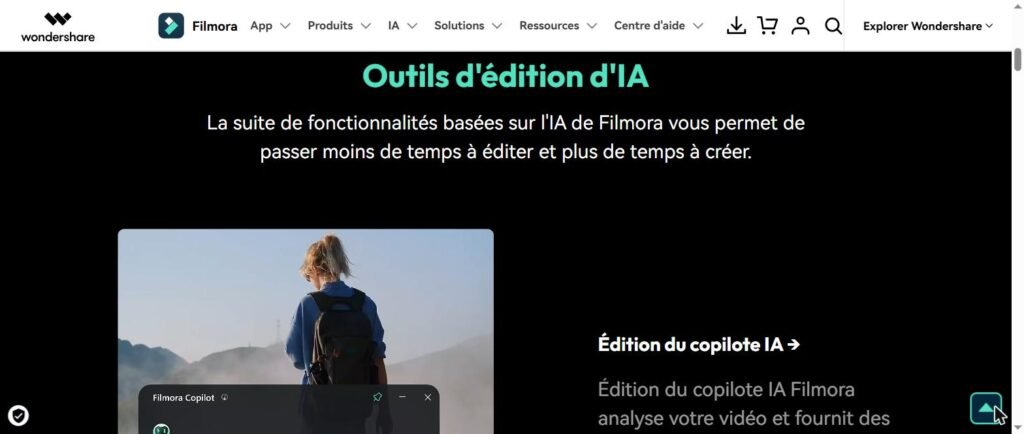
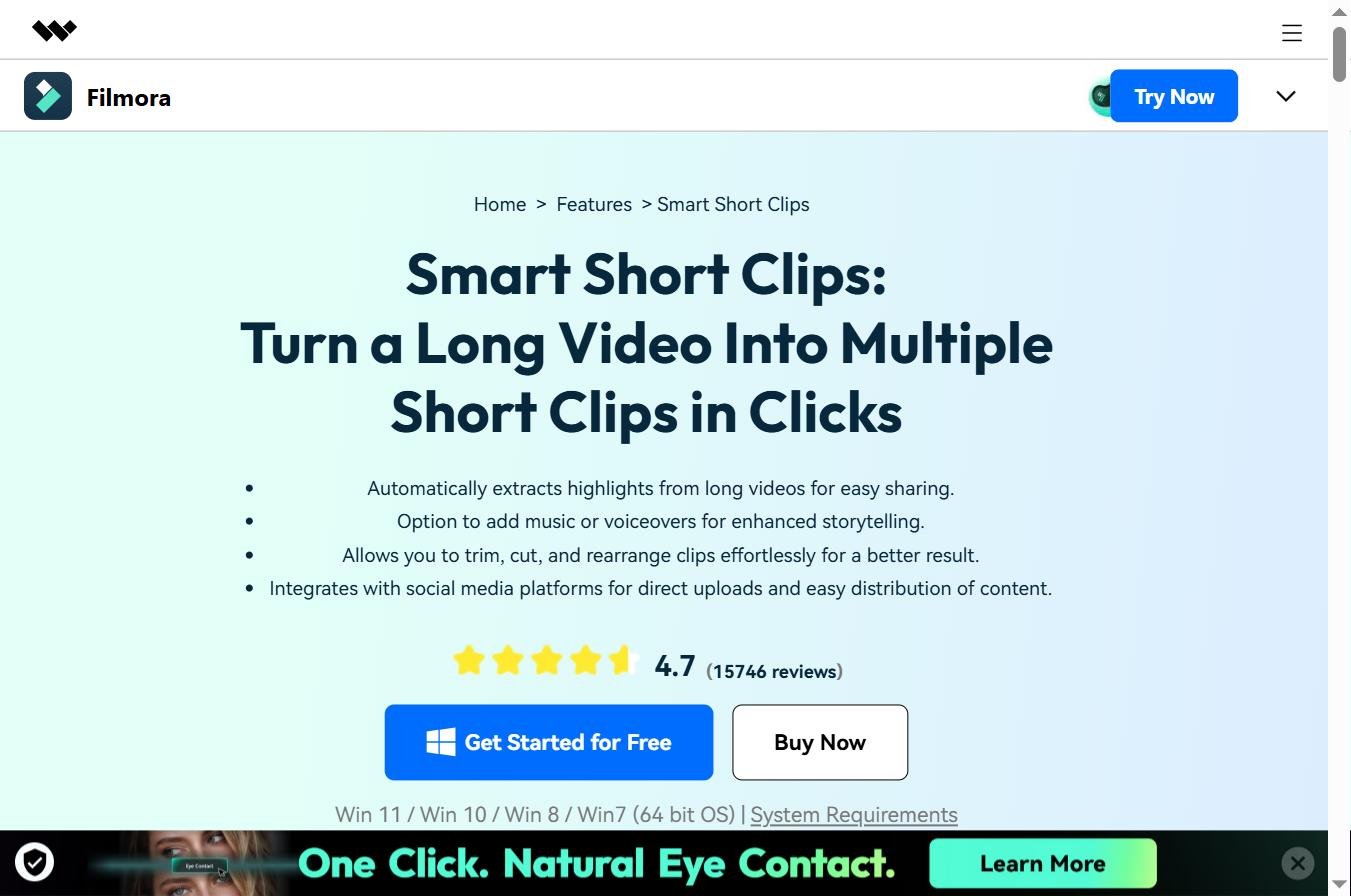
Vous chargez une longue vidéo (interview, conférence, vlog 30 minutes), Filmora analyse le contenu et génère automatiquement des clips courts thématiques prêts pour TikTok/Shorts. L’AI identifie les moments forts, applique le format vertical 9:16, ajoute des sous-titres dynamiques. Excellent pour le repurposing de contenu. Voir notre meilleure AI pour YouTube Shorts 2026 for the competing context.
3. AI Video Enhancer (upscaling)
Module qui transforme automatiquement les vidéos basse qualité, floues ou granuleuses. Restaure les détails, corrige les imperfections, supprime les artefacts de compression, et fait l’upscaling 720p → 4K. Très utile pour valoriser des archives vidéo familiales ou des rushes mal cadrés. Comparable à Topaz AI Video sur la qualité de sortie, intégré dans la suite Filmora sans surcoût.
4. AI Image Expander (outpainting vidéo)
Au lieu de cropper votre footage pour un changement de format (horizontal vers vertical par exemple), Filmora étend l’image au-delà de son cadre original via outpainting AI. Le résultat est plus naturel qu’un crop, particulièrement quand vous passez d’un format YouTube 16:9 vers TikTok 9:16. Très efficace sur les plans larges, plus risqué sur les portraits où l’AI peut générer des extensions étranges.
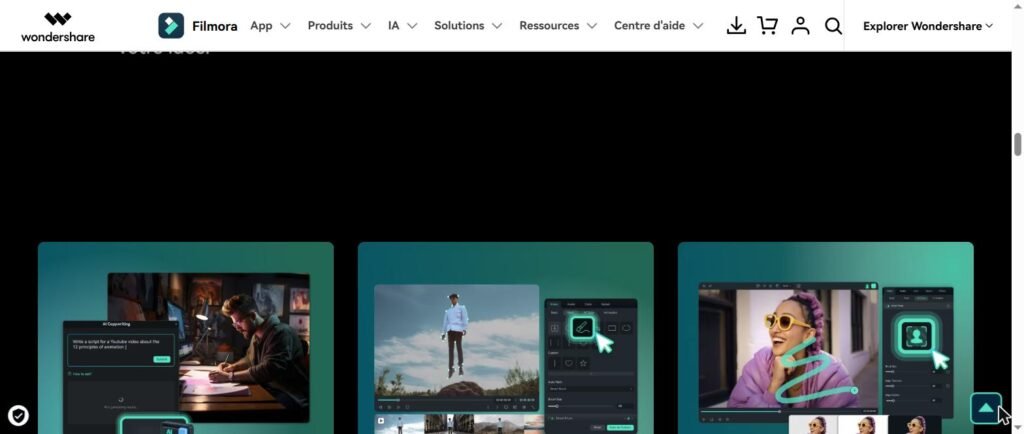
5. AI Thumbnail Creator
Génération automatique de vignettes YouTube/Shorts optimisées pour le CTR. L’AI analyse votre vidéo, extrait les frames les plus engageantes, génère plusieurs propositions de thumbnails avec texte stylisé, et vous laisse choisir. Utile pour les créateurs qui produisent beaucoup et ne veulent pas passer 30 minutes par vidéo sur la vignette.
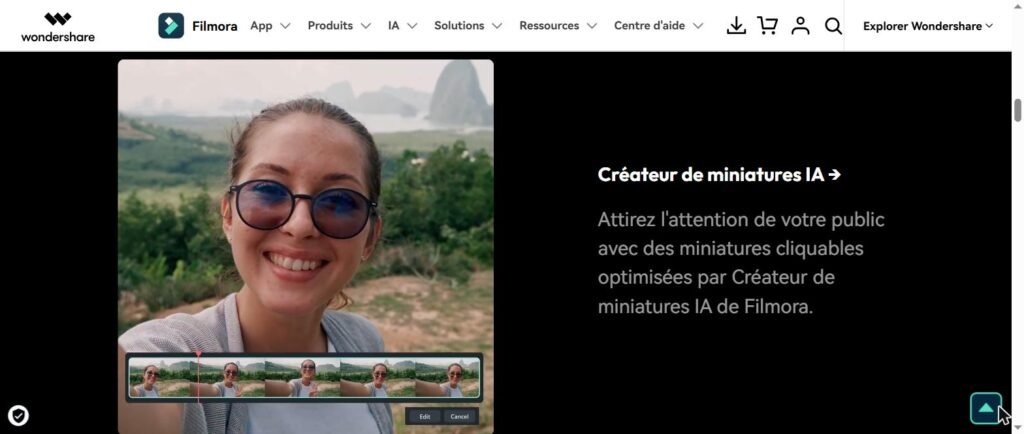
6. AI Music Generator
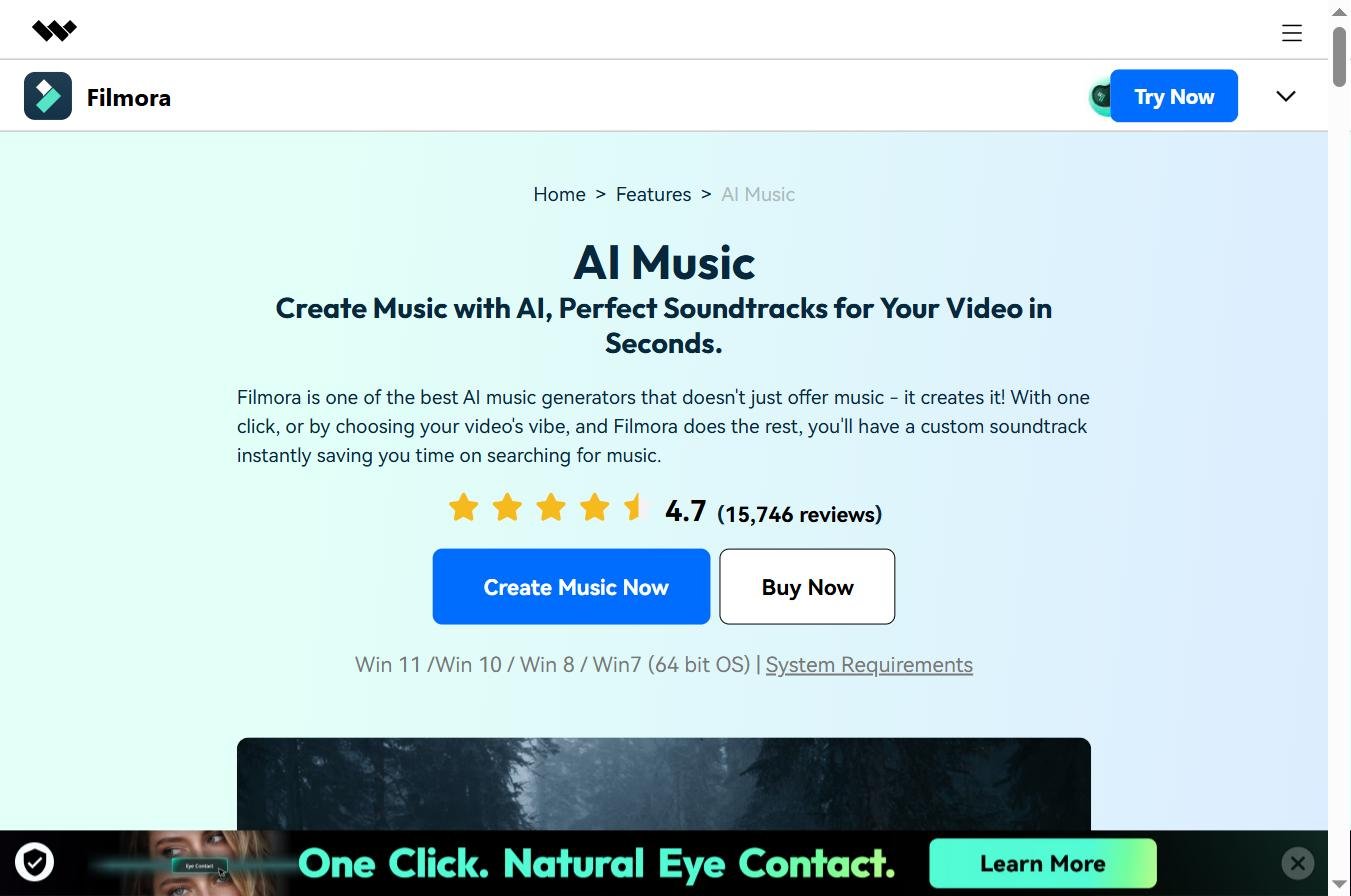
Génération de bandes-son originales libres de droits adaptées au mood de votre vidéo (énergique, calme, dramatique, festif). Le moteur sous-jacent reste moins puissant que Mubert ou Suno (qui restent les références dédiées en 2026), mais pour des intros, transitions et ambiances simples, c’est largement suffisant et évite le passage à un outil tiers. Voir notre guide musique AI libre de droits pour YouTube.
🎬 La suite de montage AI tout-en-un
Text-to-video Sora 2 + Veo 3.1 + montage AI en une seule app
Wondershare Filmora 15 intègre directement les meilleurs modèles vidéo AI dans sa timeline. Auto-captions, smart clip generation, AI Mate copilot, voice cloning. Free version disponible avec 100 crédits AI offerts pour tester sans engagement.
Version gratuite · 100 crédits AI offerts · Windows/Mac/iOS/Android
Filmora prix 2026 : combien ça coûte vraiment ?
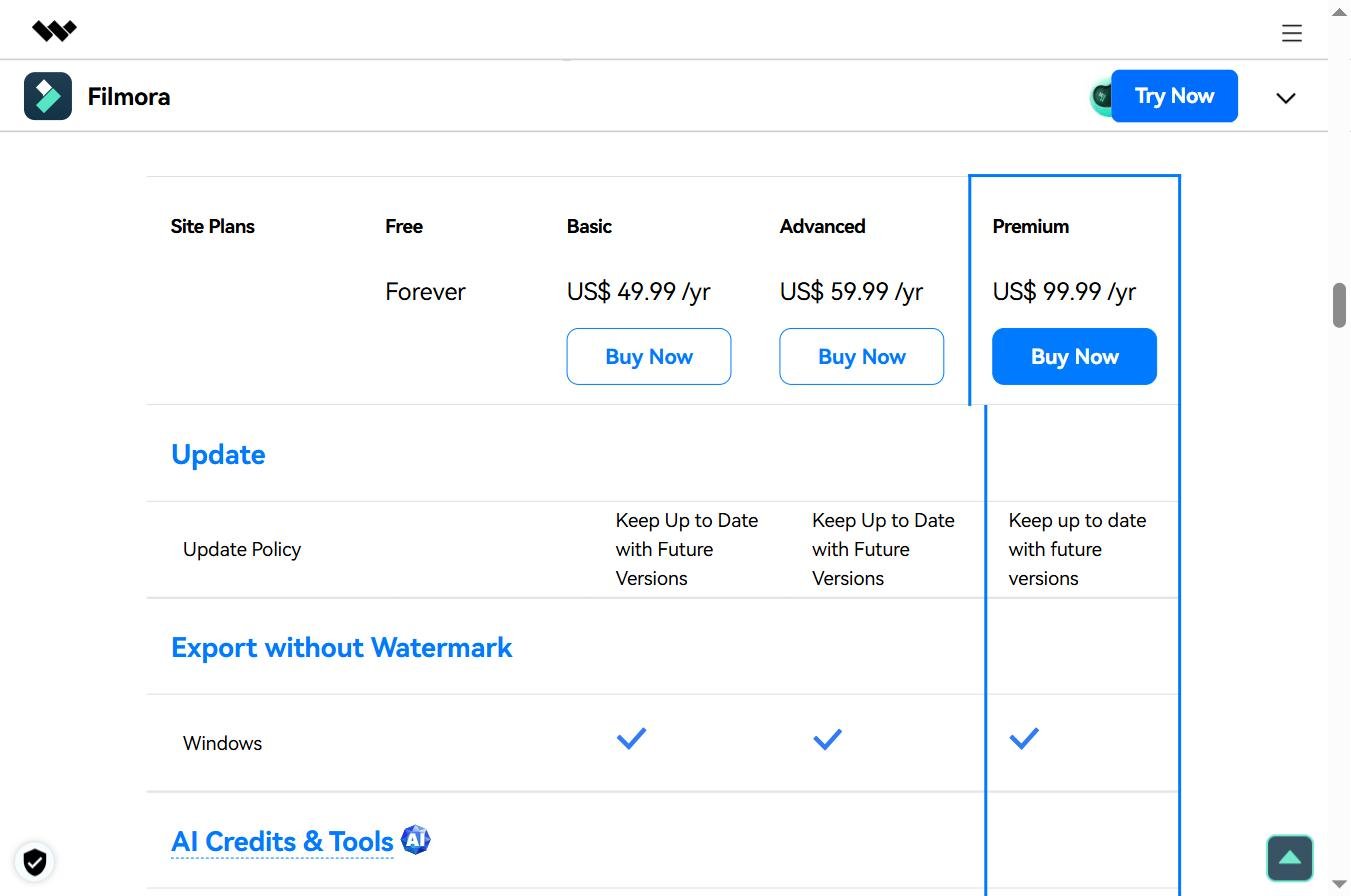
The filmora prix reste l’un des arguments forts du logiciel face à Adobe Premiere Pro (24,19 €/mois) ou Final Cut Pro (349 € one-time pour Mac uniquement). Voici la grille officielle Wondershare constatée en mai 2026, en euros (les prix peuvent varier de quelques euros selon promotions saisonnières — utile de vérifier les codes promo Filmora avant achat).
| Plan | Prices | Credits AI | Included |
|---|---|---|---|
| Free | 0 € | 100 crédits one-time | Toutes fonctions, filigrane Filmora sur les exports |
| Advanced (annuel) | 49,99 €/an | 1 000/mois | Sans filigrane, 10 Go cloud, mises à jour incluses |
| Cross-Platform | 69,99 €/an | 1 000/mois | Sync Windows/Mac/iOS/Android, projet partagé |
| Perpetual | 99,99 € (paiement unique) | Limited | Licence à vie, version actuelle, pas de mises à jour majeures |
| Team Plan | À partir de 155 €/an/seat | Pool shared | Multi-utilisateurs, billing centralisé, support prioritaire |
| Bundle Filmora + UniConverter | ~109 €/an | 1 000/mois | Filmora + Wondershare UniConverter pour conversion vidéo |
Our reading : pour la majorité des créateurs, le plan Advanced à 49,99 €/an est le sweet spot — 1 000 crédits AI mensuels couvrent largement un usage régulier (~10 vidéos/mois avec fonctions AI), pas de filigrane sur les exports, mises à jour majeures incluses. Le plan Cross-Platform à 69,99 €/an se justifie si vous montez régulièrement entre desktop et mobile. Le Perpetual à 99,99 € paraît attractif mais attention : pas de mises à jour majeures, donc vous serez bloqué sur Filmora 15 quand Filmora 16 sortira. Bon choix uniquement pour un usage très occasionnel sans besoin des nouveautés AI futures.
Filmora gratuit : ce qui est vraiment inclus
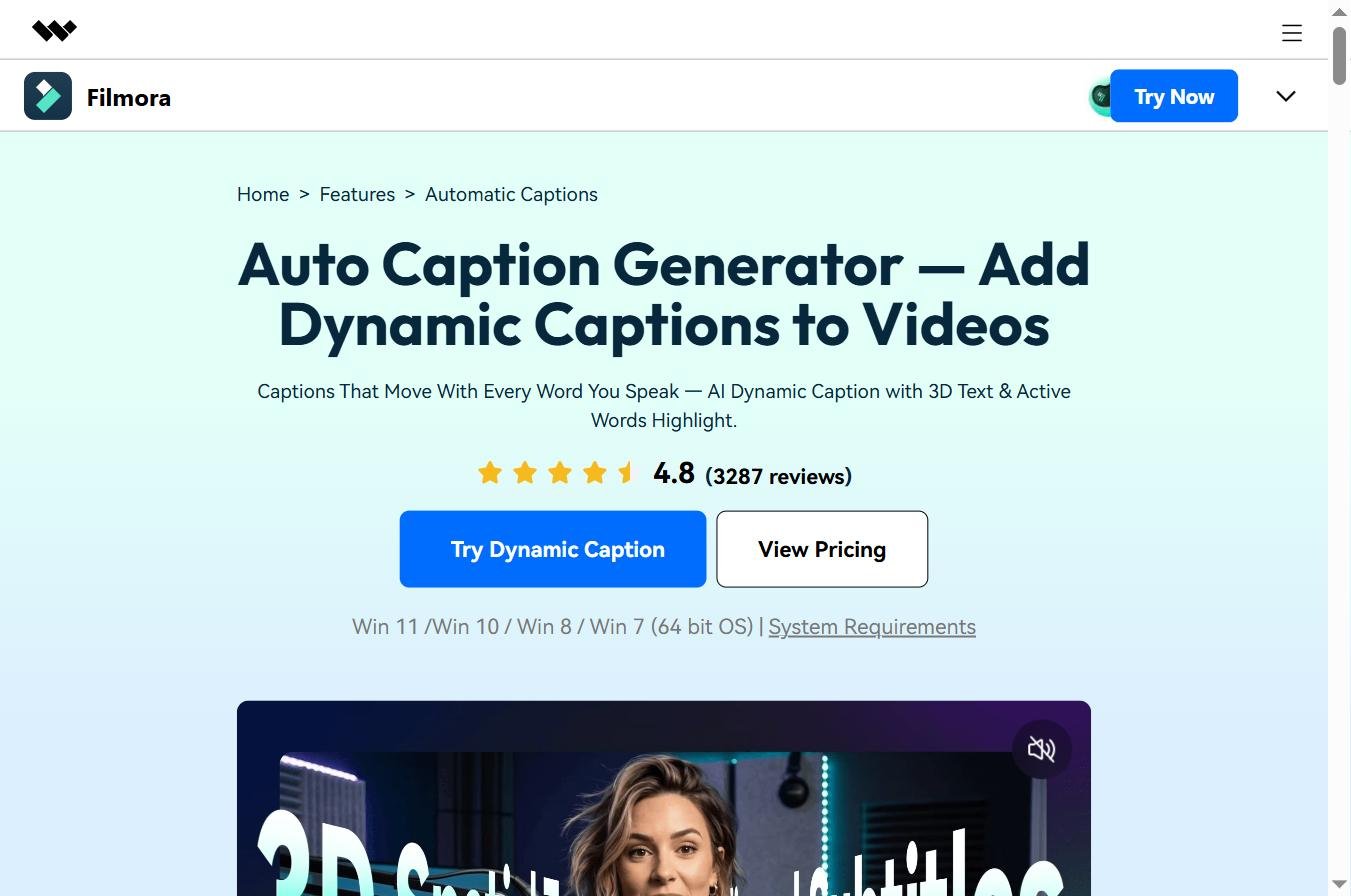
The keyword « filmora gratuit » est recherché 2 500 fois par mois en France — c’est l’un des plus gros volumes long-tail du logiciel. Détaillons exactement ce que permet la version gratuite, et où sont les limites.
What is included
Bonne surprise : la version gratuite de Filmora donne accès à l’intégralité des fonctions d’édition — timeline multipiste, transitions, effets visuels, étalonnage de base, audio mixing, export 4K. Aucune limite de durée d’utilisation, pas de période d’essai qui expire. Vous pouvez monter une vidéo de A à Z sans payer. À l’inscription, 100 crédits AI sont offerts pour tester les fonctions premium (Auto Captions, Smart Clip Generation, AI Video Enhancer, etc.).
La limite principale : le filigrane Filmora
« Filigrane filmora » est aussi un mot-clé très recherché (90/mois) — c’est the limite qui pousse à l’achat. Tous les exports de la version gratuite portent un logo Filmora visible en bas-droite de la vidéo. Acceptable pour des tests personnels, problématique dès que vous publiez sous votre marque ou pour un client. C’est le seul plafond réel — pas de limite de durée, pas de limite de qualité d’export. Pour comparer avec d’autres outils dont les free tiers sont sans watermark, voir notre guide des outils vidéo AI gratuits 2026.
Les crédits AI limités
Les 100 crédits AI initiaux suffisent pour 4-8 utilisations des fonctions premium (text-to-video, AI Mate, voice cloning, etc.). Au-delà, soit vous passez à un plan payant (Advanced à 49,99 €/an pour 1 000 crédits/mois), soit vous achetez des packs de crédits supplémentaires à l’unité. Pas de renouvellement automatique des 100 crédits gratuits — c’est un one-time à l’inscription.
Une mention importante sur les versions « cracked »
Plusieurs sites proposent des versions piratées de Filmora ou des prétendues « Filmora mod APK » avec fonctions premium déverrouillées. Nous déconseillons fermement ces versions : risques élevés de malware, absence de mises à jour de sécurité, exécution de code modifié sur votre machine. Le free tier officiel Filmora est largement suffisant pour évaluer le logiciel avant achat — et le plan Advanced à 49,99 €/an reste l’un des meilleurs rapports qualité/prix du marché du montage en 2026.
Test pratique sur 3 cas d’usage
Nous avons testé Filmora 15 sur quatre semaines avec trois cas d’usage représentatifs des profils visés par Wondershare. Voici les résultats, sans filtre marketing.
Cas 1 — Repurposing d’une interview YouTube en 5 Shorts TikTok
Source : interview YouTube de 38 minutes. Objectif : générer 5 clips Shorts 60 secondes prêts à publier sur TikTok/Reels, avec sous-titres FR, format vertical 9:16, en moins d’une heure.
Result : excellent. Smart Clip Generation a identifié 8 moments forts (j’en ai gardé 5), AI Image Expander a converti le 16:9 en 9:16 sans crop laid (extension d’arrière-plan intelligente), Auto Captions a généré les sous-titres FR avec 96 % de précision. Temps total : 47 minutes pour 5 Shorts publiables. C’est le cas où Filmora 15 démontre concrètement la valeur de son intégration AI. Note : 9/10. Vs CapCut sur ce cas : Filmora plus rapide grâce au Smart Clip Generation, CapCut plus économe (gratuit desktop).

Cas 2 — Montage classique d’un vlog 8 minutes
Objectif : monter un vlog YouTube horizontal 8 minutes à partir de 25 minutes de rushes, avec coupes manuelles, étalonnage léger, musique AI générée, et exports en 4K.
Result : très bon. La timeline reste fluide même avec 4K, l’étalonnage de base couvre 80 % des besoins (correction colorimétrique, balance des blancs, vibrance, saturation), l’AI Music Generator a fourni 3 propositions de bandes-son cohérentes en moins de 2 minutes. Pour de l’étalonnage avancé (LUTs pro, scopes RGB Parade détaillés, color match précis), Filmora montre ses limites — DaVinci Resolve reste devant. Note : 8/10. Solide pour le créateur YouTube non-professionnel, insuffisant pour les pros du grading.
Cas 3 — Génération text-to-video Sora 2 dans la timeline
Test du module text-to-video intégré : générer 3 clips B-roll à partir de prompts texte sans quitter Filmora, et les enchaîner dans une séquence montée.
Result : bluffant pour le workflow. Vous tapez le prompt directement dans Filmora, le clip est généré via Sora 2 (consomme des crédits AI), puis vous le glissez sur la timeline. Aucun export/import à gérer. La qualité dépend du modèle sous-jacent (Sora 2 reste excellent sur le réalisme, Veo 3.1 sur le mouvement), Filmora ne fait que le tunnel d’accès. C’est aujourd’hui l’une des meilleures intégrations text-to-video natives dans un logiciel de montage grand public. Note : 8,5/10. Bémol : consomme rapidement les crédits AI mensuels.
Forces et limites observées en usage réel
Les forces majeures
- Courbe d’apprentissage très douce : un débutant complet peut sortir une vidéo correcte en moins d’une heure, vs ~10 heures sur Adobe Premiere.
- Intégrations text-to-video Sora 2 et Veo 3.1 natives : aucun autre éditeur grand public n’offre ça en mai 2026.
- Suite audio AI cohérente : voice cloning, AI translation lip-sync, music generator, vocal remover — évite de jongler entre 5 outils.
- Free tier vraiment exploitable : toutes les fonctions d’édition disponibles, seul le filigrane à l’export pousse à l’achat.
- Cross-platform avec sync cloud : démarrer un montage sur Windows et finir sur iPad au lit, sans casse.
- Rapport qualité-prix imbattable : 49,99 €/an vs Adobe Premiere Pro à 290 €/an, pour 80 % des cas d’usage couverts.
- 2,3 millions d’assets créatifs intégrés : transitions, effets, templates, musiques — réduit le recours à des stocks tiers payants.
Les limites à intégrer
- Insuffisant pour les colorists pros : DaVinci Resolve reste devant pour le grading avancé (scopes pro, color match précis, fenêtres et qualifications complexes).
- Système de crédits AI peut surprendre : 1 000 crédits/mois semble beaucoup, mais quelques génération text-to-video et upscaling consomment vite. Calibrer son usage.
- Pas de support multi-cam avancé comme dans Premiere Pro ou Final Cut — pour des productions multi-cam complexes (interviews à 4 caméras), Filmora montre vite ses limites.
- Performance variable sur configurations modestes : Filmora 15 demande au minimum 8 Go de RAM et une carte graphique dédiée pour les fonctions AI. Sur des laptops d’entrée de gamme, ça lague.
- Pricing fragmenté avec coupons cachés : les vrais prix payés varient beaucoup selon promos saisonnières et bundles. Toujours vérifier les coupons et codes promo Filmora avant achat — économie possible de 20 à 40 %.
- Dépendance aux modèles AI externes : la qualité text-to-video dépend de Sora 2 et Veo 3.1 (Wondershare ne contrôle pas ces modèles). Si OpenAI ou Google changent leur politique d’API, Filmora peut perdre cette fonction.
Alternatives à Filmora selon votre profil
Selon votre besoin, plusieurs alternatives méritent considération en 2026. Notre comparatif des 10 meilleurs logiciels AI vidéo 2026 donne le contexte général.
CapCut — pour le gratuit total desktop
CapCut (ByteDance) propose une version desktop entièrement gratuite sans filigrane, avec AI intégrée, et accès récent à Seedance 2.0 directement. Moins polyvalent que Filmora sur l’étalonnage et le sound design, mais imbattable côté budget pour des créateurs débutants. Notre référence pour qui démarre sans budget.
DaVinci Resolve — pour les pros du grading
Si votre priorité est l’étalonnage broadcast-grade, le sound design pro (Fairlight) et le compositing avancé (Fusion), DaVinci Resolve reste la référence. Version gratuite très complète, version Studio à 295 € one-time. Courbe d’apprentissage plus raide que Filmora, mais résultats incomparables pour les colorists.
Adobe Premiere Pro — pour les workflows pros
Le standard industrie reste Adobe Premiere Pro pour les workflows pros, particulièrement quand l’intégration avec After Effects, Photoshop et Audition est critique. Coût élevé (290 €/an minimum) et courbe d’apprentissage raide, mais incontournable en agence et en production. Pour les YouTubers émergents et social media managers, Filmora reste largement suffisant. La requête filmora vs adobe premiere pro (20/mois) revient régulièrement : la réponse courte est « Filmora pour le rapport simplicité/prix, Premiere pour la production pro ».
InVideo AI — pour la génération vidéo sans montage
InVideo AI n’est pas un éditeur classique mais un générateur vidéo AI complet — vous décrivez votre sujet, InVideo écrit le script, sélectionne des stocks, génère une voix off et monte le tout automatiquement. Complémentaire à Filmora plutôt que concurrent. Idéal pour les chaînes YouTube faceless et les social media managers qui produisent du contenu en volume — voir notre guide chain YouTube profitable faceless 2026.
Deevid AI — pour le text-to-video pur
Si votre besoin se concentre sur la génération de clips vidéo AI plutôt que sur le montage, l’agrégateur Deevid AI donne accès aux meilleurs modèles vidéo AI (Kling, Veo 3.1, Hailuo, Pika) dans une interface 100 % francophone. Complémentaire à Filmora — générer vos clips sur Deevid puis les monter sur Filmora donne un workflow cohérent et économique.
FAQ : tout savoir sur Filmora en 2026
Is Filmora really free?
Oui, la version gratuite de Filmora est disponible sans limite de durée et donne accès à l’intégralité des fonctions d’édition (timeline multipiste, transitions, effets, audio mixing, export 4K). La seule limite réelle : un filigrane Filmora visible en bas-droite sur tous les exports. À l’inscription, 100 crédits AI sont offerts pour tester les fonctions premium (Auto Captions, AI Mate, text-to-video). Pour des exports sans filigrane et 1 000 crédits AI mensuels, le plan Advanced à 49,99 €/an est le minimum.
Quel est le prix de Filmora en 2026 ?
The filmora prix se décline en plusieurs plans en 2026 : Free (0 €, filigrane à l’export), Advanced annuel (49,99 €/an, 1 000 crédits AI/mois, sans filigrane), Cross-Platform (69,99 €/an, sync Windows/Mac/iOS/Android), Perpetual (99,99 € paiement unique, licence à vie sans mises à jour majeures), Team Plan (à partir de 155 €/an/seat), et Bundle Filmora + UniConverter (~109 €/an). Vérifier les coupons et codes promo Filmora avant achat permet souvent d’économiser 20 à 40 %.
Comment supprimer le filigrane Filmora ?
Le seul moyen légal de supprimer le filigrane Filmora est de passer à un plan payant (Advanced à 49,99 €/an minimum). Les méthodes promues sur certains sites pour « cracker » Filmora, utiliser des « mod APK » ou « premium unlocked » sont à proscrire absolument : risques élevés de malware, exécution de code modifié sur votre machine, absence de mises à jour de sécurité, illégalité au regard de la licence Wondershare. Le plan Advanced reste l’un des meilleurs rapports qualité-prix du marché du montage en 2026.
Filmora vs Adobe Premiere Pro : lequel choisir ?
La requête filmora vs adobe premiere pro est l’une des plus posées par les créateurs. Réponse courte : Filmora pour le rapport simplicité/prix, idéal pour débutants à intermédiaires, courbe d’apprentissage très douce, intégrations AI natives. Adobe Premiere Pro pour les workflows pros, l’intégration After Effects/Photoshop/Audition critique, et les productions multi-cam complexes. Pour 80 % des YouTubers émergents, social media managers et créateurs solos, Filmora est largement suffisant. Pour les agences et productions pro, Premiere reste incontournable.
Filmora fonctionne-t-il sur Mac et mobile ?
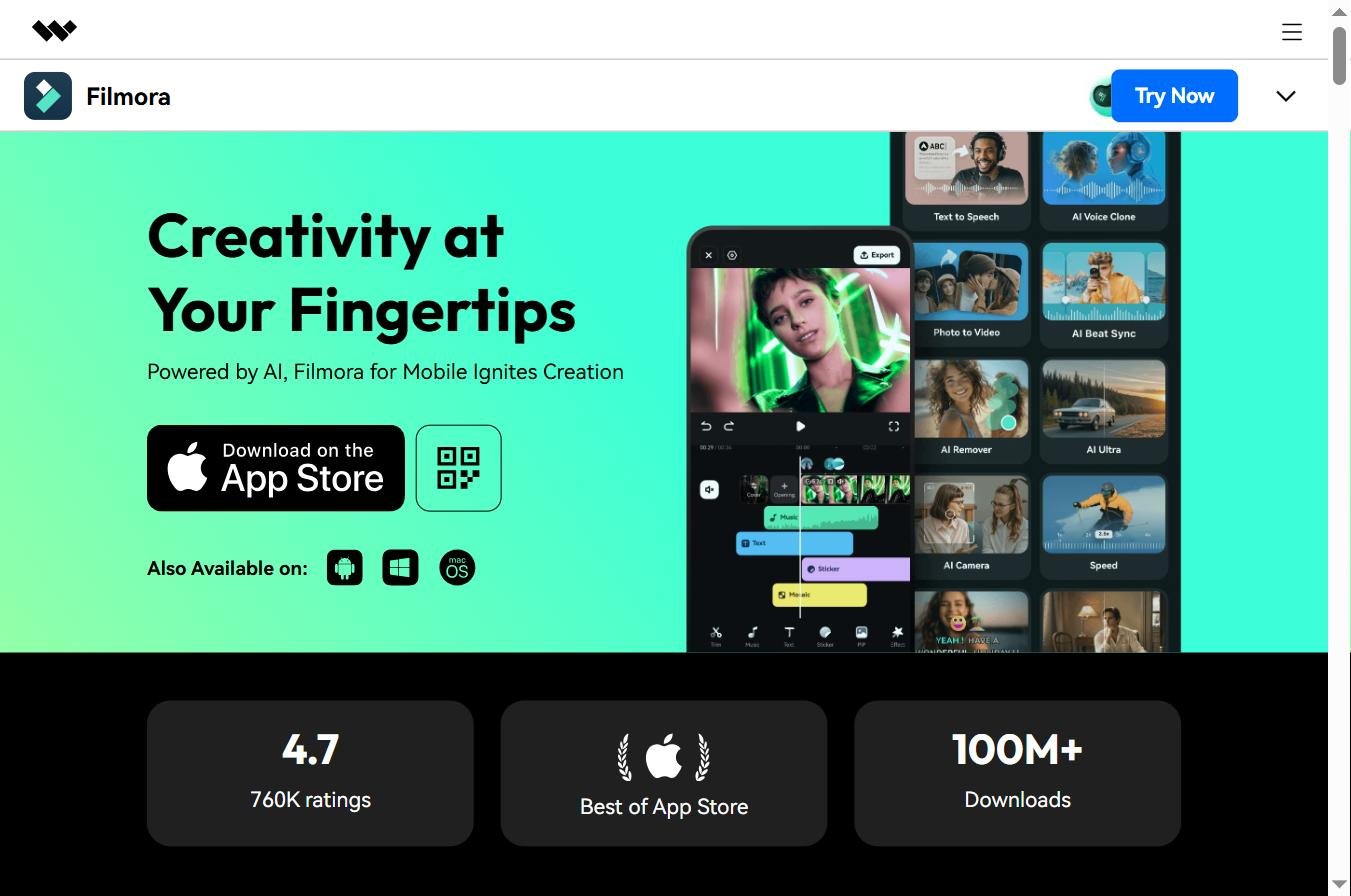
Oui, Filmora est cross-platform complet : Windows, Mac (Intel et Apple Silicon), iOS et Android. Le plan Cross-Platform à 69,99 €/an permet de synchroniser un même projet entre tous vos appareils via cloud — démarrer un montage sur desktop, ajuster sur iPad, finaliser sur Mac. Les versions mobiles sont simplifiées par rapport au desktop (moins de pistes, moins de fonctions AI avancées) mais largement suffisantes pour des Shorts et Reels rapides.
Quelles sont les nouveautés Filmora 15 par rapport à Filmora 14 ?
Filmora 15 (2026) apporte trois nouveautés majeures par rapport à la version 14 sortie en 2024 : intégrations text-to-video natives Sora 2 et Veo 3.1 dans la timeline (vous générez un clip AI sans quitter Filmora), AI Mate copilot (assistant conversationnel qui automatise les tâches répétitives et suggère des coupes), et suite audio AI enrichie (voice cloning, AI translation avec lip-sync correction, AI Music Generator). Les utilisateurs sur plan annuel reçoivent l’upgrade gratuitement.
Comment télécharger Filmora gratuitement ?
Téléchargez Filmora uniquement depuis le site officiel Wondershare. Étapes : 1) cliquez sur Download, 2) choisissez votre OS (Windows, Mac, iOS, Android), 3) installez et lancez Filmora, 4) créez un compte Wondershare gratuit, 5) profitez de la version gratuite avec 100 crédits AI offerts. Aucune carte bancaire demandée à l’inscription. Évitez les sites tiers qui proposent des téléchargements modifiés (risques malware élevés).
Filmora propose-t-il du text-to-video AI ?
Oui, depuis Filmora 15 (2026), le logiciel intègre nativement les modèles Sora 2 d’OpenAI et Veo 3.1 de Google en text-to-video dans la timeline. Vous saisissez un prompt texte directement dans Filmora, le clip vidéo AI est généré (consomme des crédits AI), et atterrit sur votre piste sans export/import. C’est aujourd’hui l’une des meilleures intégrations text-to-video natives dans un logiciel de montage grand public, complémentaire aux outils dédiés comme Kling AI or Seed 2.0.
🎯 Verdict
En mai 2026, Wondershare Filmora 15 est l’un des meilleurs logiciels de montage vidéo grand public du marché — note G2 4,4/5 sur 594 avis, intégrations text-to-video Sora 2 et Veo 3.1 natives, AI Mate copilot, suite audio AI cohérente (voice cloning, AI translation, music generator). Pour les créateurs débutants à intermédiaires (YouTubers émergents, social media managers, formateurs, petites équipes), c’est aujourd’hui le sweet spot entre simplicité et puissance.
Les vraies limites : insuffisant pour les colorists pros (DaVinci Resolve reste devant), pas de multi-cam avancé (Premiere Pro mieux adapté), système de crédits AI qui peut surprendre, performance variable sur configurations modestes. Le rapport qualité-prix reste néanmoins imbattable : 49,99 €/an pour 1 000 crédits AI mensuels couvre 80 % des cas d’usage qui demanderaient 290 €/an sur Adobe Premiere Pro.
Notre recommandation : commencez par la version gratuite Filmora avec les 100 crédits AI offerts pour évaluer le logiciel sur vos vrais projets. Si la valeur est là (et pour la plupart des créateurs, c’est le cas), basculez sur le plan Advanced à 49,99 €/an. Pour la génération vidéo AI en complément du montage, Deevid AI en français reste un excellent pont. Pour comparer aux autres options : notre comparatif 10 meilleurs logiciels AI vidéo 2026, our guide AI pour YouTube Shorts and our alternatives à Kaiber AI 2026.