📌 Essentials
To turn a photo into a drawing,AI Apply an artistic style (savory, trait drawing, watercolor, cartoon, manga) to your image in seconds. You import your picture, you choose a style, you download. Tools free online: Fotor, Canva, PictureToDrawing, iColoring and Picsart. No drawing talent required.
Transforming a photo into a drawing required either hours by hand or mastering complex Photoshop filters. From now on,artificial intelligence converts a photo into pencil sketch, line drawing, cartoon or watercolour in one click — And the rendering is surprisingly faithful. Portrait to offer, avatar for networks, landscape illustration, coloring page... Here's how to make free, which style to choose according to your project, and the best tools online.
Contents: What is it? • How to do • Better tools free • Which style to choose • What's the point? • Advice • On the phone • FAQ
Turning a photo into a drawing: what is it?
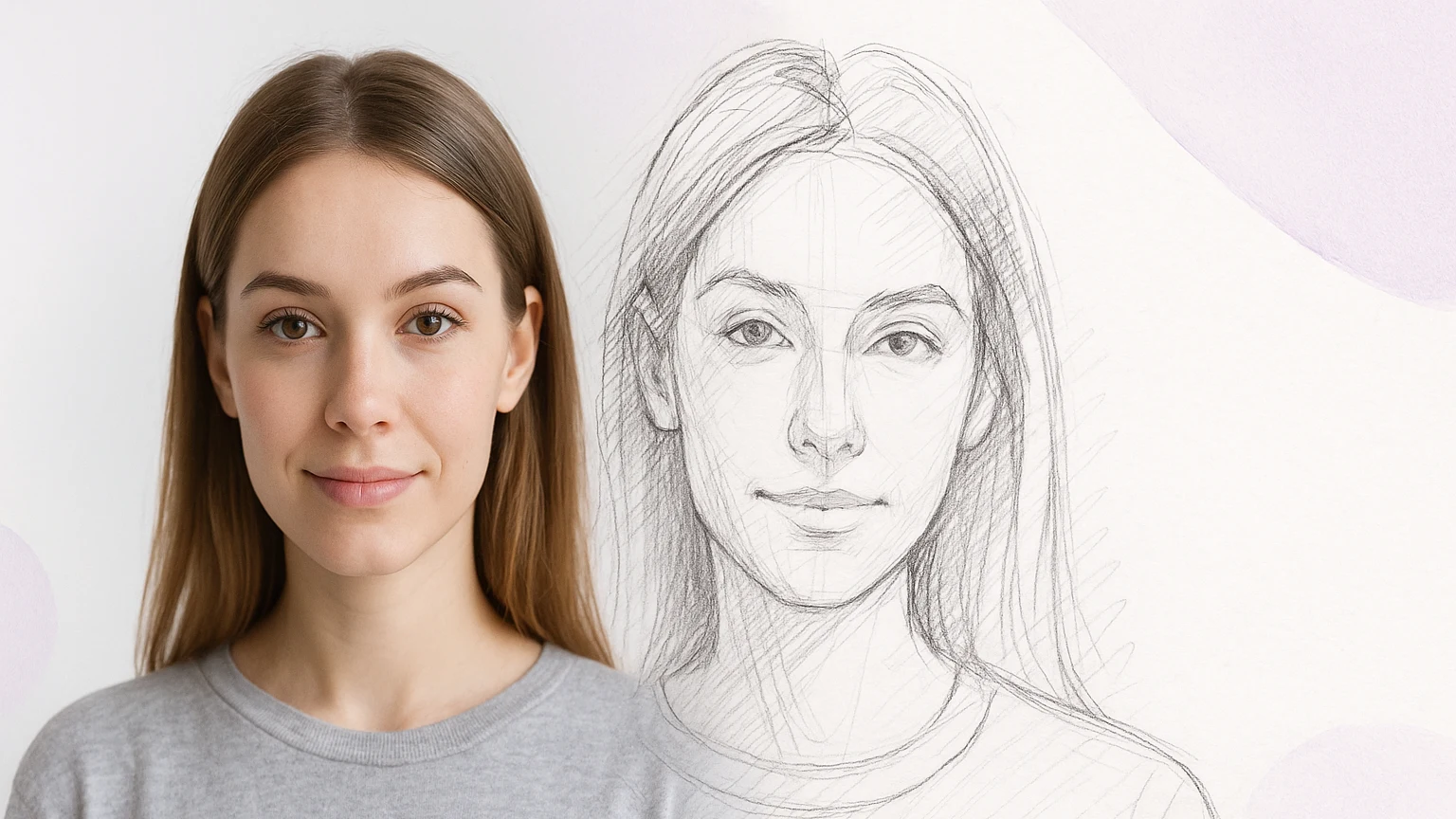
The generators « picture in drawing » use a AI trained to recognize the shapes, faces and contrasts of an image and then reinterpret them in a graphic style. Unlike a simple Instagram filter that sets an effect,AI Recomposes the lines, shadows and lines to imitate a handmade drawing. Result: a credible sketch, in seconds, from any photo.
How to turn a photo into a drawing with AI
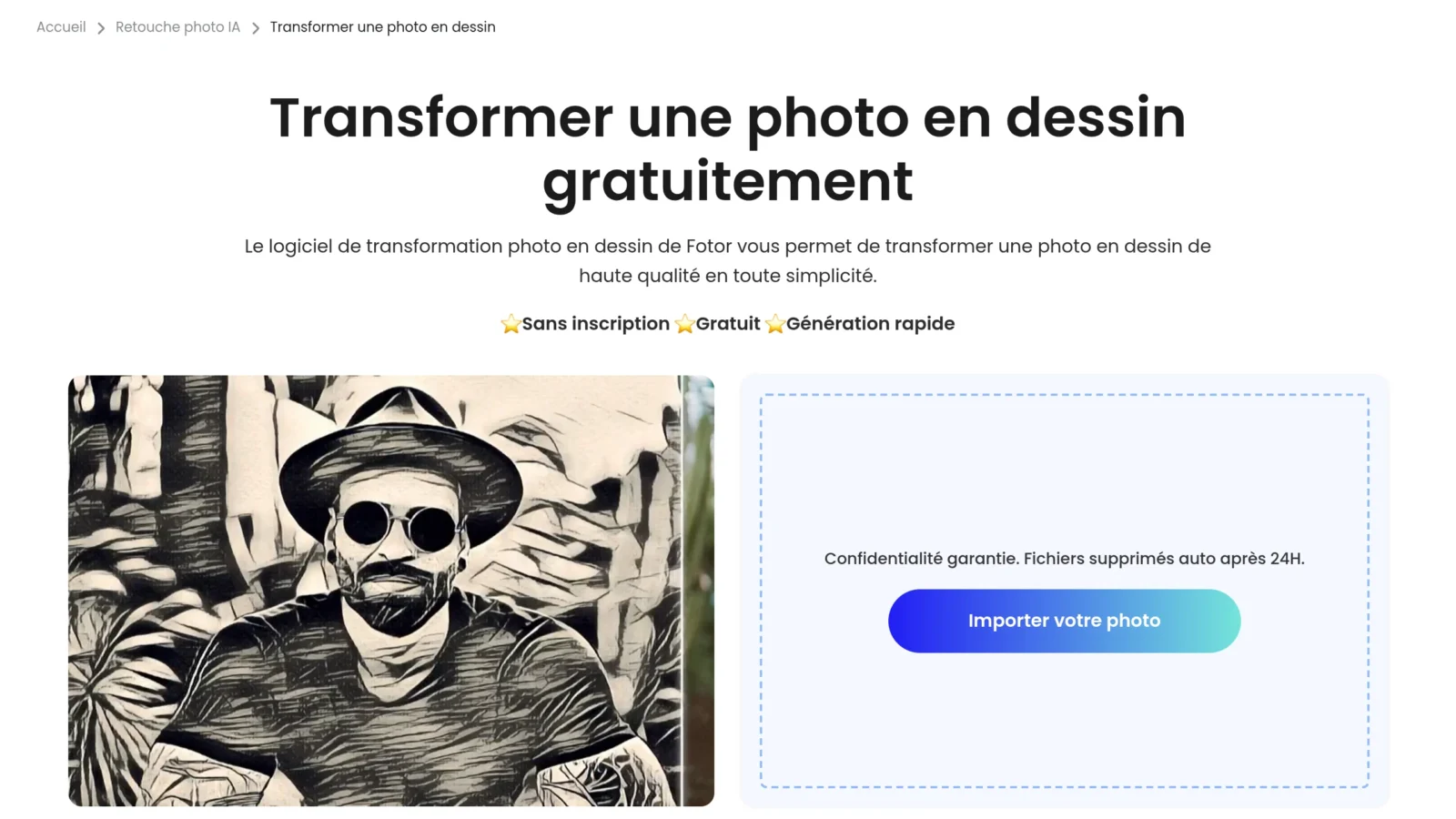
- Import your photo ontool (portrait, landscape or animal work particularly well).
- Choose a style : pencil sketch, drawing, cartoon, watercolor, manga...
- LAI applies rendering In seconds.
- Adjust intensity effect iftool Allows it, then uploads your drawing.
Tip: A clean, well-lit photo with a clear subject always gives a better picture than a blurry or overly loaded image.
The best tools free
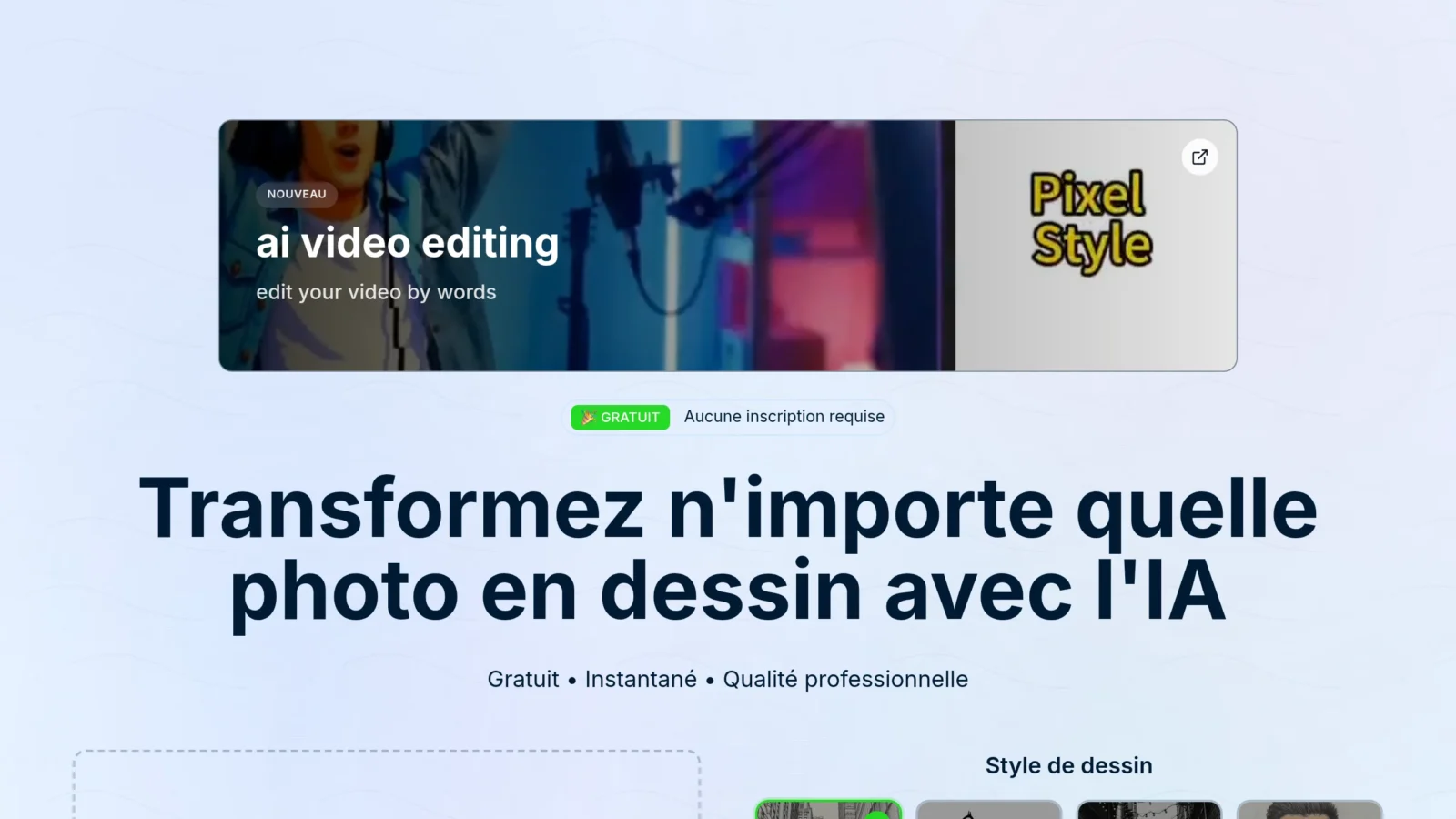
| Tool | Free | Styles |
|---|---|---|
| Fotor | Yes | Sketch, painting, cartoon |
| Canva | Yes | Various drawing filters |
| PictureToDrawing | Yes, without registration | Drawing, drawing |
| iColoring | Yes | Drawing by stroke (coloring) |
| Picsart | Yes (Pro) | Cartoon, sketch, effects |
Fotor and Picsart are the most complete in variety of styles. PictureToDrawing is unbeatable for an accountless quick test. iColoring is specialized in line drawing, perfect for generating coloring pages. To generate an entirely new image in a given style (rather than convert an existing photo), explore our guide of lartificial intelligence for photo.
Which style of drawing?
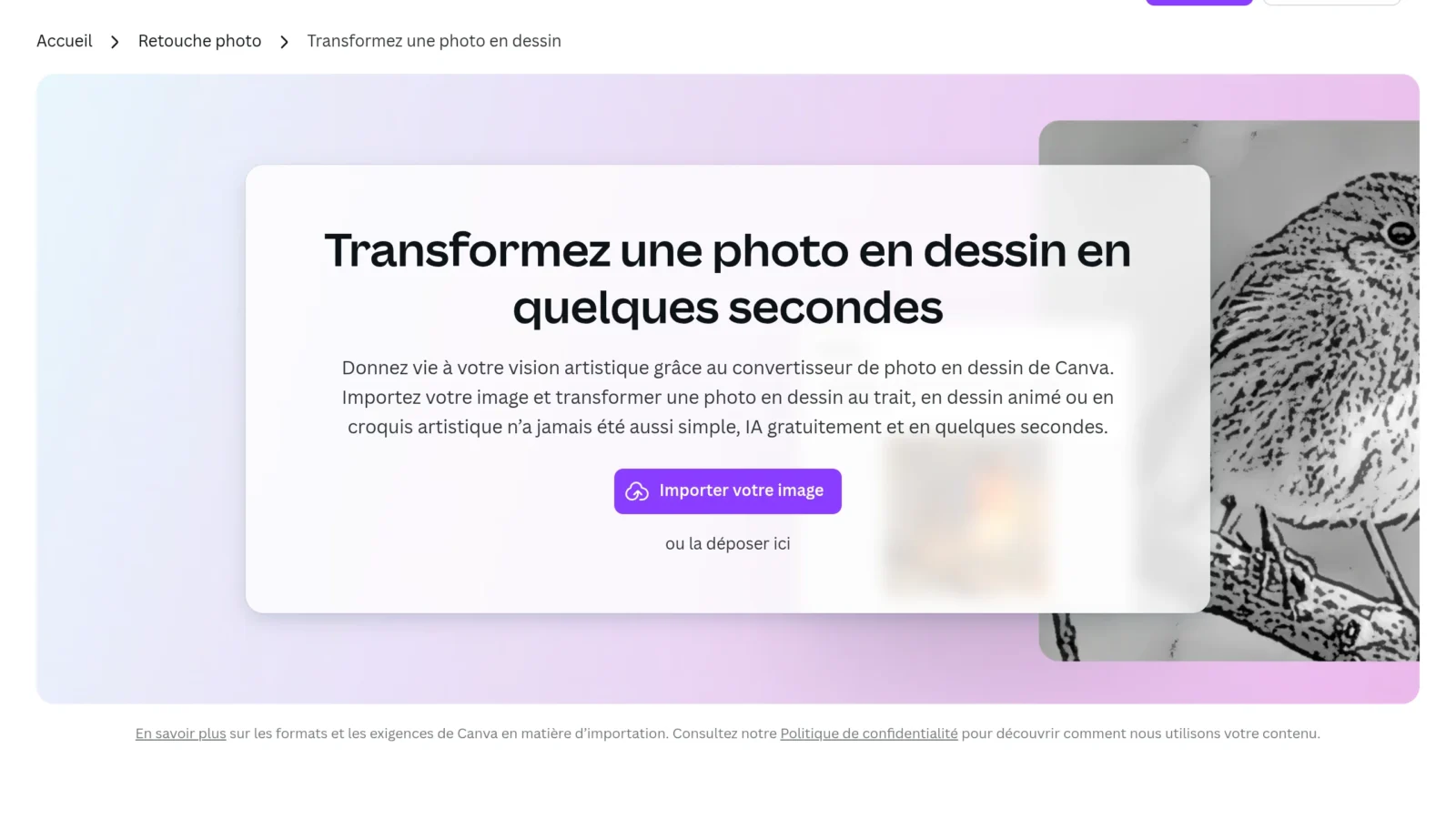
- Pencil sketches : the great classic for an elegant portrait, effect « Hand drawn » black and white. Ideal for a gift.
- Drawing (line art) : clean contours, perfect for a logo, coloring page or tattoo.
- Cartoon / comic book : for a fun avatar, a photo of staggered profile or social networks. See also our guide Edit photo with AI.
- Watercolor / paint : artistic and colorful rendering, superb in print or wall decoration.
- Manga / anime : to turn a portrait into a manga character, very popular among the youngest.
- Landscape and still life : painting styles give excellent results on decorations and objects, not just faces.
What's the point?
- Custom gift : turn a family or couple photo into a portrait designed to offer.
- Avatar and social networks : stand out with a picture of cartoon or manga profile.
- Decoration Print a watercolour of his house, animal or landscape.
- Colouring : generate custom coloring pages for children from their photos.
Tips for a beautiful rendering
- Choose a clean photo and well framed:AI press contrasts to draw contours.
- Test several styles on the same image: the result varies a lot from a pencil rendering to a watercolor.
- For printing, exports in high resolution (option sometimes reserved for the paid offer).
- A face to face usually gives better portraits drawn than a profile or group photo.
Transforming a photo into a drawing on the phone
Most of these tools they have a mobile app, and it's often where they are most used: you take (or choose) a photo, you apply the style, you share it in the footsteps. Fotor and Picsart offer complete iOS and Android apps, with many drawing styles and effects. PictureToDrawing works directly in the phone browser, without installation or account. For one-time use (a portrait to offer, an avatar for networks), mobile is largely enough; The computer remains convenient for processing multiple photos or exporting in very high resolution.
Whatever the camera, the secret of a beautiful rendering remains the same: a clear, well-lit starting photo with a subject clearly detached from the background. LAI The contrasts are used to draw the lines of the drawing, so a good source image makes all the difference.
In summary
Transforming a photo into a drawing with AI, it's getting in one click what used to require a real artist talent or Photoshop hours. The principle is always the same: you import a photo, you choose a style, and you choose a style.AI reinterpret image. All the stakes lie in the choice of rendering — pencil sketch for an elegant portrait, line drawing for a coloring or logo, cartoon for an avatar, watercolor for a decoration, manga for a playful effect. Do not hesitate to test several styles on the same image: the results vary greatly from one to another.
Side tools, Fotor and Picsart offer the most variety, PictureToDrawing is unbeatable for an accountless quick trial, and iColoring specializes in line drawing. Most are free and available on mobile, making it perfect solutions for a personalized gift (a drawn family portrait), an avatar for networks or an original wall decor. Last tip, valid everywhere: leave a clean, well-lit photo, with a subject of face and well detached from the background — This is what distinguishes a beautiful drawing from an approximate rendering. With these markers, any photo can become a work to display or offer. And if you want to go further than simple conversion, know that these same platforms often offer to generate entirely new images in the style of your choice, or to retouch the drawing obtained (colours, contrast, cropping). The drawing by AI then becomes a creative starting point rather than a simple filter: you leave a souvenir, you stylize it, then you adapt it to the final medium, whether it is a framed print, a greeting card or a neat publication for networks.
FAQ
How to turn a photo into a free drawing?
Import your photo on a tool AI free as Fotor, PictureToDrawing or Canva, choose a style (cuts, cartoons, trait), anAI generates the drawing in seconds. You only need to download it.
Can we turn a photo into a drawing with ChatGPT ?
Yes: with its generation of images, ChatGPT can redraw a photo in a given style (savory, manga...). The rendering is creative but less faithful to the details than a tool specialized as Fotor.
Which is the best free app for that?
Fotor and Picsart are the most complete mobile apps. Online without registration, PictureToDrawing is very convenient. The best choice depends on the style sought.
How can I turn a photo into a drawing?
Use a tool specialized like iColoring: it converts the photo into clean lines, ideal for a coloring or logo. Choose the style « line art » or « drawing » and exports.
L’AI peut-elle transformer une photo en croquis ?
Oui, c’est même l’un de ses points forts. Les outils proposent un style « croquis » ou « sketch » dédié qui imite le crayon à papier de façon convaincante, en un clic.