
📌 Essentials
Turning an image with AIIt is to isolate the subject (person, product, object) by removing everything else, without manual cutting. You import your picture.AI detects contours and generates a net detour in a second, exportable in transparent PNG. Tools free online: remove.bg, Canva, Photoroom, Pixelcut, Fisio. No need for Photoshop or patience.
The detour was the most tedious exercise of the photo editing: follow the contours of a subject to the nearest pixel, to thetool feather. Lartificial intelligence changed everything — It detours an image automatically, for free, and even manages complex hair, hair or contours. Whether you are preparing a product sheet, a profile photo or a editing, here's how to detour a photo with AI, best tools free, export formats, and when manual detouring remains useful.
Contents: How to detour • Tools free • Simple or accurate diversion • What's the point? • On the phone • AI or manual? • Advice • Advice • FAQ
How to detour an image with AI
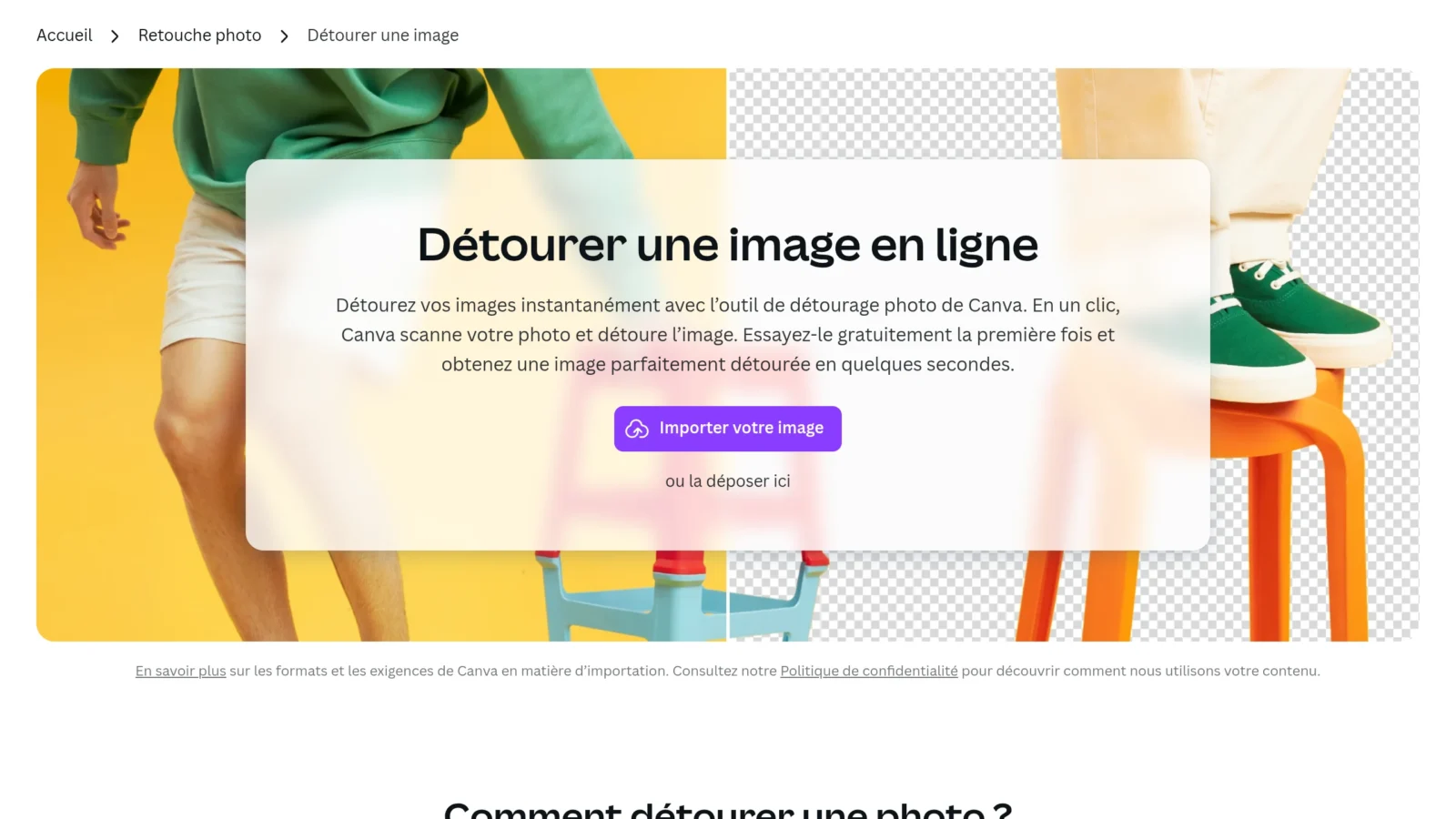
- Load your photo ontool Drag-and-drop detouring (JPG, PNG, WebP accepted).
- LAI isolate the subject automatically and remove the background in one to two seconds.
- Refine the edges with brush « store / erase » if necessary, especially on hair zones or fine contours.
- Exports in PNG to maintain transparency, or directly place the subject on a new unified background or other image.
The detour and background suppression are based on the same subject detection technology. If your goal is above all to erase the background, consult also our guide dedicated: remove the background of an image.
What tools free to detour an image?
| Tool | Free | Ideal for |
|---|---|---|
| remove.bg | Yes | Quick turning, portraits |
| Canva | Yes (Pro) | Turn around and then create a visual |
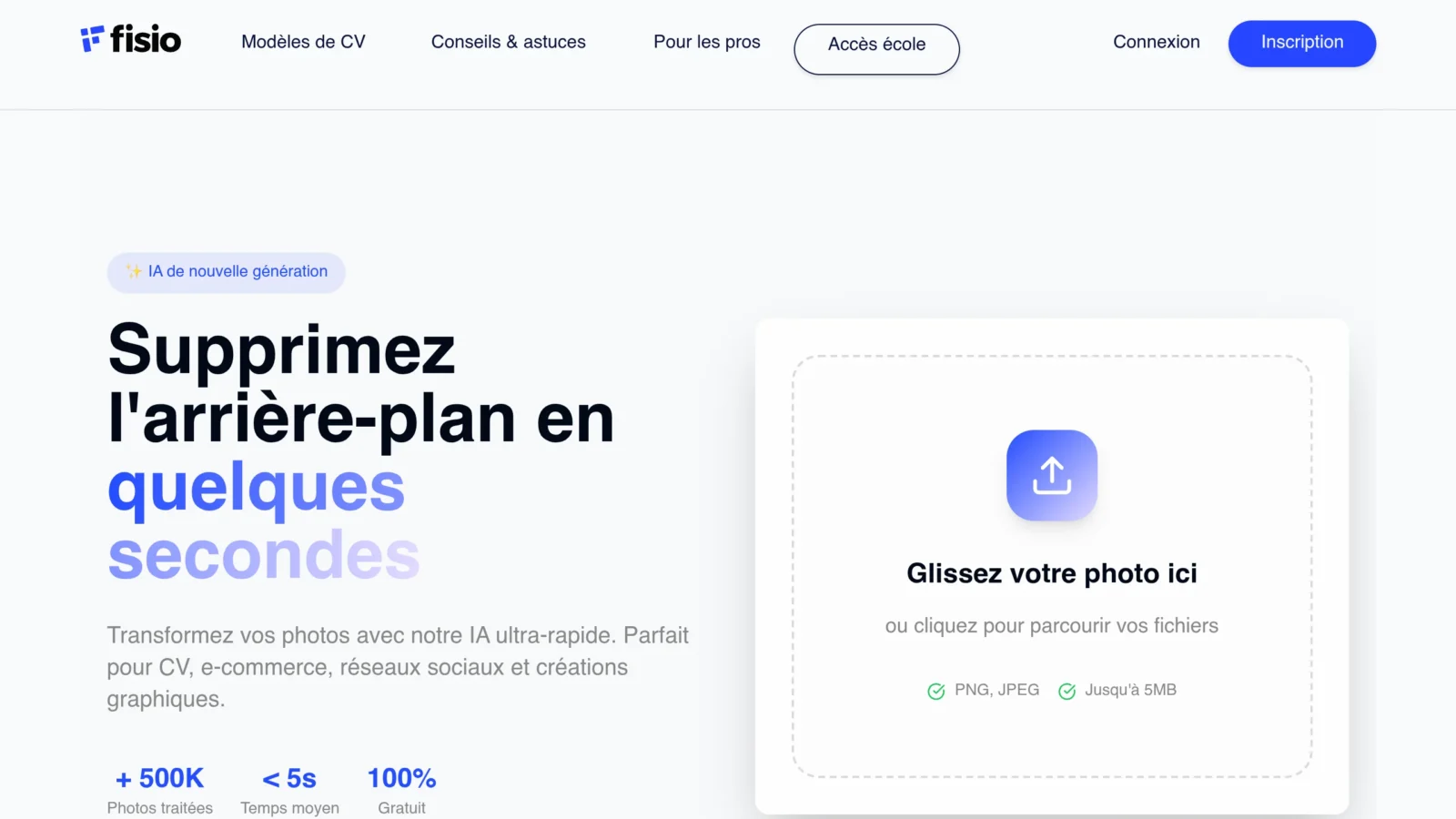
| Fisio | Yes | Tool 100% free without limit |
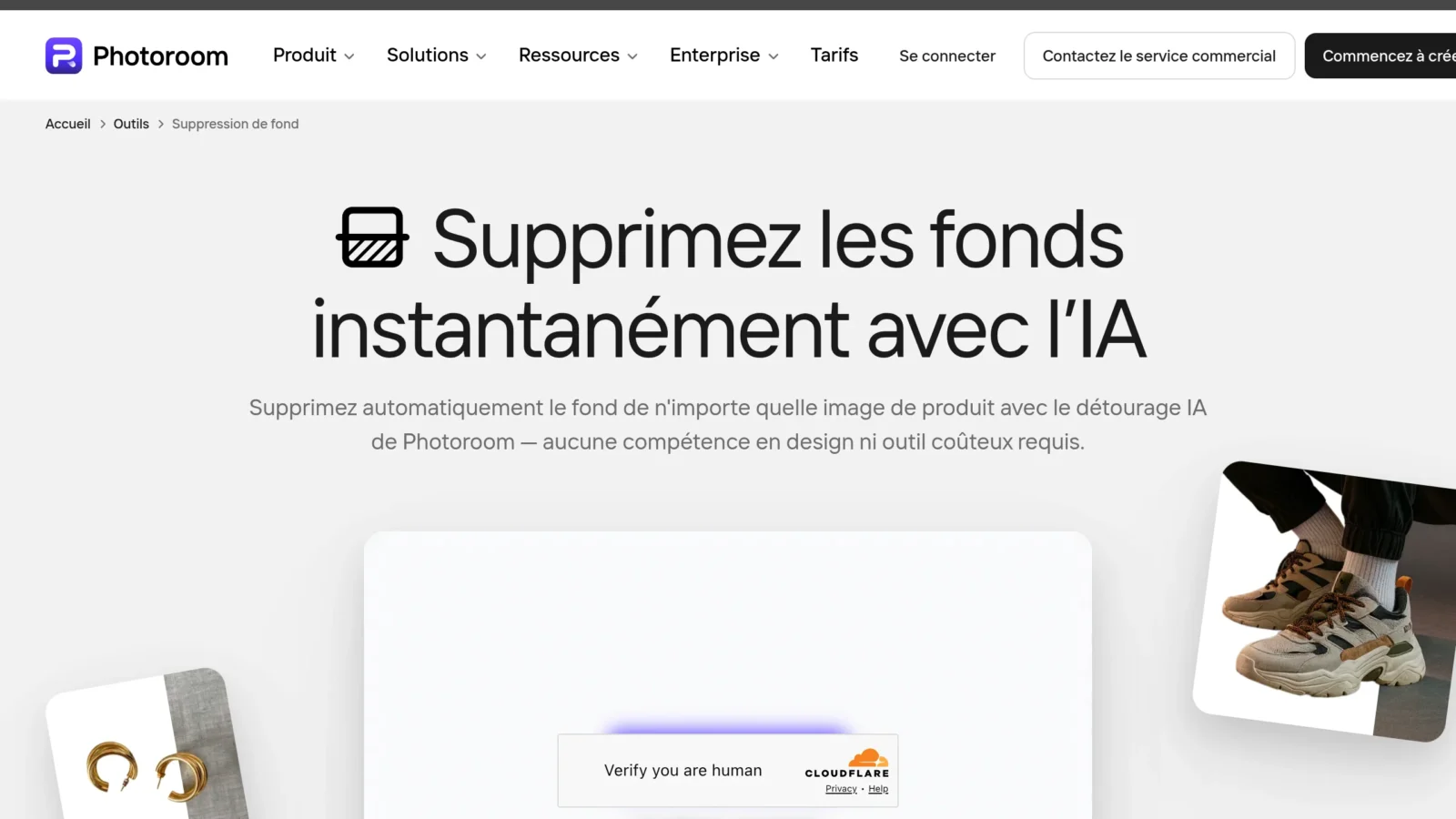
| Photoroom | Yes | e-commerce products |
| Pixelcut | Yes | Mobile |
For an express detour without registration, remove.bg and Fisio are unbeatable. Canva has the advantage of chaining directly on the creation of a visual (post, poster, miniature). To then edit the image more freely (change an item, add an object by text instruction), a tool AI conversational as Nano Banana is very practical.
Simple detour or precise detour: what difference?
There are two levels. The simple detour isolates a subject with clear contours (a product, a silhouette on a single background):AI The result is immediate. The precise detour concerning complex contours — Detailed hair, fur, feathers, lace, transparency. There.AI already does 90% of the work, but a brushing to recover or clean some areas significantly improves the rendering. On the export side, remember two formats: the PNG (perfect transparency, ideal web and editing) and the JPG (lighter but imposed white background, to avoid if you want transparency).
What's the point of diverting an image?
- Product sheets : a detoured subject on a white or coloured background, indispensable for selling online.
- Mounts and miniatures : extract a character for a thumbnail YouTube, a poster or a powerful story.
- Profile Photo and CV : to isolate his portrait on a clean and professional background.
- Logos and illustrations : to recover a graphic element without its background to reuse it elsewhere.
Hijack a phone image (iPhone and Android)
The detour also works very well from a smartphone. On iPhone, the Photo app detours a topic from a simple long support (then « Copy Subject »), and apps like Pixelcut or remove.bg export a transparent PNG. On Android, Google Photos and Samsung galleries integrate an equivalent topic cutting, and the same tools online work in the mobile browser. For nomadic use, these solutions are sufficient in most cases; The computer is reserved for the most careful detours or large volumes.
Tip: Whatever the camera, take the photo with a good contrast between the subject and the background. This is the most important factor influencing the quality of automatic detouring, much more than thetool chosen.
AI or manual detour: what to choose?
For 95% of cases (portraits, products, well contrasted objects),AI Enough and saves crazy time. Manual detouring (Photoshop, tool feather, GIMP) is really useful only for very complex images or a professional rendering on difficult contours: thin wicks on loaded background, glass, smoke, sails. And even in these cases, we now often start a selection AI then hand-fabricated — The best of both worlds.
Tips for a clean detour
- Privilege a good contrast between the subject and the background in the original photo: the detour will only be clearer.
- Zoom on the edges After detouring to spot residual pixels or areas eaten, then correct to brush.
- Exports in high resolution if the image is intended for printing (some tools reserve HD to pay offer).
- Lightly soften the contour to avoid the effect « cut with scissors » once the subject has been placed on a new background.
Tips for a clean detour
- Good contrast between the subject and the background in the original photo: this is the factor n°1 of a net detour.
- Check the edges zoom after detouring (hair, fingers, fine objects) and brush correction « Store/remove ».
- Exports in PNG to maintain transparency, and in high resolution if the image starts printing.
- Lightly soften the contour to avoid the effect « cut with scissors » once the subject has been placed on a new background.
- For a batch of images (product catalogue), favours tool like Photoroom that processes several photos in a row with a homogeneous background.
With these reflexes, even a photo taken on the smartphone gives a clean and reusable detourage everywhere: product sheet, editing, poster or presentation.
In summary
The detour by AI made accessible to all a task formerly reserved for graphic designers. In seconds, we isolate a subject — person, product, object — without any retouching skill, and the result rivals with a manual detour on the vast majority of images. The right reflex: start from a well contrasted photo, leave itAI Do most of the work, then refine brush edges if necessary and export PNG.
Side tools, no need to pay to start: remove.bg, Fisio and Pixelcut turn freely and without registration, Canva chain directly on the creation of a visual, and Photoroom shines on the photos produced in batch. Heavy artillery (Photoshop, manual detour) only for really complex contours — Fine hair on loaded background, glass, smoke. To go further and modify the image after detouring, a publisher AI by instruction like Nano Banana perfectly completes the set. In other words, for 95% of the needs,AI enough and saves valuable time. And like most of these tools are free, nothing prevents you from testing two or three on your own image to compare the fineness of the contours before adopting your favorite — the rendering can vary significantly from one service to another depending on the type of photo.
FAQ
How to easily detour an image?
Import your photo on a tool AI (remove.bg, Canva, Fisio), leaves itAI Insulate the subject automatically, refine the edges if necessary, then export to PNG. No software or skill required.
What free software to detour an image?
En ligne et gratuits : remove.bg, Fisio, Pixelcut et iLoveIMG. Pour un logiciel à installer, GIMP (gratuit) propose un détourage manuel, plus technique que les outils AI.
Quelle AI pour détourer une image ?
remove.bg, Photoroom et Pixelcut utilisent une AI spécialisée dans la détection de sujet. Elles offrent le meilleur compromis vitesse / précision pour un détourage automatique.
Comment détourer une image gratuitement sans inscription ?
remove.bg, Fisio et Pixelcut permettent de détourer une image sans créer de compte : tu importes, l’AI détoure, tu télécharges le PNG. Idéal pour un besoin ponctuel.
Est-ce que ChatGPT peut détourer une photo ?
ChatGPT peut isoler un sujet via sa génération d’images, mais il recrée l’image plutôt que de détourer la tienne précisément. Pour un détourage fidèle au pixel, un outil dédié reste bien plus fiable.