📌 Essentials
« AI TikTok » recouvre trois choses différentes : les fonctions AI intégrées à l’application (comme AI Alive, qui anime une photo en Story), les générateurs externes qui fabriquent la vidéo de A à Z (Creatify, Revid AI, Fliki), et les outils de post-production qui habillent une vidéo existante (Submagic, CapCut). Depuis janvier 2025, TikTok lit les métadonnées C2PA et étiquette automatiquement une bonne partie des contenus générés par AI : publier sans le déclarer n’est plus vraiment une option.
Tapez « AI TikTok » sur Google et vous tombez sur une dizaine de pages d’outils qui promettent toutes la même chose : des vidéos virales en un clic. Aucune ne vous dit ce que TikTok autorise réellement, ni ce que la plateforme fait désormais toute seule sans passer par un outil tiers. On a testé les principaux générateurs, vérifié les tarifs au 19 juillet 2026, et surtout relu les règles d’étiquetage qui changent la donne cette année.
Contents: Trois familles d’outils • L’AI intégrée à TikTok • Comparison 2026 • Les outils en détail • La méthode en 4 étapes • Ce que TikTok autorise • Gagner de l’argent • FAQ
Trois familles d’outils que l’on confond tout le temps
La confusion vient de là. Quand quelqu’un demande « quelle AI pour TikTok », il peut vouloir dire trois choses qui n’ont presque rien à voir entre elles.
1. L’AI de TikTok elle-même. Ce sont les fonctions intégrées à l’application : animation de photo, filtres génératifs, suggestions de montage. Gratuit, natif, mais très limité en contrôle créatif.
2. Les générateurs de vidéo. Vous donnez un texte, un lien produit ou un script, l’outil sort une vidéo verticale complète avec voix off et plans. C’est là que se trouvent Creatify, Revid AI ou Fliki. C’est aussi la catégorie la plus chère.
3. Les outils d’habillage. Vous avez déjà filmé, il vous manque les sous-titres dynamiques, les zooms, les emojis animés, bref le vernis qui fait « TikTok ». Submagic et CapCut jouent ce rôle, et honnêtement c’est la catégorie où l’AI apporte le meilleur rapport temps gagné sur prix payé.
La logique est proche de celle des formats courts sur YouTube, à ceci près que l’algorithme de TikTok sanctionne plus vite les vidéos qui traînent. Si vous produisez pour les deux plateformes, notre sélection des best AI to create YouTube Shorts couvre les outils qui gèrent bien les deux formats.
💡 Tip: si vous débutez, commencez par la famille 3. Habiller une vidéo que vous avez tournée coûte moins cher, passe mieux l’algorithme, et ne pose aucun problème d’étiquetage AI.
L’AI intégrée à TikTok : AI Alive et l’étiquetage automatique
C’est la partie que les comparatifs d’outils oublient systématiquement, alors qu’elle est gratuite et déjà dans votre téléphone.
AI Alive (traduit par « AI dynamique » dans l’interface française) transforme une photo fixe en courte séquence animée. Déployée en mai 2025, la fonction s’utilise depuis la Story Camera : vous choisissez une photo de votre galerie, l’AI identifie les éléments animables et applique par défaut une consigne du type « donnez vie à cette photo ». C’est bluffant sur un portrait ou un paysage, beaucoup moins sur une image chargée. À noter, la disponibilité varie encore selon les pays.
Point important : toute Story produite avec AI Alive part avec une étiquette « généré par AI » et des métadonnées C2PA embarquées. Vous ne choisissez pas. C’est la logique générale de la plateforme depuis dix-huit mois, et elle s’est durcie.
TikTok a intégré les Content Credentials du C2PA en janvier 2025, un standard technique qui inscrit dans le fichier lui-même la trace de sa fabrication. La plateforme annonce plus de 1,3 milliard de vidéos déjà étiquetées et teste des filigranes invisibles appliqués aux contenus créés avec ses propres outils AI. Autrement dit, on est passé de « le créateur doit déclarer » à « la plateforme détecte et étiquette, que vous déclariez ou non ».
Comparison : 5 outils AI pour TikTok en 2026
Tarifs relevés sur les pages officielles le 19 juillet 2026. Les prix sont en dollars, facturation mensuelle sauf mention contraire.
| Tool | Ce qu’il fait | Free offer | First paid plan |
|---|---|---|---|
| Creatify | Vidéos produit et UGC à partir d’un lien | 10 crédits/mois, filigrane | 39 $ (100 crédits) |
| Submagic | Sous-titres viraux, zooms, habillage | 3 vidéos/mois, 1 min 30, filigrane | 19 $ (15 vidéos) |
| Revid AI | Vidéos faceless en série, mode auto | Première vidéo sans carte | 39 $ (2 000 crédits) |
| Fliki | Texte vers vidéo avec voix AI | 5 min/mois, 720p, filigrane | Environ 28 $ |
| CapCut | Montage et effets, natif TikTok | Oui, généreuse | Version Pro optionnelle |
Les outils en détail
Creatify : le plus orienté vente
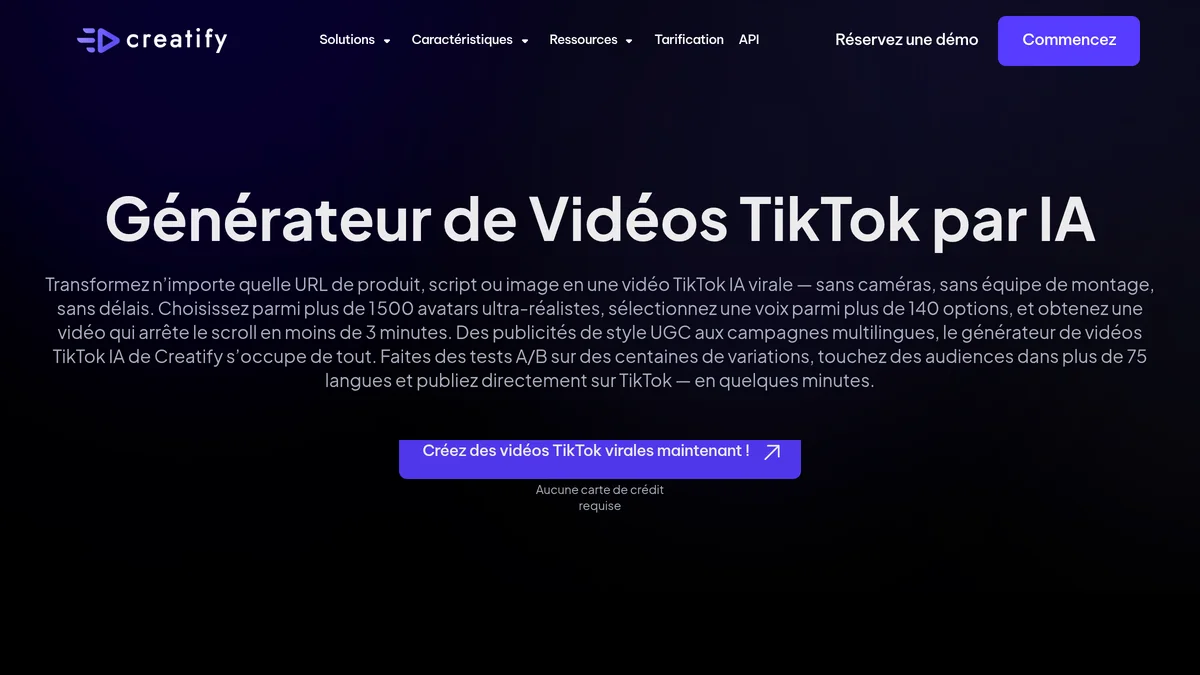
Creatify part d’une URL produit, en extrait les visuels et les arguments, puis génère une vidéo verticale avec un acteur AI qui parle face caméra. C’est le format publicité UGC, celui qui domine les feeds e-commerce. La bibliothèque annonce 300 acteurs sur le plan gratuit et 1 500 sur le plan Pro.
Le gratuit sert à tester, pas à publier : 10 crédits par mois, soit environ deux vidéos, avec filigrane. Le Starter démarre à 39 $ pour 100 crédits, le Pro à 99 $ pour 300 crédits et trois avatars personnalisés. Si votre TikTok sert à vendre un produit, c’est le plus direct du lot. Si vous faites du contenu éditorial, c’est surdimensionné. Notre test complet de Creatify détaille le rendu des acteurs.
Tester Creatify gratuitement →
Submagic : le meilleur rapport temps gagné sur prix
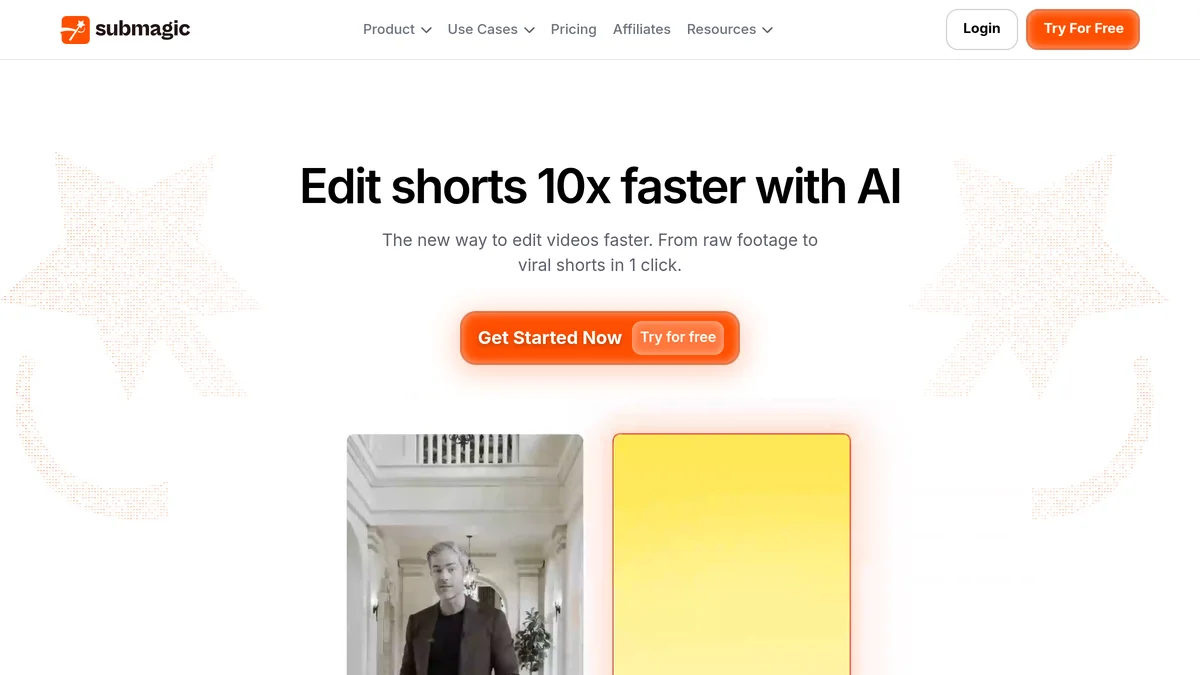
Submagic ne génère rien. Il habille. Vous envoyez une vidéo tournée, il en sort des sous-titres animés calés au mot près, ajoute des zooms sur les temps forts et des emojis contextuels. Sur une vidéo de deux minutes, on gagne facilement une demi-heure de montage.
Le plan gratuit donne 3 vidéos par mois, plafonnées à 1 min 30 et filigranées. Le Starter est à 19 $ pour 15 vidéos de 2 minutes maximum, le Pro à 39 $ pour 40 vidéos de 5 minutes. La facturation annuelle enlève 41 %, ce qui ramène le Pro à 23 $ par mois. C’est l’outil qu’on recommande le plus souvent aux gens qui filment déjà, et il fait bon ménage avec les autres solutions de sous-titrage automatique.
Revid AI : pour produire en série
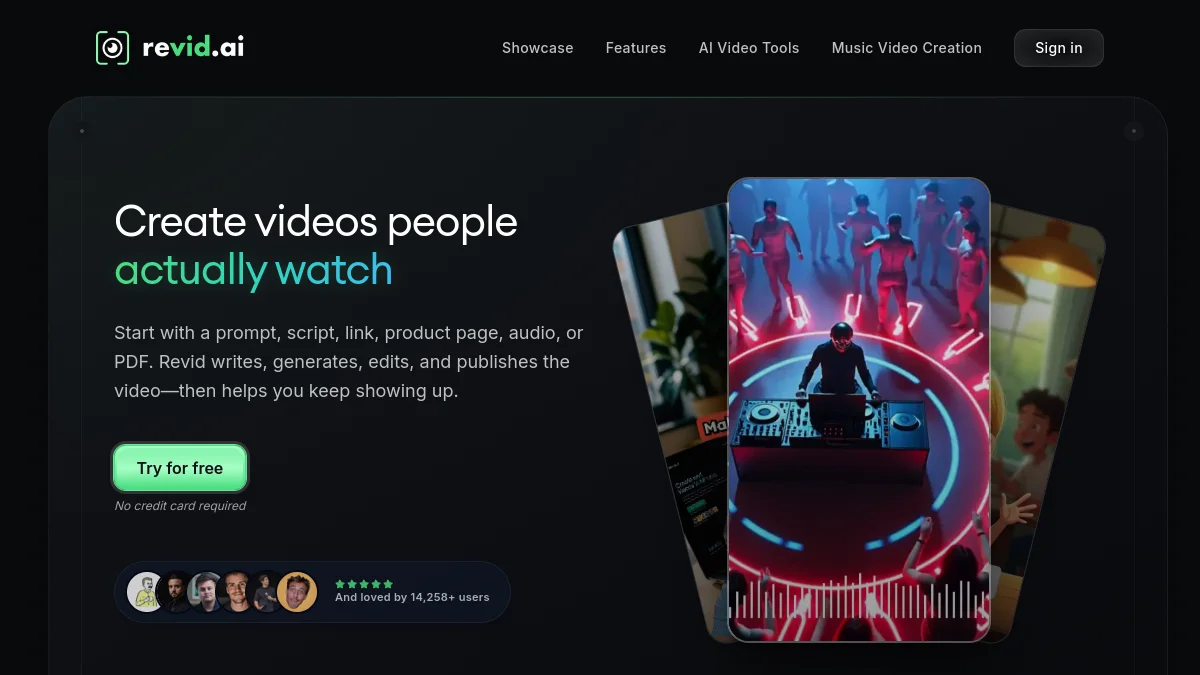
Revid vise le compte qui publie tous les jours sans montrer son visage. On lui donne un texte, un lien ou un enregistrement, il assemble une vidéo courte à partir d’une banque de séquences, ajoute la voix off et les sous-titres. Son mode automatique peut alimenter un compte en continu.
Le plan Growth est à 39 $ pour 2 000 crédits mensuels et des voix dans plus de 70 langues, l’Ultra à 199 $ avec clonage vocal. À réserver à ceux qui tiennent vraiment un rythme quotidien : en dessous, les crédits dorment. Le principe est le même que pour une chaîne YouTube faceless, transposé au format vertical, et notre avis sur Revid AI revient sur la qualité réelle des séquences.
Fliki : quand la voix compte plus que l’image
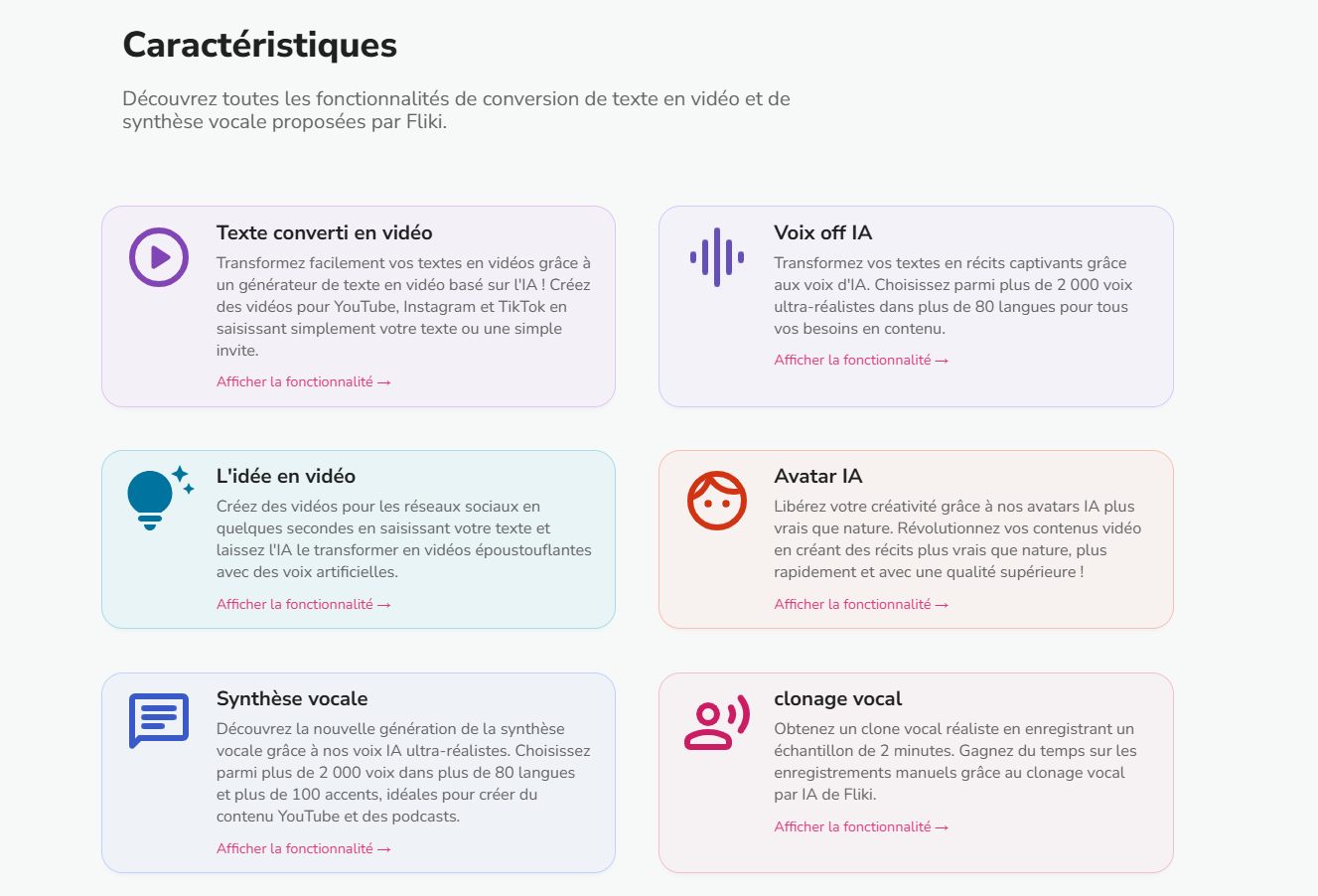
Fliki transforme un script en vidéo narrée. Sa force, c’est la banque de voix, très fournie et convaincante en français, ce qui en fait un bon choix pour les formats explicatifs où l’on écoute plus qu’on ne regarde.
Le gratuit plafonne à 5 minutes par mois en 720p avec filigrane, donc pour essayer uniquement. Le plan Standard tourne autour de 28 $ par mois, environ 21 $ en annuel. Si la voix est votre priorité absolue, comparez d’abord avec les meilleures AI de voix off en français, certaines font mieux sur ce seul critère.
CapCut : le gratuit qu’on oublie
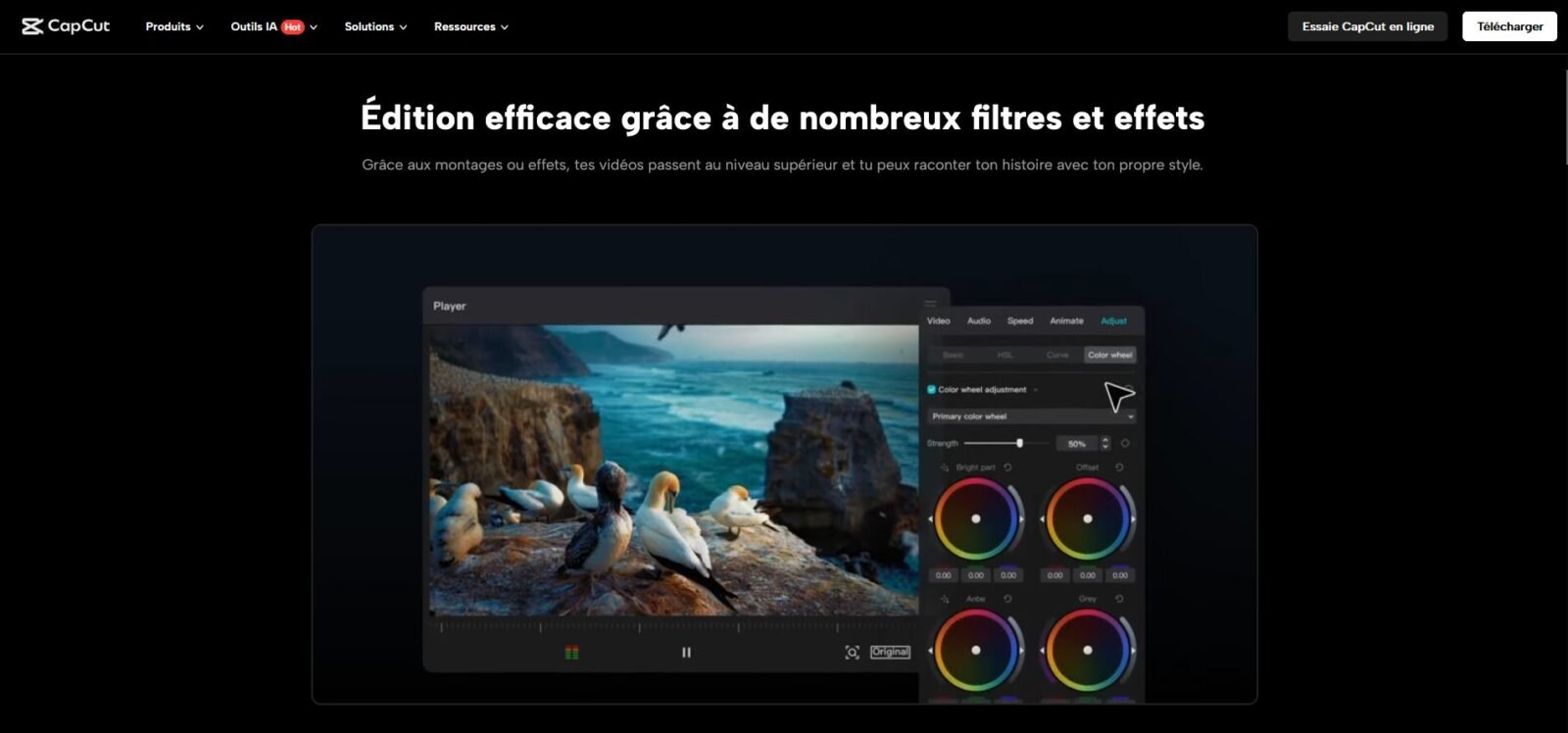
Édité par ByteDance, comme TikTok, CapCut reste le chemin le plus court entre une rush et une publication. Ses fonctions AI (sous-titres automatiques, suppression de fond, recadrage intelligent) couvrent l’essentiel gratuitement. Pas de programme d’affiliation ici, donc aucune raison de vous le vendre : c’est simplement souvent suffisant. On l’a d’ailleurs mis face à Submagic dans un comparatif dédié.
Créer une vidéo TikTok avec l’AI : la méthode en 4 étapes
Étape 1 : écrire l’accroche avant tout le reste. Les trois premières secondes décident du sort de la vidéo. Aucune AI ne rattrape une accroche molle, alors autant la travailler à la main ou la faire générer en dix variantes pour choisir la meilleure.
Étape 2 : choisir le bon type d’outil. Vous vendez un produit, prenez Creatify. Vous publiez tous les jours sans visage, prenez Revid. Vous avez filmé, prenez Submagic ou CapCut. Se tromper de famille est l’erreur la plus coûteuse.
Étape 3 : générer, puis couper. Les sorties AI sont presque toujours trop longues. Un TikTok qui retient jusqu’au bout bat un TikTok complet regardé à moitié. Coupez sans pitié, y compris dans ce que l’outil a produit de joli.
Étape 4 : vérifier l’étiquetage avant publication. Si la vidéo est majoritairement générée, déclarez-le dans l’application. C’est le point qui suit, et il mérite son propre chapitre.
L’AI est-elle autorisée sur TikTok ?
Oui, sans ambiguïté. Publier du contenu généré par AI sur TikTok est autorisé. Ce qui est encadré, c’est la transparence, et c’est là que beaucoup de créateurs se font surprendre.
TikTok applique automatiquement l’étiquette « généré par AI » aux contenus qu’il détecte comme intégralement générés ou très largement modifiés. La détection s’appuie sur trois couches en parallèle : les métadonnées C2PA attachées au fichier, les filigranes invisibles en cours de déploiement, et l’analyse du contenu lui-même. Les contenus produits avec les outils maison sont étiquetés dès la création.
⚠️ Attention: le règlement européen sur l’AI devient pleinement applicable le 2 August 2026, avec des obligations de marquage des contenus synthétiques et des sanctions à la clé. Nous détaillons ce que dit précisément l’article 50 dans notre guide sur ce qui est légal en matière de deepfakes en France. Si vous publiez depuis l’Union européenne, en particulier à des fins commerciales, l’étiquetage cesse d’être une politesse envers la plateforme pour devenir une contrainte légale.
En pratique : déclarez, ça ne coûte rien. Les créateurs qui redoutent que le label plombe leur portée se rassurent en constatant que 1,3 milliard de vidéos en portent déjà un. Ce n’est plus un signal distinctif, c’est devenu la norme.
Gagner de l’argent sur TikTok avec l’AI : ce qui est réaliste
C’est la question qui revient le plus, et elle mérite une réponse honnête plutôt qu’une promesse.
L’AI ne crée pas d’audience. Elle réduit le coût de production, ce qui n’est pas la même chose. Un compte qui publiait trois fois par semaine peut passer à une fois par jour : c’est un vrai levier, à condition que le fond tienne. Les comptes purement automatisés, alimentés sans regard humain, plafonnent vite parce que l’algorithme récompense la rétention, pas le volume.
Les voies de monétisation restent classiques : affiliation, vente de vos propres produits, prestations pour des marques. Le Programme de récompenses des créateurs impose ses propres conditions d’éligibilité, qui évoluent régulièrement et qu’il vaut mieux vérifier directement dans l’application plutôt que sur un blog. Le contenu massivement généré y est regardé de près.
🎯 Verdict
Pour la majorité des créateurs, le meilleur usage de l’AI sur TikTok n’est pas de générer la vidéo entière mais d’accélérer ce qui entoure le tournage : Submagic à 19 $ fait gagner plus de temps utile que n’importe quel générateur à 99 $. Les générateurs complets se justifient sur deux profils précis : la vidéo produit pour l’e-commerce (Creatify) et la production en série sans visage (Revid AI). Et dans tous les cas, déclarez l’AI : l’échéance européenne du 2 août 2026 rend le sujet moins optionnel qu’il n’y paraît.
FAQ
Quelle est la meilleure AI pour TikTok ?
Il n’y en a pas une seule, parce que les besoins ne sont pas les mêmes. Pour habiller une vidéo déjà tournée, Submagic domine. Pour une vidéo produit à partir d’un lien, Creatify. Pour publier en série sans se montrer, Revid AI. Et pour ne rien dépenser, CapCut couvre déjà beaucoup.
Comment utiliser l’AI sur TikTok directement dans l’application ?
Passez par la Story Camera pour AI Alive, qui anime une photo de votre galerie. Les effets génératifs et les sous-titres automatiques sont accessibles depuis l’éditeur au moment de publier. Tout cela est gratuit, mais le contrôle créatif reste limité.
Existe-t-il une AI TikTok vraiment gratuite ?
Oui, mais avec des limites nettes. CapCut est le plus généreux. Submagic offre 3 vidéos par mois filigranées, Fliki 5 minutes en 720p, Creatify environ deux vidéos. Les offres gratuites servent à tester, rarement à publier.
Quelle est la nouvelle AI de TikTok ?
AI Alive, déployée en mai 2025, est la fonction la plus visible : elle transforme une photo fixe en séquence animée depuis la Story Camera. Elle sort avec une étiquette AI et des métadonnées C2PA, et sa disponibilité varie encore selon les pays.
Faut-il déclarer une vidéo générée par AI sur TikTok ?
Oui. TikTok étiquette déjà automatiquement une grande partie des contenus détectés comme générés, via les métadonnées C2PA et l’analyse du fichier. Déclarer vous-même évite les mauvaises surprises, et le règlement européen sur l’AI rend le marquage obligatoire à compter du 2 août 2026.