👉 Test DeeVid AI free of charge (20 credits offered, without CB)
Contents: Really free? • What it includes • Limitations • Watermark • Actual cost • Vs competitors • Review users • Maximize free • Go to the payer? • Alternatives • FAQ
DeeVid AI Is it really free?
Yes — But with an important shade. DeeVid AI offers free access to registration, without required credit card. You get 20 credits offered immediately, about 4 videos generated.
The grade: these 20 credits are Single and non-renewable. Unlike Kling AI, which offers 166 free credits each month, DeeVid AI Give you these credits only once at registration. Once consumed, you have to pass the payee to continue.
What includes the free plan DeeVid AI in detail
With your 20 free credits, you have access to all the features of the platform — Without restriction of type, only volume.
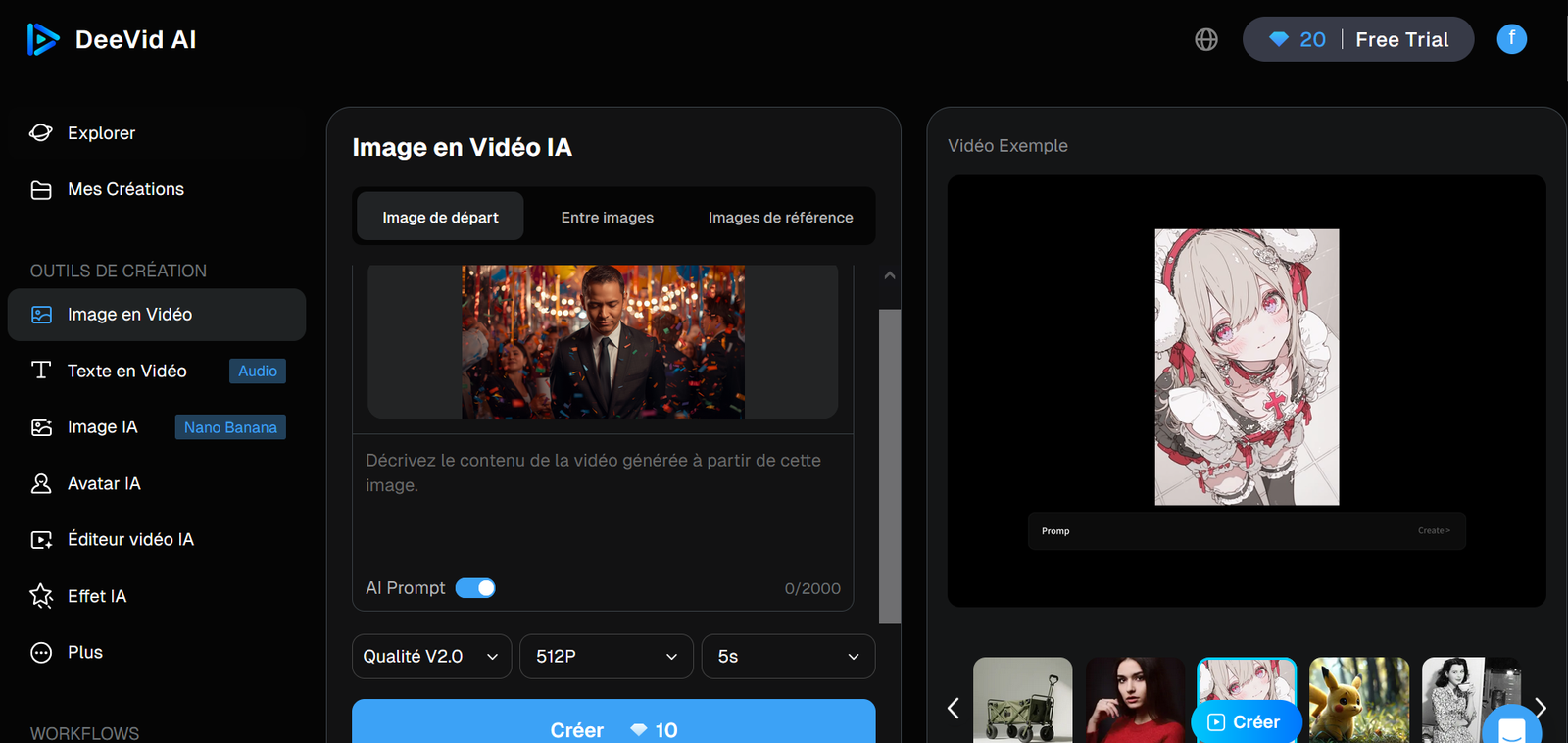
Text to Video: You describe a scene in a few words and Deevid generates an animated video. Good way to test engine quality on your own use cases.
Image-to-Video: you upload a photo and IAI Anime with camera movements and effects. This is the most useful feature for e-commerce and product advertising.
Video to Video: you upload an existing video and apply a new style (animate, kinematic, Ghibli, etc.).
Effects and templates: access to the library of more than 50 viral effects (AI Hug, 360° Microwave, Ghibli style, AI Curly Hair, etc.).
Multi-platform: web, iOS and Android with the same account and credits.
The limits of the free plan DeeVid AI
| Functionality | Free plan | Lite Plan (~14 $/month) | Plan Pro (35 $/month) |
|---|---|---|---|
| Credits | 20 credits (only) | 200 credits/month | 600 credits/month |
| Watermark | Yes | No | No |
| Resolution | Limited | 720p | 1080p |
| Commercial use | No | Yes | Yes |
| Renewal | No | Monthly | Monthly |
| Speed of rendering | Standard | Standard | Priority (+21%) |
Watermark: why it is registrable for pro use
All videos generated with the free plan include a Watermark DeeVid AI visible. They cannot be used for professional publications, paid advertisements, e-commerce product sheets or any branded content intended for customers.
The commercial rights are granted only to paid plans. Even without watermark, using free video for commercial purposes would violate the terms of use of DeeVid AI.
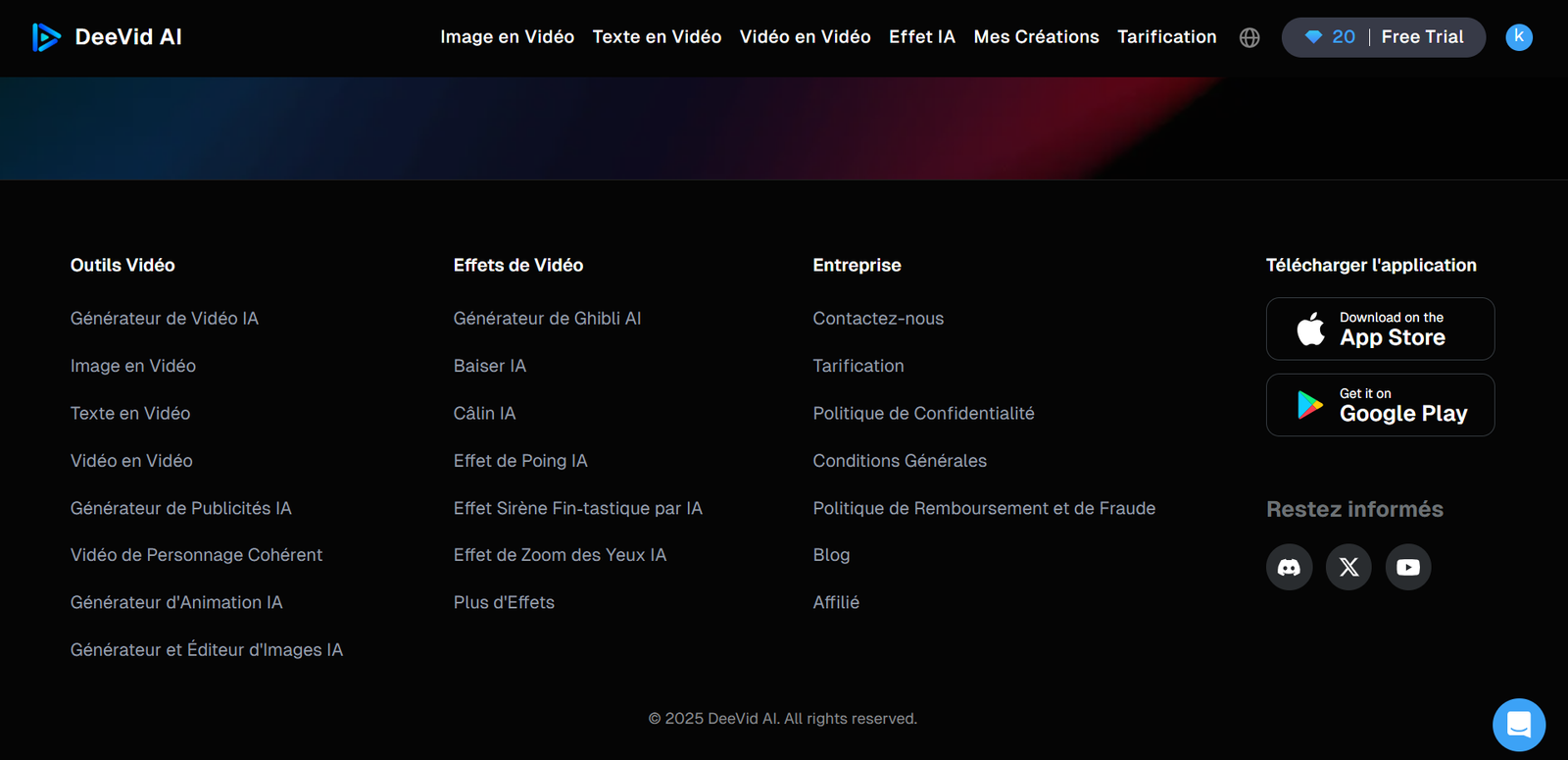
How much does a video really cost DeeVid AI ?
A credit equals approximately 0,05 $. In practice, account 2 to 3 credits per exploitable final video If you have to iterate on your prompts. The 20 free credits therefore cover between 7 and 10 generations in total.
| Plan | Prices | Credits | Theoretical videos | Realistic videos |
|---|---|---|---|---|
| Free | 0 $ | 20 (single) | ≈20 | ≈7-10 |
| Lite | ~14 $/month | 200/month | ≈40 | ≈65-100 |
| Pro | 35 $/month | 600/month | ≈120 | ≈200-300 |
| Premium | 159 $/month | 3,000/month | ≈600 | ≈1 000-1 500 |
💡 You want to test before you buy?
20 credits offered without CB — Just 4 to 10 videos according to your prompts. No commitment.
🚀 Create my free account DeeVid AIDeeVid AI free vs Kling AI free vs others
| Deevid AI | Kling AI | Hailuo AI | Runway | |
|---|---|---|---|---|
| Free credits | 20 (single) | 166/month | Generous | Limited |
| Renewal | No | Monthly | Monthly | Monthly |
| CB required | No | No | No | No |
| Watermark | Yes | Yes | Yes | Yes |
| Free resolution | Limited | 720p | 1080p | 720p |
To test over time without paying, Kling AI is objectively more advantageous with 166 credits renewed each month. Free DeeVid AI serves only to discover thetool before purchase.
The review users on the free plan DeeVid AI
✅ Positive points: quality of the first surprising results. Interface immediately accessible. 20 credits sufficient to form a clear opinion on thetool.
❌ Cons: credits exhausted very quickly in intensive test mode. Watermark blocks any immediate pro use. Some users were surprised by the no-refused policy after purchase without having sufficiently tested the free.

How to maximize your 20 free credits
1. Test your real usage case. Use a real product photo or real campaign text, not quick generics. The result will tell you immediately if DeeVid AI fits your needs.
2. Start with the image-to-video. This is the most regular feature. More predictable results = less depreciation = less credit consumed.
3. Avoid the complex rapids. Multi-person scenes and sophisticated movements consume more and require more iterations. Keep these tests for a fee-for-service plan.
4. Note the actual cost per generation. Observe how many credits are consumed on your actual usage cases. This is the only way to project your actual monthly cost before buying.
5. Use pre-integrated effects. Templates and viral effects (Ghibli, AI Hug, etc.) typically consume less credit than complex custom generations.
Is it necessary to switch to the payer?
If: your free results were satisfactory on your real usage case, you have a regular need for short clips for your networks or e-commerce advertising, and the consumption of credits on your real quicks is compatible with the Lite quota.
Do not pass to the payer if: You got no satisfactory result with your 20 credits, you need clips longer than 10 seconds without manual assembly, or you're looking for native audio integrated.
⚠️ Non-negotiable item: political strict rebuttal of the DeeVid AI. No refund after payment, even on annual subscription. Exploit at most the 20 free credits before any commitment.
Free Alternatives to DeeVid AI
Kling AI (monthly free): 166 credits renewed each month without CB. The most generous free plan on the market. Superior kinematic quality but more complex interface. Try Kling AI for free.
Hailuo AI (freemium): Free generous plan with export 1080p. Interface in English poorly translated. Quality correct for basic content.
Runway (free plan): limited access but pro quality. Experienced creative oriented interface. Not suitable for beginners.
Our recommendation VideoIA.fr
Test the 20 free credits on your real usage cases. If the results convince you, the Lite plan to 14 $/month is a reasonable investment. Otherwise, Kling AI offers the most generous free plan on the market.
To go further: our review complete DeeVid AI, comparison DeeVid AI vs Kling AI, and our guide of the better tools AI video free 2026.
FAQ — DeeVid AI Free
DeeVid AI Is it really free?
DeeVid AI offers 20 free credits for registration, or about 4 to 10 videos. These credits are not renewed. A fee-paying plan is required to continue.
Can we delete the watermark without paying?
No. Watermark is present on all free videos. Withdrawn only from the Lite Plan at 14 $/month. Removing it manually violates CGUs.
Need a credit card for the free plan DeeVid AI ?
No, registration without CB. The 20 credits are immediately accessible without commitment.
What is the AI generator video free the most generous?
Kling AI with 166 credits renewed each month without CB. DeeVid AI is limited to 20 single credits.
Can we use free videos DeeVid AI Commercially?
No. Commercial rights are reserved for paid plans. Free videos have a watermark.
Free credits DeeVid AI Do they expire?
Yes, valid for one year from the award.
DeeVid AI Does he repay if the results are not satisfactory?
No. No-refusal strict policy. Test the free plan absolutely before any purchase.