📌 Essentials
Two very different needs hide behind « translate video ». For Look A foreign video in French, an extension or automatic subtitles are enough, free of charge. For double your own video and republish it in another language, you need a tool dubbing AI : HeyGen is the most complete (labial synchronization, 175+ languages), ElevenLabs excels on audio.
Double a video with HeyGenTranslating a video has never been easier. LAI transcribed, translated, generates a voice in the target language and goes as far as resynchronizing the lips. It remains to know what you want to do: understand a foreign video, or export your content to new markets. The tools are not the same. This guide reviews the free ways to watch, and the best tools dubbing AI for creators, with the real prices of 2026.
Contents: Two separate needs • Watch a translated video • Double your own video • Comparison of the tools • Step by step • Free or paying? • Verdict • FAQ
Two very different needs
Before choosing a tool, clarify your goal. If you just want understand a video in English you watch, you don't need dubbing software: a browser extension or translated subtitles do business, in seconds and without paying. If you are creator and that you want to publish your video in several languages with a real voice (and ideally the synchronization of lips), there you need a tool of the dubbing AI. These are two worlds, we treat them separately.
Translating a video you watch (free methods)
To put an English video in French the time to watch it, three free options:
- Translational subtitles YouTube : enable subtitles (CC icon), then in the settings, « Subtitles » then « Automatically translate » and choose French. Seeofficial aid YouTube.
- Automatic dubbing YouTube : more and more channels activate multilingual audio. If so, change the audio track in the video settings.
- Browser extension : several extensions translate subtitles and audio on the fly, including voice dubbing, directly on YouTube.
💡 Tip: on phone, application YouTube already offers automatically translated subtitles. For full voice dubbing on mobile, go through a tool online rather than an extension.
Double and translate your own video with AI
That's where IAI changes the deal for creators. In a few minutes, you transform a French video into an English, Spanish or Japanese version, with a natural voice and synchronized lips. Three tools dominate in 2026.
HeyGen : most complete (labial synchronization)

HeyGen is the reference of video dubbing. It translates into more than 175 languages, clones your voice and resynchronizes the movement of the lips for a bluffing rendering. The free plan allows you to translate up to three videos per month (3 minutes each), subtitles and voiceover included. For regular production and unlimited labial synchronization, count about 24 to 29 $ per month. We detail everything in our complete test of HeyGen.
ElevenLabs Dubbing: the best voice
ElevenLabs focus on audio, and that's its strength: voice quality is the best in the market, in about thirty languages, with preservation of tone. Ideal if labial synchronization is not your priority (podcasts, voiceover, audio content). The free plan offers a sufficient monthly quota to test. More info in our review ElevenLabs.
Rask AI: language coverage
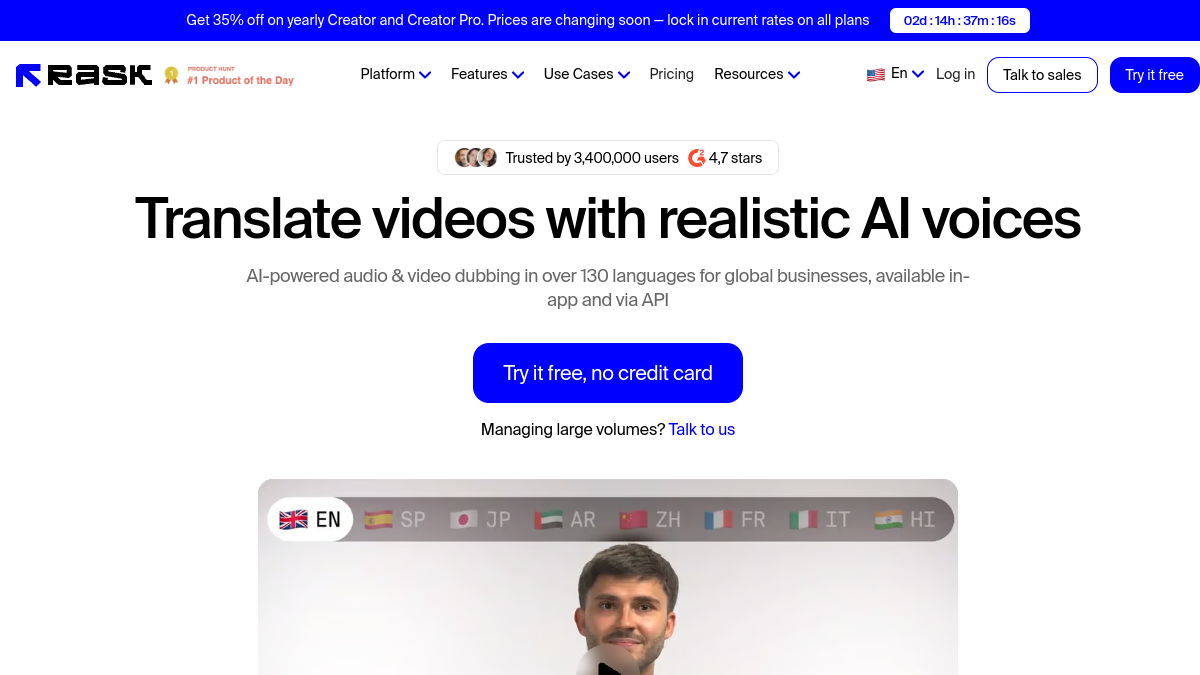
Rask AI covers more than 130 languages and offers a free trial (a few minutes of dubbing on registration) to judge the quality. Labial synchronization is reserved for high plans, more expensive than competition. A good option if you target rare languages not covered elsewhere.
Comparison of the tools video translation
How to translate a video, step by step
The method is almost identical on all tools dubbing. In practice:
- Import your video (file) or paste the link YouTube.
- Choose the target language(s) (up to ten simultaneously on some tools).
- Start the translation: AI transcribed, translated, generates the voice and, iftool allows it, synchronizes the lips.
- Check the rendering, adjust if necessary, and then export the doubled video.
Video demonstration is more meaningful than any text:
Free or fee: what to choose?
To watch a translated video, stay on the free: subtitles YouTube, auto dubbing or extension is sufficient. To double your own content, free plans allow you to test (a few short videos), but quickly impose their limits: duration, watermark, number of languages, and especially the labial synchronization often reserved for the payer. As soon as dubbing becomes a growth channel, subscription (around 20-30) $ per month) is profitable by the internationally won hearing.
Our verdict
🎯 Verdict
To understand a foreign video, the free translated subtitles are enough. To double your own videos and reach an international audience, HeyGen is the most complete choice thanks to its labial synchronization and 175+ languages. If only the voice counts (podcast, voiceover), ElevenLabs offers the best audio quality.
To go further: our comparison best video software AI, our selection of voiceover AI in French and guide for generate subtitles automatically.
FAQ
How to put an English video in French on YouTube ?
Enable subtitles (CC), then in the settings choose « Automatically translate » and French. If the channel offers a French audio track, select it from the audio settings. For full dubbing missing the video, use a browser extension or a tool dubbing AI.
How to double the voice of a video from English to French?
Import the video into a tool dubbing AI as HeyGen or ElevenLabs, choose French as the target language and start the translation. LAI generates a new voice track; HeyGen Also synchronizes the lips for a natural rendering.
What application to translate videos?
For creators: HeyGen (full lining with labial synchronization), ElevenLabs (better voice) or Rask AI (rare languages). To simply watch a translated video, the automatic subtitles of the application YouTube or a browser extension is sufficient.
Can we translate a video for free?
Yes to watch (subtitles and auto dubbing YouTube are free). To double its own video, AI Tools offer a limited free plan (a few short videos, often with watermark); Professional dubbing without limit requires a subscription.
Does the translation keep my voice?
With the voice cloning (proposed by HeyGen and ElevenLabs), yes :AI Recreate your stamp in the target language. The result keeps your voice and tone, which makes dubbing much more natural than a generic voice.