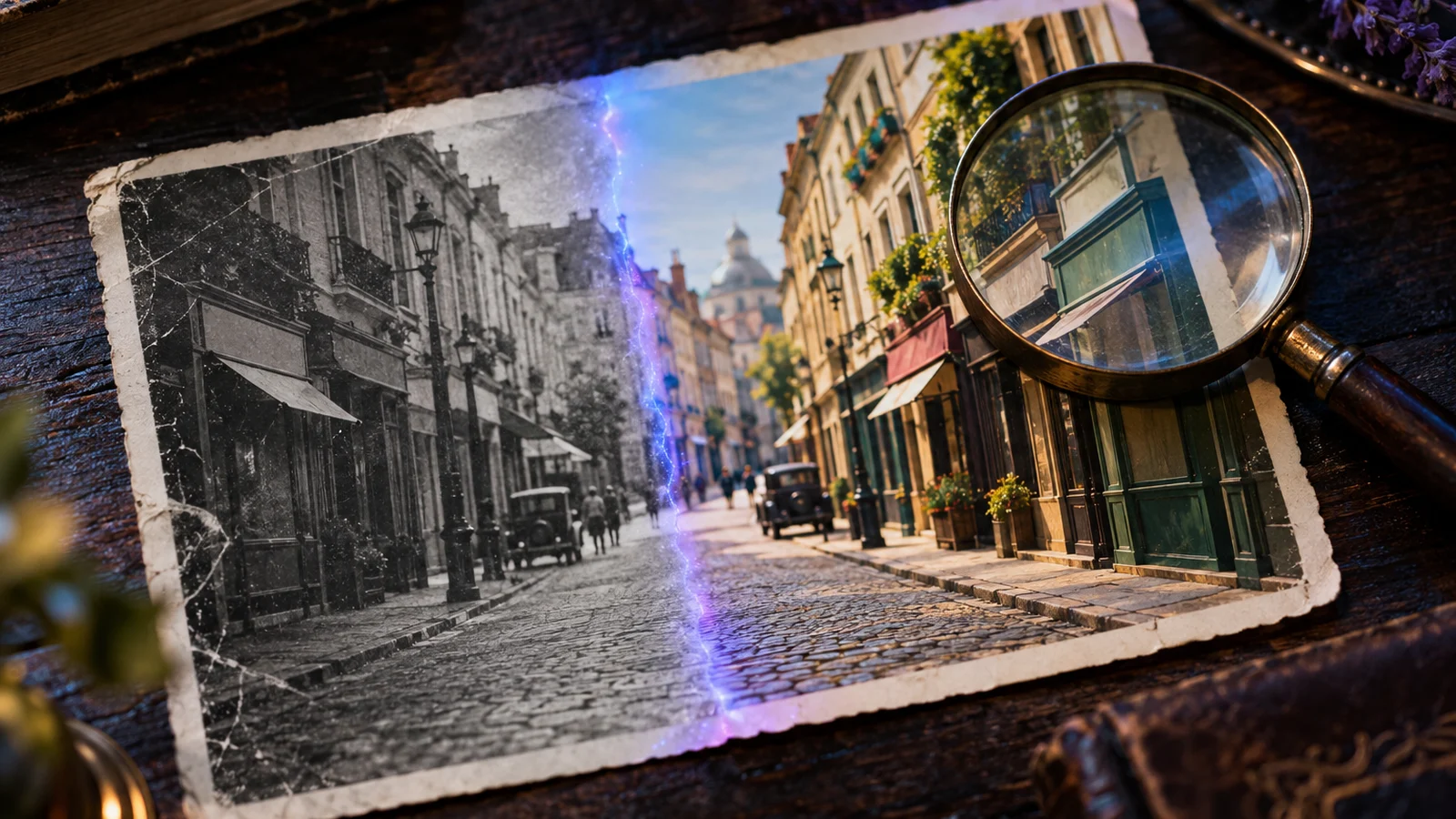
For colorize a black and white photo free of charge in 2026, just a browser: we import the scan, a AI guess the colors, and we get a colored version in seconds. The trap is the word « free ». According to tool It hides a watermark, a picture reduced to 500 pixels or a quota of a few photos. Six really working solutions were reviewed, from the simplest online services to the open source software that we install at home, with their real limits and what to expect (or not) from the colors obtained.
📌 Essentials
- The most realistic about family portraits : MyHeritage In Color, free for a few photos, with logo.
- Most Control : Palette.fm, more than 20 color filters and a text description; unlimited free previews but 500 x 500 px with logo.
- Simplest : Hotpot.ai and Img2Go, without installation (Canva also, but with a Pro account).
- Really free and unlimited DeOldify, open source, to spin yourself.
- Colours are a hypothesis, not a refund : l AI Don't know the color of your great-grandmother's dress.
- For a black and white film : DeOldify video model, or manual calibration in a video editing software Like Filmora.
Contents: How AI Colour • The comparison • The 6 tools • Step by step method • The real colors? • Coloring a film • FAQ
L AI Can she colour an image? How it works
Yeah, and pretty good for a few years. A colouring model has been trained on millions of colour photos, transformed into black and white for exercise. He learns from associations: the sky pulls towards the blue, the vegetation towards the green, the skin towards warm tones, the military uniform towards the khaki. In front of your photo, it does not « found » not the colors: it predicts the most likely for each area, from shapes and textures.
The project that popularized the technique is called DeOldify, created by Jason Antic with the support of fast.ai. One analysis published by IPOL details its operation and its limits: colors sometimes washed out, hesitations on rare objects, tendency to pull everything towards sepia tones when the model doubts. Much of the online services are still based on DeOldify or variants, which explains why some results are similar from one site to another.
Since 2025, a second family of tools appeared: the generative image models, of the type ChatGPT or Gemini, to whom one can ask « colour this photo ». The rendering is often sharper, but these models re-design the image instead of tinting it: a face can change slightly, a detail disappears. For a family photo, it's a real risk. For an illustration, that may be enough.
What software to color a photo? The comparison of the 6 tools
The table below summarizes what each tool offers really without paying, according to the official pages consulted in October 2026. Free offers in this sector often change: check the pricing page before launching a large batch.
| Tool | What's free | Main limit | Fee | Ideal for |
|---|---|---|---|---|
| MyHeritage In Color | Some colors with an account | Logo on image, quota not specified | Full subscription | Family portraits |
| Palette.fm | Unlimited previews + 1 trial credit | Previews in 500 x 500 px with logo | 72 $ per year (480 credits) or 49 $ (75 appropriations) | Choose a colour atmosphere |
| Hotpot. a | Limited free downloads | High resolution paid | Appropriations (pack of 1 000 appropriations announced at 12 $) | A quick result |
| Canva | Nothing: Colorify app is reserved for paid accounts | Canva Pro, Teams, Education or Associations | Canva Pro | Integrate photo into a editing |
| Img2GB | 2 photos per day | Inequalized according to the images | Img2Go subscription | Troubleshooting without paying account |
| DeOldify | All, open source software (MIT license) | Technical installation (Python) | None | Large volumes, confidentiality |
The 6 tools to color a photo in detail
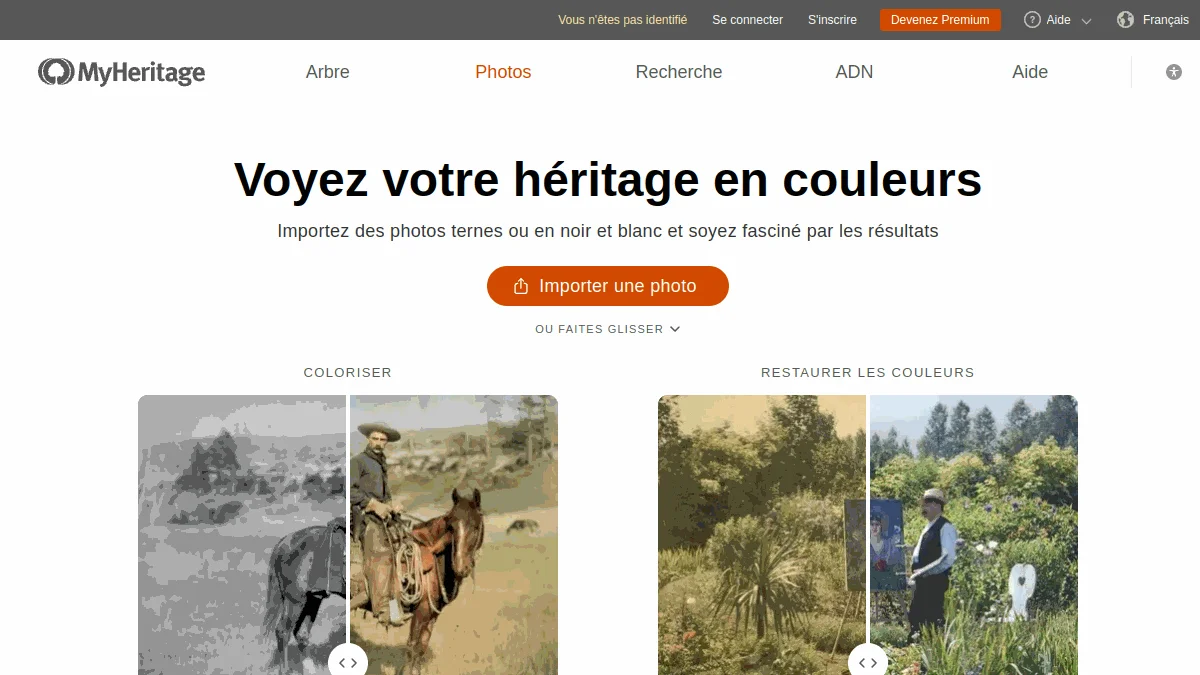
1. MyHeritage In Color : the reference for family photos
MyHeritage is a genealogy site, and it can be seen: In Color was designed for old portraits, weddings, class photos. L tool is based on DeOldify, reworked by the MyHeritage team, and this is the most often returned in comparison for the consistency of skin hues. You import a photo, you get a view before/after with a cursor, and the original is never changed: the MyHeritage help page specifies that colouring creates a copy at the same resolution, without touching the original.
On the free side, MyHeritage remains vague: a free account allows you to color « some » photos, then a Complete subscription is required for unlimited use and without logo. The rates for this subscription vary according to promotions and countries, so they are not reproduced here. For three or four portraits to share with the family, the free version is enough. The MyHeritage mobile app offers the same function.
2. Palette.fm : choose the atmosphere of its colors
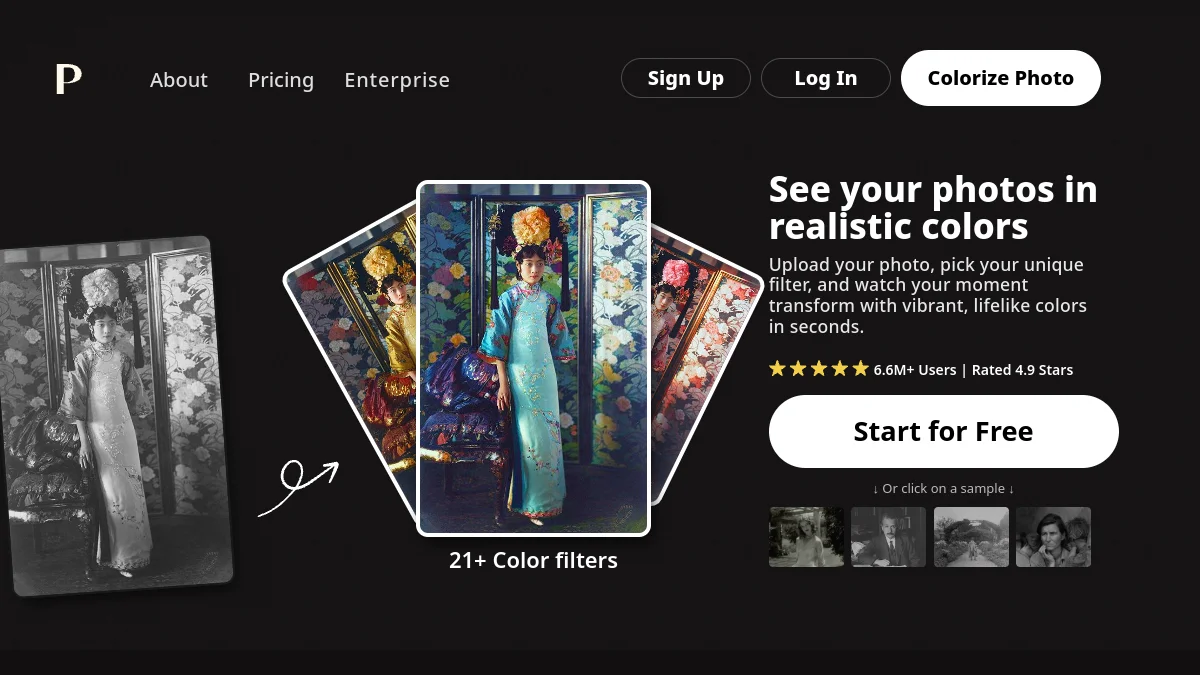
Palette.fm takes the problem differently. Instead of imposing a single interpretation, it offers more than 20 color filters and allows to describe in text the desired atmosphere (e.g. a film rendering of the 1960s). That's the one.tool the most interesting when a first colouring appears bland or false: you can try several tracks on the same image.
The free formula, as shown on the official tariff page, includes unlimited but reduced to 500 x 500 pixels with the Palette logo on the bottom right, more a test credit for full resolution colouring without logo. Beyond, you must pay: 72 $ per year for 480 credits, or 49 $ in single payment for 75 credits valid for two years. A credit gives an image up to 5000 x 5000 pixels.
3. Hotpot.ai: the fastest to take in hand
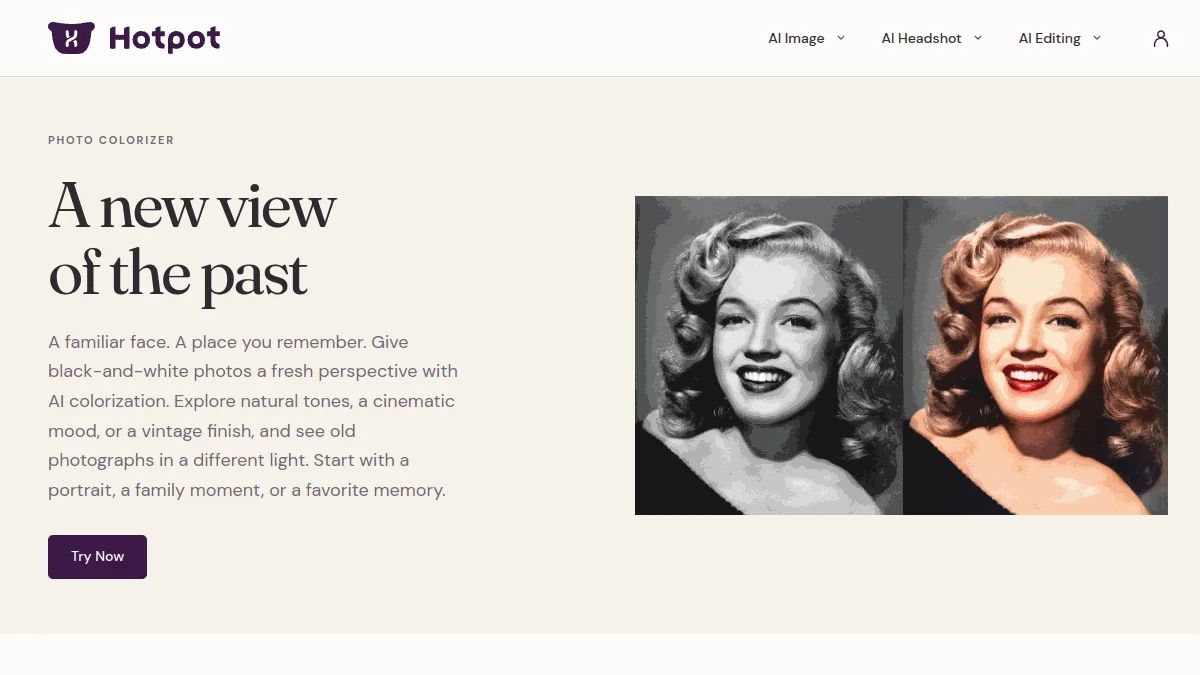
Hotpot. have been part of these boxes to AI Tools online that bring together retouching, portraits and generation. Its colouring allows to direct the rendering towards natural, cinematographic or vintage tones. The interface holds in one button. Free downloads are limited, and high-resolution versions go through paid credits; user feedback also reports sometimes uniform colors on complex scenes.
4. Canva: Colour without leaving editing
Canva integrates a coloring application, Colorify, directly into the photo editor. It is an app of the Premium program: it is reserved for Canva Pro, Teams, Education and Associations accounts, making it the only paid option on this list. You import the image, you launch the application, and the color version remains in the project. Interest is not gross quality, comparable to other tools public, but the workflow: if the photo ends up on a party, a birthday poster or a slideshow, you avoid going back and forth. Be careful not to confuse with « Image Colorizer », another Canva application that is used to change the colors of a design, not to color an old photo.

5. Img2Go: free daily troubleshooting
Img2Go is a suite of online image conversion and editing. Its colouring function processes 2 photos per day for free and offers two models: « Nature and People » for photos (landscapes, portraits) and « Generic » for illustrations. It's a good backup option when we've exhausted quotas elsewhere. The renderings are more irregular than those of MyHeritage, sometimes with poorly placed color spots: to be reserved for simple photos, a landscape or a well-lit portrait.
6. DeOldify: the limitless open source solution
DeOldify is the engine behind a part of the tools and can be used directly, free of charge, under MIT license. It offers three models: « artistic » for brighter colours, « stable » for portraits and landscapes, and a video model designed to avoid flickering. No watermarks, no number limits, and your photos don't leave your machine. The counterpart: you have to install Python or go through a notebook, and the original deposit is no longer actively maintained; There are community versions, especially on Hugging Face. To digitize and colour the entire family album, it is by far the most economical solution.
What about Photoshop?
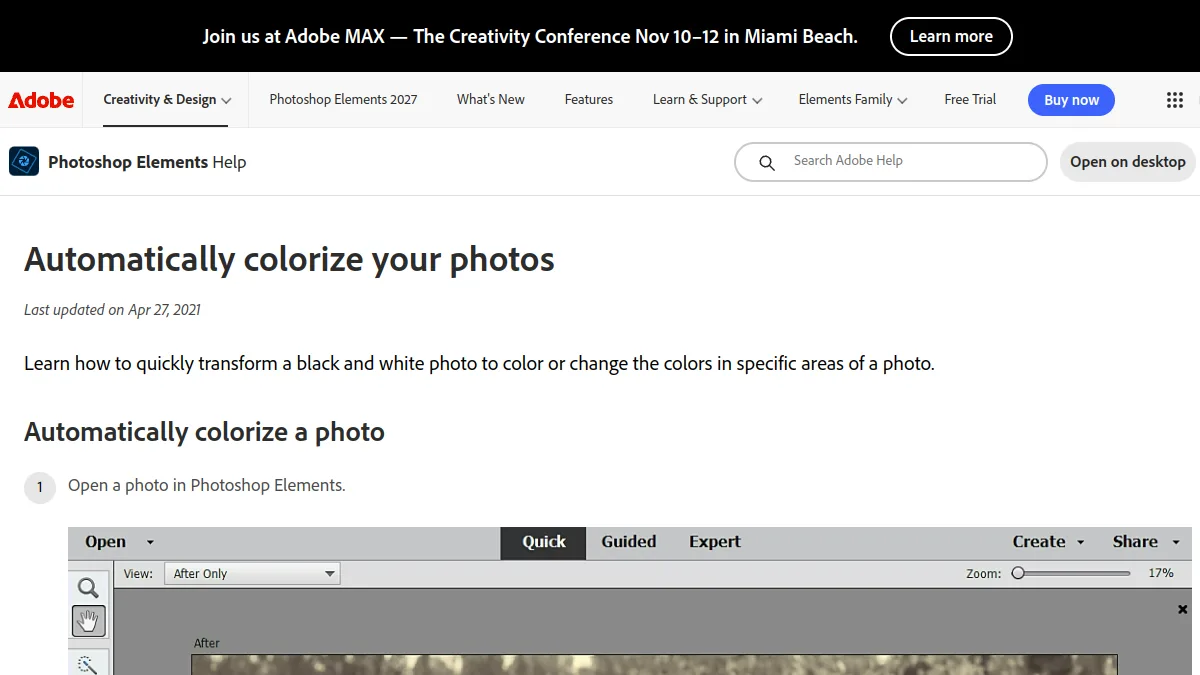
Photoshop offers a neural filter « Colorize »Documented Adobe Help for Photoshop Elements. The automatic rendering is then retouched zone by zone, which makes it tool demanding restorers. But it is paying, and it takes time: this is not the answer to « Color for free ».
How to color an old photo online for free, step by step
The choice of tool counts less than the quality of what it is given. The method recommended:
- Scan clean. A minimum 600 dpi flat scanner is better than a smartphone photo. Otherwise, photograph in daylight, without reflection, phone well parallel to the draw.
- Restore before colouring. Stripes, dust and blur disturb the AI. First pass the photo in a tool of restoration: we compared several in our guide for improving the quality of a photo with AI.
- Reframe. Remove the white border and the cardboard holder: otherwise l tool Try to color them, too.
- Test on two tools. MyHeritage for a portrait, Palette.fm to compare another interpretation.
- Correct glaring mistakes. A blue hand, a green sky: a free photo editor is enough to unnaturalize and retain an area.
- Keep the original. Always keep the black and white scan, and clearly name the colored version.
💡 Tip: a sepia or yellowy photo is better coloured when converted to real black and white. The brown hues of the paper distort the prediction and give muddy colors.
How to move from black and white to color without AI ?
This is the historical method: the image is separated into zones (face, clothing, background), each one is applied a color layer in mode « color » or « soft light », and we adjust opacity. It's long, several hours for a neat portrait, but we decide on each shade. Many professional colorists combine both: a first pass AI, then a manual correction of the areas they have information about.
How to recolor an image already in color?
For a faded colour photo (the 70s prints that turn red, for example), we no longer talk about colouring but about colour restoration. MyHeritage offers a dedicated function next to In Color. You can also convert the image to black and white and then recolor it, but then you lose the original information still present.
L AI Does it respect the true original colors?
No, and you have to know that before you share the result. A black and white photo records only brightness: a red sweater and a green sweater of the same intensity give exactly the same gray. L AI Therefore chooses the most common color in its drive data for this type of object. As a result, skies, skin and vegetation are generally credible, but clothing, cars, wallpapers and uniforms are often false, or drawn to neutral and conservative hues.
To approach reality, the only method is to cross with sources: family testimony (« the car was sky blue »), a color photo of the same period, a documented uniform. Then we correct it by hand. For historical use or publication, it is customary for it to be clearly stated that it is colouring, and that the original is kept next door.
⚠️ Attention: online services store your images on their servers. For private family photos, read the privacy policy, or use DeOldify locally.
How to color a black and white film?
One video is 24 or 25 images per second. Coloring each image independently produces an unpleasant sparkle: the color of a jacket changes from one image to another. So we need a model designed for the video, which keeps consistency over time. There are two approaches.
Automatic image-by-image colouring
DeOldify's video model remains the most well-known free solution: you cut the film into images, you color, you rebuild. It's heavy in calculation, better a PC with a recent graphics card or an online notebook. Some online services also offer the colouring of short videos, usually paid for beyond a few seconds. For a family movie in super 8 digitized, start with an excerpt of one minute before launching all.
Calibration in a video editing software
Filmora does not offer a magic button of video colouring, and we prefer to say it clearly. However, its guide official shows how to give colors to a black and white video with color layers in fusion mode (superposition, soft light), then refine with color palettes AI and color tab. The rendering holds more colorful atmosphere than realistic colouring, but it's fast, it doesn't sparkle, and that's enough for a editing Remember. Filmora then serves everything else: clean the noise, stabilize, add music and tracks. For the cleaning part, our guide for improving the quality of a video with AI compares options.
A coloured photo can also serve as a starting point for something else: turning it into a drawing with AI, or give him movement for a video tribute, as we explain in our guide for Animate a photo with AI.
🎯 Verdict
For some family portraits, MyHeritage In Color gives the most natural results without paying, at the price of a small logo. To compare several interpretations, Palette.fm. To color an entire album without limit or watermark, DeOldify in local, if you accept a little technique. And in any case: restore before, check after, keep the original.
FAQ: Colour a black and white photo
How to color an old photo online for free?
Scan the photo, import it on MyHeritage In Color, Palette.fm, Hotpot.ai or Img2Go, then download the colorized version. Free versions often add a logo or reduce resolution.
What is the best tool free to color a photo?
MyHeritage In Color for portraits, Palette.fm for color selection, DeOldify for unlimited use watermark-free if we know how to install Python software.
L AI Does it respect the true original colors?
No. Black and white only retains brightness. L AI offers probable colours, credible for the sky or skin, but often false for clothes or objects.
How to color a black and white film?
With a video model like DeOldify, which limits the flicker between images, or by manual calibration in a video editing software with color layers.
Can we color a photo on a smartphone?
Yes, MyHeritage app offers In Color on iPhone and Android, and most online sites work in the phone browser.
Does colorization damage the original photo?
No, the tools create a copy. Keep the original black and white scan apart.